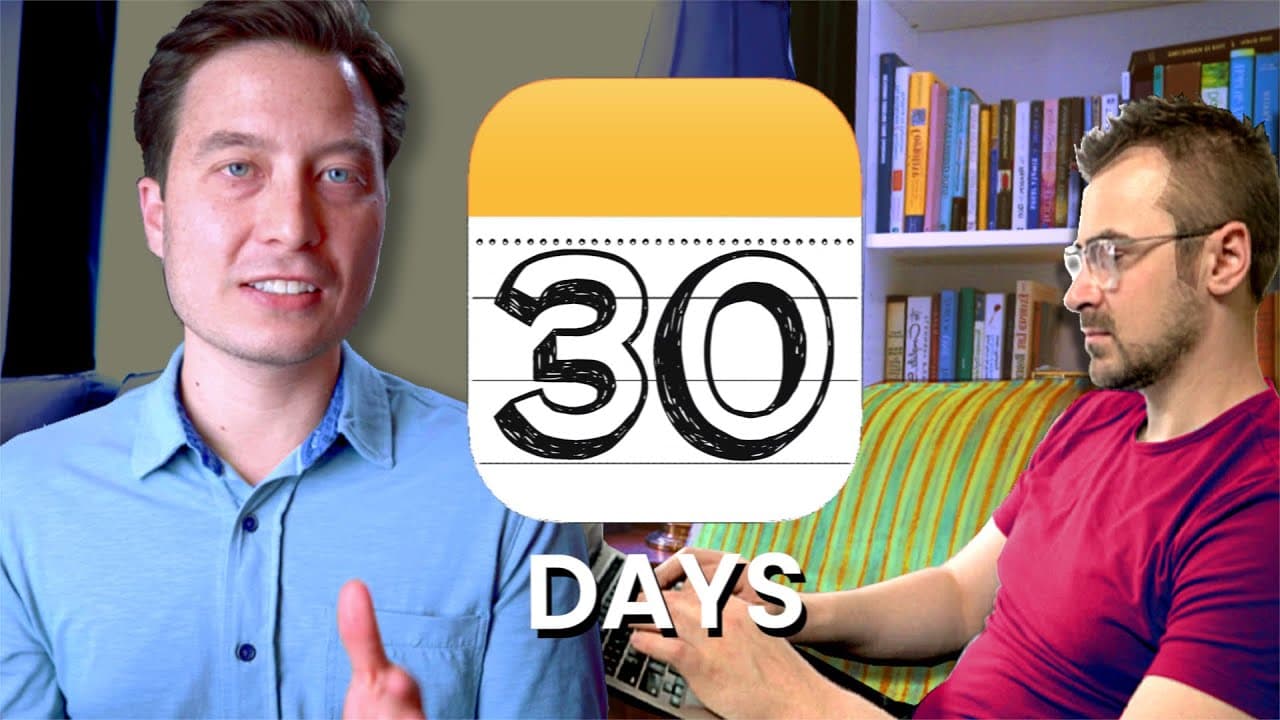
Maximize Productivity in 30 Days with a Notes App
TL;DR
To enhance productivity, commit to using a notes app for 30 days by identifying and categorizing your key inputs and capturing new information without immediate action. Organize your notes into six categories: tasks, read or watch later, projects, areas, resources, and archives, establishing a daily practice for sustained focus and clarity.
Transcript
once you've picked a notes app how can you start using it as effectively as possible if you've been following along you've already picked a notetaker style reviewed the most popular notes apps and picked your own to get started with you should honor that work by committing to your new platform for the next 30 days it's better to make progress with ... Read More
Key Insights
- 🥡 Prioritize note-taking efforts by identifying and categorizing the most important inputs in your life.
- 💪 Flex your noticing muscles by capturing what resonates without immediately acting on it.
- 🫠 Reframe inputs into six main categories: tasks, read or watch later, projects, areas, resources, and archives for better organization and focus.
- 👣 Regularly review and update your notes, tasks, projects, and areas to keep track of progress and prioritize important actions.
- 🥳 Building a consistent note-taking practice can lead to a transformed sense of peace, control, and momentum in your day-to-day life.
- 🛀 Effective note-taking is essential for managing and prioritizing tasks, projects, and resources.
- 👻 A well-organized note system helps avoid feeling overwhelmed and allows for intentional work on important areas of your life.
Install to Summarize YouTube Videos and Get Transcripts
Explore YouTube Video Summarizer or Get YouTube Transcript Extractor
Questions & Answers
Q: How do you prioritize note-taking efforts when there are numerous inputs in your life?
Start by identifying the most important inputs, such as email, social media, podcasts, or conversations, and rate them based on value and volume. Continuously update this list to prioritize note-taking efforts on high-value, high-volume inputs.
Q: Why is capturing what resonates important in note-taking?
Capturing what resonates helps you prioritize information that is valuable and meaningful to you. By jotting down these resonating pieces of information in a "quick capture" note, you can avoid acting impulsively on every input and instead focus on what truly matters.
Q: How can you reframe inputs for better organization and focus?
Create separate notes for tasks, read or watch later, projects, areas, resources, and archives. This allows you to separate actionable tasks, store optional tasks, plan and track projects, manage important areas of your life, keep valuable resources, and archive non-essential information.
Q: What should be included in a daily note-taking practice?
Capture notes daily, review and prioritize tasks, sort inputs into the appropriate categories, and regularly review projects and areas notes. This practice helps you stay organized, focused, and productive in your day-to-day life.
Summary & Key Takeaways
-
Identify and categorize the most important inputs in your life, such as email, social media, articles, and conversations, to prioritize note-taking efforts.
-
Create a "quick capture" note to jot down any new information without immediately acting on it, allowing you to flex your noticing muscles and capture what resonates.
-
Reframe your inputs by sorting them into six main categories: tasks, read or watch later, projects, areas, resources, and archives, for better organization and focus.
-
Establish a daily practice of capturing notes, reviewing and prioritizing tasks, sorting inputs, and regularly reviewing projects and areas for sustained productivity and peace of mind.
Read in Other Languages (beta)
Share This Summary 📚
Summarize YouTube Videos and Get Video Transcripts with 1-Click
Try YouTube Summary with ChatGPT & Claude or YouTube Transcript Generator
Explore More Summaries from Tiago Forte 📚




Summarize YouTube Videos and Get Video Transcripts with 1-Click
Try YouTube Summary with ChatGPT & Claude or YouTube Transcript Generator