How to Stop Rambling and Get to the Point When Speaking
TL;DR
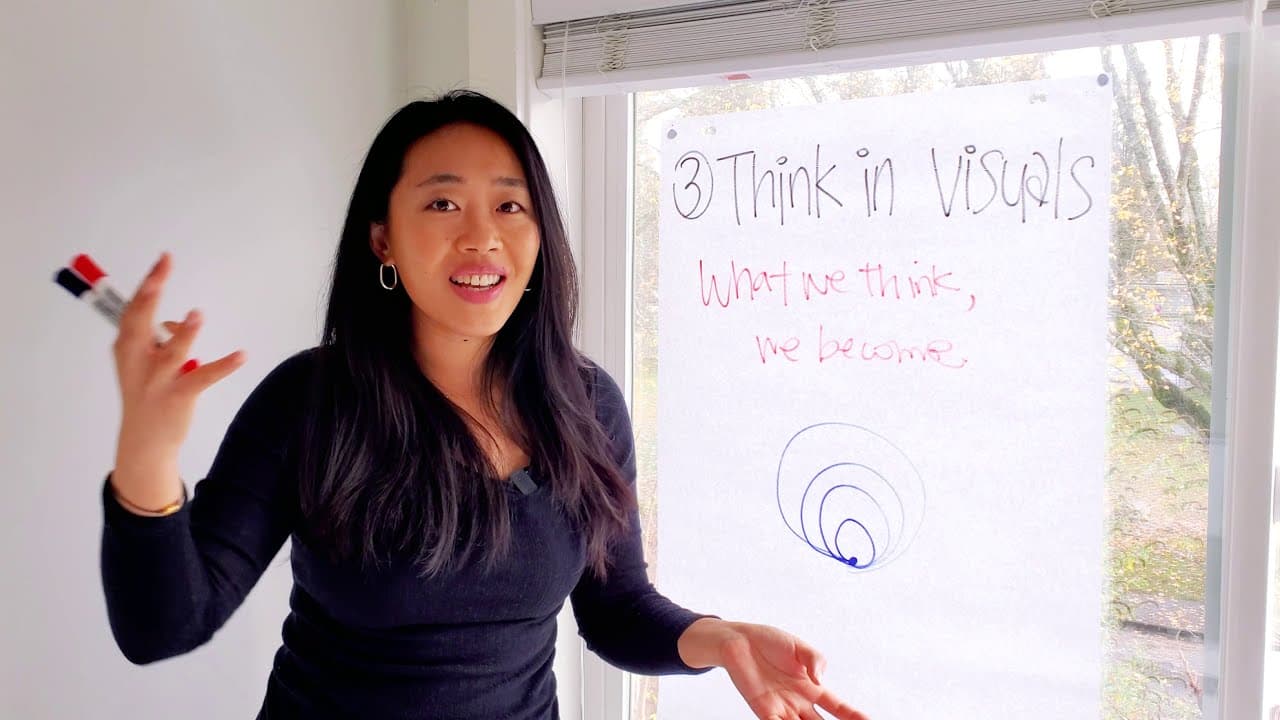
To stop rambling during presentations, think in comparisons, directions, and visuals. Use comparisons to make your points impactful and memorable, guide your audience's understanding with clear directions, and use visuals to anchor your thoughts, enhancing communication and retention.
Transcript
hey everyone it's vicky welcome back to the channel and today we are talking about this one big headache so many people have which is how do i make sure in my presentations in my meetings i remember what i want to say get to the point and actually stop rambling so this is a big problem especially through zoom where you're doing it through your came... Read More
Key Insights
- ❓ Comparisons in presentations enhance impact and memorability.
- 🤔 Thinking in directions guides audience understanding and prevents confusion.
- 💭 Visuals aid in anchoring thoughts and improving message retention.
- 🆘 Using comparisons, directions, and visuals can help in effective communication.
- 🤔 Effective presentation strategies involve thinking in comparisons, directions, and visuals.
- ❓ Impactful presentations require clear communication through comparisons and visuals.
- 🤩 Remembering key points in presentations is crucial for avoiding rambling.
Install to Summarize YouTube Videos and Get Transcripts
Explore YouTube Video Summarizer or Get YouTube Transcript Extractor
Questions & Answers
Q: Why do many people struggle with remembering key points in presentations?
Many struggle due to lack of impactful points, leading to forgetfulness and rambling, especially in virtual meetings like Zoom. Thinking in comparisons can make points more memorable and impactful.
Q: How can thinking in directions improve presentation effectiveness?
Thinking in directions helps guide your audience's understanding of complex concepts, avoiding confusion and presenting ideas clearly. Using visual illustrations can enhance this directional thinking.
Q: Why are visuals important in effective communication?
Visuals help anchor thoughts, making it easier to remember key points and prevent rambling. Humans are visual learners, so using visuals can significantly improve message retention and impact.
Q: How can thinking in comparisons enhance presentations?
Comparisons highlight essential details and make points more memorable. By contrasting different ideas, it becomes easier to communicate effectively and avoid rambling in presentations.
Summary & Key Takeaways
-
Many struggle with remembering key points in presentations, especially in virtual meetings like Zoom.
-
To avoid rambling, think in comparisons to make points impactful and memorable.
-
Use directions to guide your audience and visuals to anchor your thoughts for effective communication.
Read in Other Languages (beta)
Share This Summary 📚
Summarize YouTube Videos and Get Video Transcripts with 1-Click
Try YouTube Summary with ChatGPT & Claude or YouTube Transcript Generator
Explore More Summaries from Vicky Zhao [BEEAMP] 📚





Summarize YouTube Videos and Get Video Transcripts with 1-Click
Try YouTube Summary with ChatGPT & Claude or YouTube Transcript Generator