How to Use Graph View in Obsidian for Note-Taking
TL;DR
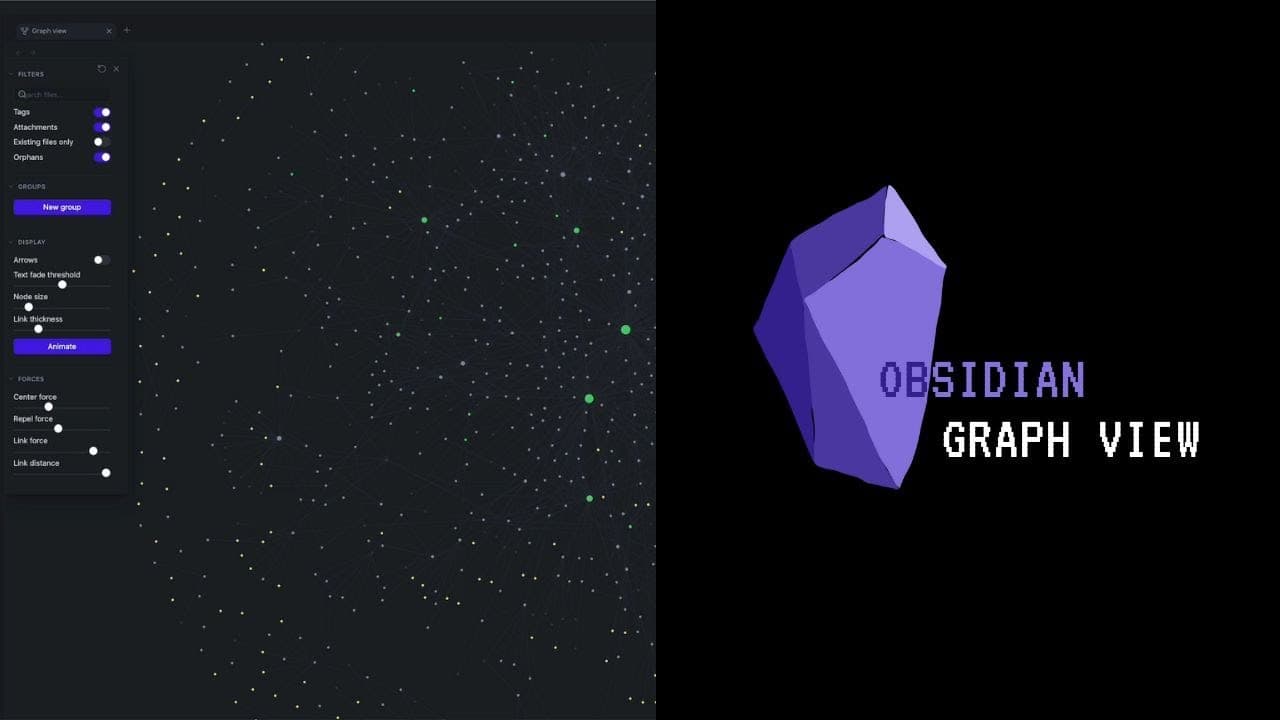
To effectively use graph view in Obsidian, start with the local graph view, which reveals interconnected notes based on adjustable depth settings. Utilize filters to focus on specific tags and attachments for better organization. This tool aids in exploring ideas and building connections, making it especially beneficial for beginners.
Transcript
breath view it looks pretty cool at the beginning I didn't really know the power of graph views So today we're talking about how to use graph view in obsidian all right graph view there are two types of graph views the first one is the one that you see now this is the global graph View and there's also a local graph View and today I want to start w... Read More
Key Insights
- 🎚️ The depth slider is a powerful tool in the local graph view as it allows users to explore interconnected notes at different levels of depth, uncovering new ideas and connections.
- 🉐 Filters in the local graph view, such as tags and attachments, can be used to focus on specific types of content and enhance the note-taking experience.
- 🫵 The local graph view is especially valuable for beginners as it helps in building a comprehensive understanding of the connections between notes.
- 🤔 Utilizing the local graph view during the note-processing phase enables users to think through ideas, make connections, and generate new insights.
- 🫵 The global graph view provides a visual representation of all interconnected notes, offering a satisfying overview of one's knowledge and ideas.
- 🫵 Graph view in Obsidian is a helpful tool for self-satisfaction and visualizing the growth and development of ideas over time.
- 👻 As the note database grows, the potential of graph view increases, allowing users to identify clusters of ideas and explore new connections.
Install to Summarize YouTube Videos and Get Transcripts
Explore YouTube Video Summarizer or Get YouTube Transcript Extractor
Questions & Answers
Q: What is the difference between global and local graph views in Obsidian?
The global graph view provides an overall visual representation of all interconnected notes in your database, while the local graph view focuses on the connections of a specific note.
Q: How can the depth slider be used to enhance the local graph view?
The depth slider allows users to control the level of depth in displaying linked notes. Increasing the depth reveals more interconnected ideas, providing a broader perspective.
Q: What are some useful filters that can be applied in the local graph view?
Filters such as tags, existing files only, and attachments can be toggled on or off to customize the view. This helps users focus on specific types of content and exclude irrelevant or unfinished notes.
Q: How can the local graph view be used when starting a new note?
The local graph view can be accessed when creating a new note, allowing users to explore related ideas and connections from the start. It helps in generating new insights and building upon existing knowledge.
Summary & Key Takeaways
-
There are two types of graph views in Obsidian: global and local. The local graph view is particularly useful for beginners.
-
The depth slider in the local graph view allows users to explore linked notes and ideas at various levels of depth.
-
By utilizing filters and toggles, users can customize the local graph view to display specific types of links, tags, attachments, and more.
Read in Other Languages (beta)
Share This Summary 📚
Summarize YouTube Videos and Get Video Transcripts with 1-Click
Try YouTube Summary with ChatGPT & Claude or YouTube Transcript Generator
Explore More Summaries from Vicky Zhao [BEEAMP] 📚






Summarize YouTube Videos and Get Video Transcripts with 1-Click
Try YouTube Summary with ChatGPT & Claude or YouTube Transcript Generator