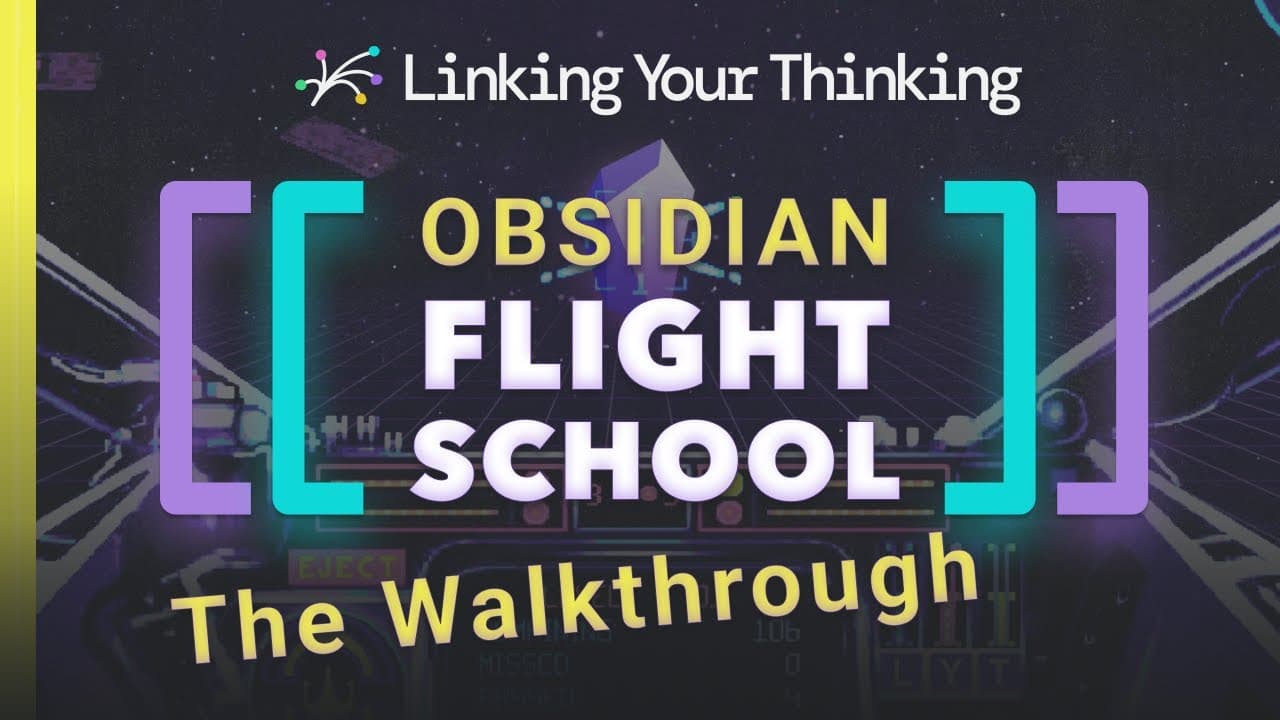
How to Navigate Obsidian Flight School Effectively
TL;DR
To navigate Obsidian Flight School effectively, start by exploring the four orientation methods: the arrival note, checklist, hangar, and map. Progress through the basic training to master essential skills like formatting and core maneuvers, then advance to the piloting wing for interface and text navigation techniques that enhance your proficiency in using the application.
Transcript
hey cadet and welcome to obsidian flight school let me show you what this is all about here's the walkthrough after you download flight school it'll show up it'll be a folder wherever you download it to you open it up through obsidian which i've already done and then will look like this flight school arrival welcome to flight school and this is sor... Read More
Key Insights
- 🤗 Obsidian Flight School offers a hands-on approach to mastering link-based applications.
- 😘 The program is structured into basic training, piloting, instruments, and resources wings for comprehensive learning.
- 👤 Users can choose their learning path through arrival notes, checklist, hangar, or map orientation methods.
- 💯 Core maneuvers are crucial for improving navigational abilities within Obsidian.
- 🦻 Sidebar features in Obsidian Flight School aid in efficient note organization and navigation.
- 🈸 Expanding knowledge of hotkeys and plugins enhances productivity within the application.
- 🫵 The graph view within Obsidian Flight School visualizes connections and notes for better understanding.
Install to Summarize YouTube Videos and Get Transcripts
Explore YouTube Video Summarizer or Get YouTube Transcript Extractor
Questions & Answers
Q: What are the four orientation methods in Obsidian Flight School?
The four orientation methods are arrival note, checklist, hangar, and map, allowing users to choose their preferred adventure path for learning.
Q: What is covered in the basic training wing of Obsidian Flight School?
The basic training wing covers obsidian formatting, settings, themes, and core maneuvers essential for faster and more efficient link-based application usage.
Q: How does the piloting wing in Obsidian Flight School help users progress?
The piloting wing focuses on interface work, text navigation, keyboard combos, and advanced techniques to elevate users' skills in handling the application effectively.
Q: What is the significance of the instrument and resources wings in Obsidian Flight School?
The instrument wing offers insights into sidebars, ribbons, plugins, and hotkeys, while the resources wing provides valuable tools like data scope, glossary, and auxiliary actions for enhanced productivity.
Summary & Key Takeaways
-
Explore Obsidian Flight School's four orientation methods: arrival note, checklist, hangar, and map.
-
Progress through basic training wing to master obsidian formatting, settings, themes, and core maneuvers.
-
Advance to piloting wing for interface work, text navigation, and keyboard combos, supported by instrument and resources wings.
Read in Other Languages (beta)
Share This Summary 📚
Summarize YouTube Videos and Get Video Transcripts with 1-Click
Try YouTube Summary with ChatGPT & Claude or YouTube Transcript Generator
Explore More Summaries from Linking Your Thinking with Nick Milo 📚





Summarize YouTube Videos and Get Video Transcripts with 1-Click
Try YouTube Summary with ChatGPT & Claude or YouTube Transcript Generator