Editing MISTAKES YouTubers MAKE That Viewers HATE!
TL;DR
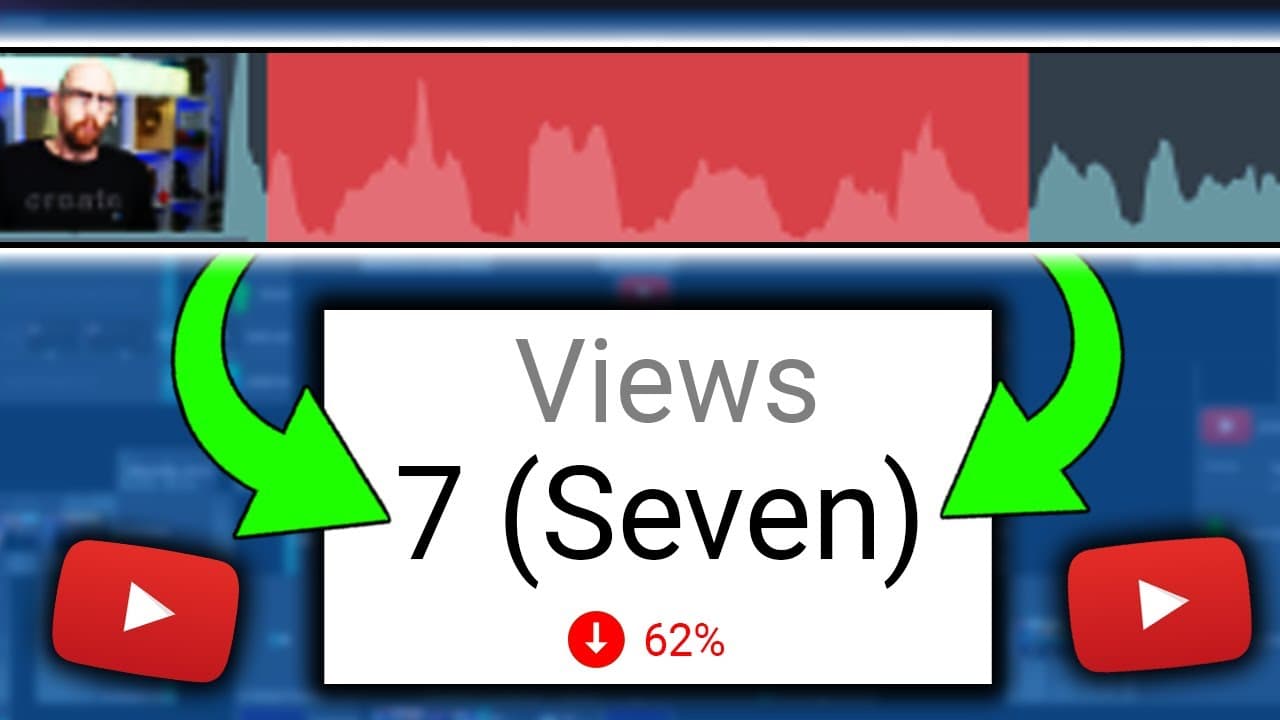
In video editing, audio quality, excessive footage, unsuitable music, overuse of transitions, dead air, poor color grading, lack of consistency in graphics, and lack of varying shots are common mistakes to avoid.
Transcript
- Creating and filming videos, especially as small creators can be very daunting and no doubt, you will make many many mistakes along the way. - But that's okay because that is where editing comes in. - So folks, are there any things that really really annoy you when you are watching a video and cause you to turn off instantly that aren't adverts? ... Read More
Key Insights
- 🫵 Audio quality is crucial for a positive viewer experience, as poor audio can be distracting and cause viewers to stop watching.
- 🫵 Editing out excessive footage and being ruthless with cuts improves video quality and keeps viewers engaged.
- 🎮 Choosing suitable music is important, as unsuitable melodies or lyrics can distract from the video's message.
- 🫵 Overusing transitions can be visually overwhelming, so they should be used sparingly to avoid distracting the viewer.
- 💇 Removing dead air through jump cuts helps maintain viewer engagement, but it's important to leave natural pauses for longer-form content.
- 🎮 Color grading can enhance video quality, but it's important to ensure the video looks good on different devices.
- ❓ Consistency in graphics, such as fonts and colors, creates a professional and recognizable brand.
Install to Summarize YouTube Videos and Get Transcripts
Explore YouTube Video Summarizer or Get YouTube Transcript Extractor
Questions & Answers
Q: How does audio quality affect the viewer's experience?
Poor audio quality, such as peaking, shouting, or unbalanced music, can distract and annoy viewers. It's essential to have clear and balanced audio elements, with the voice as the main focus.
Q: How can excessive footage impact a video's quality?
Including too much footage can make a video long and unengaging. It's important to be ruthless when editing and remove unnecessary clips to keep the video concise and engaging.
Q: What are some considerations when choosing music for videos?
Unsuitable music, such as songs with distracting lyrics or whistling, can negatively impact the viewer's experience. Curate a library of suitable music and spend time choosing the right songs to avoid wasting editing time.
Q: How can consistency in graphics benefit a YouTube channel?
Consistency in graphics, such as fonts, colors, and overlays, creates a cohesive and professional look for a channel. It helps with branding and makes the channel easily recognizable to viewers.
Key Insights:
- Audio quality is crucial for a positive viewer experience, as poor audio can be distracting and cause viewers to stop watching.
- Editing out excessive footage and being ruthless with cuts improves video quality and keeps viewers engaged.
- Choosing suitable music is important, as unsuitable melodies or lyrics can distract from the video's message.
- Overusing transitions can be visually overwhelming, so they should be used sparingly to avoid distracting the viewer.
- Removing dead air through jump cuts helps maintain viewer engagement, but it's important to leave natural pauses for longer-form content.
- Color grading can enhance video quality, but it's important to ensure the video looks good on different devices.
- Consistency in graphics, such as fonts and colors, creates a professional and recognizable brand.
- Varying shots and camera angles add visual interest and help prevent viewer fatigue.
Summary & Key Takeaways
-
Audio quality is crucial because viewers find poor audio distracting and will likely stop watching. Balancing the different audio elements (voice, music, sound effects) takes practice.
-
Excessive footage and lack of editing can result in long, unengaging videos. Editing requires being ruthless and removing unnecessary clips.
-
Using unsuitable music, such as songs with distracting lyrics or whistling, can negatively impact the viewer's experience. Spend time curating a library of suitable music to avoid wasting editing time.
-
Overusing transitions can be visually distracting. Use transitions sparingly and consider incorporating B-roll footage to smooth the cuts.
-
Dead air, including pauses, ums, and unnecessary silence, should be removed using jump cuts to maintain viewer engagement. However, don't eliminate all natural pauses as longer-form content needs breathing space.
-
Poor color grading can result in inconsistent and unpleasant visuals. Ensure the video looks good on different screens and consider the viewer's perspective.
-
Lack of consistency in graphics, such as fonts, colors, and overlays, can make a channel look unprofessional. Establish a house style and commit to it for branding consistency.
-
Lack of varying shots, such as using only one static camera angle, can make videos monotonous. Incorporate B-roll footage, zooming, and panning to add visual interest.
Read in Other Languages (beta)
Share This Summary 📚
Summarize YouTube Videos and Get Video Transcripts with 1-Click
Try YouTube Summary with ChatGPT & Claude or YouTube Transcript Generator
Explore More Summaries from vidIQ 📚



Summarize YouTube Videos and Get Video Transcripts with 1-Click
Try YouTube Summary with ChatGPT & Claude or YouTube Transcript Generator