How to Automate AI Image and Video Creation
TL;DR
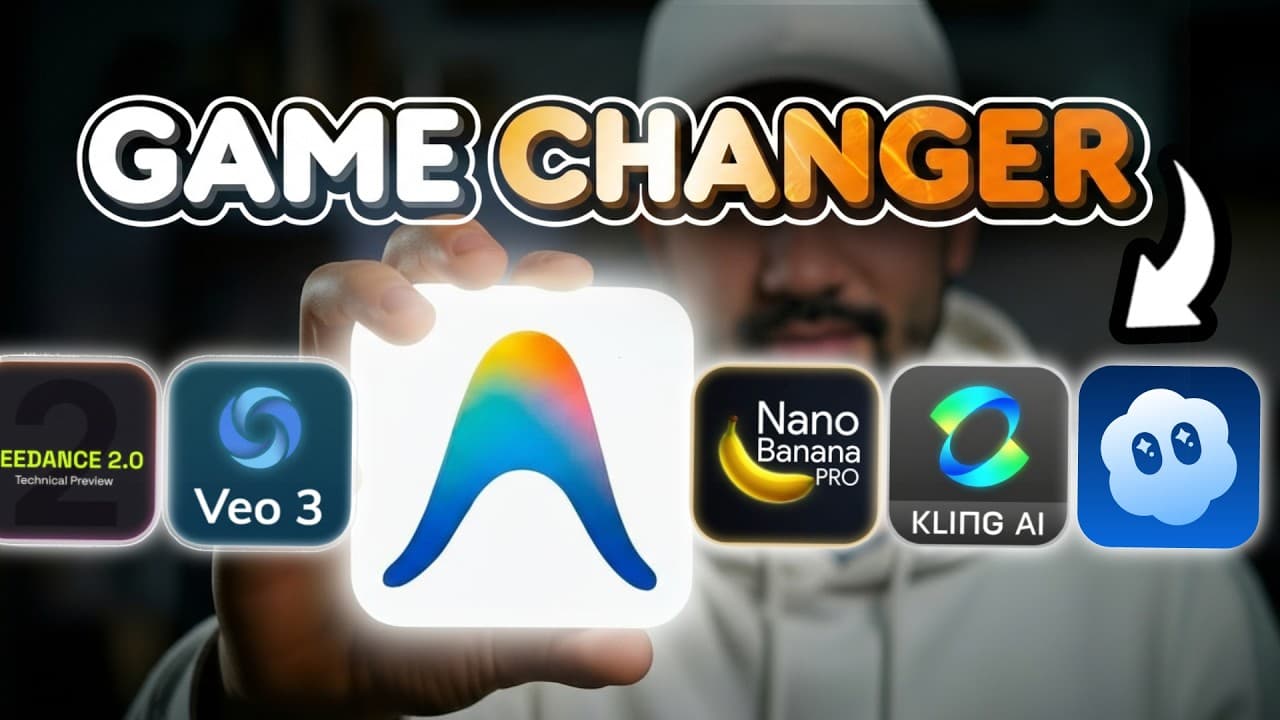
Connect an agentic platform to multiple image and video models so you can direct campaigns instead of manually writing and repeating prompts. The agent can generate batches, log assets in Airtable, estimate costs, select models, animate approved images, and apply stored prompting practices, while optional review checkpoints preserve human control over quality and creative direction.
Transcript
Imagine you had a creative AI assistant with access to the best image and video models in the world, trains itself on [music] elite prompting practices, masters every model, and generates content for you while you sleep. Well, we just built a new skill that lets claude code, anti-gravity, codecs, or whatever agentic platform you use to connect and ... Read More
Key Insights
- The agentic workflow is designed to replace repeated manual prompting with high-level creative direction. A creator can specify the desired content, number of assets, formats, and models, while the agent handles prompt construction, generation calls, logging, and delivery.
- Traditional automation workflows can become complex when production requires many interconnected nodes. The transcript argues that model updates can break existing configurations and that changing a hardwired workflow from vertical to landscape output may require additional configuration.
- Agent memory can store prompting techniques and preferred creative practices. The demonstrated Claude Code setup uses documented prompting principles to produce detailed image and video prompts, and the creator can continue teaching the agent through feedback from ongoing work.
- Airtable serves as the asset log in the demonstrated workflow. The agent creates records for proposed advertisements, stores unique prompts, and makes generated images available for preview, giving the creator an organized place to inspect outputs and select assets for animation.
- Multiple generations improve the chance of obtaining a suitable production asset because model outputs remain probabilistic. The demonstration generates two images at a time, while the creator recommends producing two to three images per run when working on production content.
- Human review can be inserted at different points in the workflow. The agent may pause after drafting prompts for a quality check, or it may proceed directly to image and video generation when the creator prefers greater automation.
- Model selection can match the creative task instead of remaining fixed in a hardwired workflow. The demonstration assigns Sora 2 Pro to a UGC advertisement and uses Veo 3.1 and Kling 3.0 for cinematic studio product animations.
- Cost visibility can be built into the agent's operating instructions. The demonstrated setup asks the agent to display generation costs before proceeding, although creators can also define default models and authorize automatic generation when they prefer an end-to-end process.
Install to Summarize YouTube Videos and Get Transcripts
Explore YouTube Video Summarizer or Get YouTube Transcript Extractor
Questions & Answers
Q: How can creators automate AI image and video generation?
Creators can connect an agentic platform such as Claude Code, Antigravity, or Codex to supported generative models through the described skill. They provide creative directions, reference assets, output quantities, formats, and model preferences. The agent then develops prompts, estimates costs, logs work, calls the selected models, and returns generated images or videos for review.
Q: Why use an AI agent instead of a node-based automation workflow?
The transcript presents agentic workflows as more flexible than hardwired node-based automations. Complex production workflows can become difficult to manage, model updates may require nodes to be reconfigured, and format changes may need additional coded options. With an agent, creators can request a different model, duration, orientation, or asset quantity using conversational directions.
Q: How does the agent create multiple product advertisements from one image?
The creator tags a product reference image and asks the agent to produce a specified number of advertisements using selected image models. In the demonstration, the agent analyzes a serum image, creates 10 Airtable records, writes unique prompts, estimates costs, and generates images with GPT Image 1.5 and Nano Banana Pro so their results can be compared.
Q: How are generated assets organized and reviewed?
The demonstrated workflow uses Airtable as a spreadsheet-like asset log that can preview images. The agent creates a record for each proposed advertisement and associates the relevant prompts and outputs with it. The creator can pause generation to inspect prompts, review finished variations, identify preferred rows and images, and direct the agent to animate only the selected assets.
Q: Why should creators generate several image variations per prompt?
Image generation remains probabilistic, so a single output may not match the intended creative direction. The demonstration generates two images at a time to increase the chance of obtaining a usable result. For production work, the creator recommends generating two to three images per run, which can reduce the time lost when an individual output is unsuitable.
Q: How can an AI agent turn selected images into video ads?
The creator identifies specific Airtable rows and image variations, then describes how each asset should be animated. The agent writes video prompts containing dialogue, action, and camera specifications before calling the chosen models. In the demonstration, one selected image becomes a UGC advertisement, while two product images become cinematic studio animations using different video models.
Q: How can creators control which video model handles each asset?
Creators can name a model in their instructions or let the agent ask when no choice has been provided. The demonstration uses Sora 2 Pro for a UGC advertisement, Veo 3.1 for one studio product shot, and Kling 3.0 for another. The agent can also be instructed to use a default model automatically for future tasks.
Q: How does the agent improve its prompting over time?
Prompting techniques and creative preferences can be stored in the agent's memory or supporting documentation. The demonstrated Claude Code setup was trained on prompting best practices developed through prior work, allowing it to write detailed prompts without reviewing every draft. Continued feedback can teach the agent additional preferences, while documentation preserves established principles for later generation tasks.
Summary & Key Takeaways
-
The proposed skill connects agentic platforms such as Claude Code, Antigravity, or Codex to generative image and video models. Creators describe the assets, quantities, formats, and desired models, then let the agent prepare prompts, estimate generation costs, create records, and produce multiple assets without repeated manual prompting.
-
In the demonstration, the agent analyzes a serum reference image, creates 10 advertising concepts, logs them in Airtable, and generates variations with GPT Image 1.5 and Nano Banana Pro. Selected results are then animated with Sora 2 Pro, Veo 3.1, and Kling 3.0 for UGC and studio-style advertisements.
-
The workflow positions the human as a creative director who reviews ideas, chooses images, assigns models, and approves outputs. Prompting practices can remain in the agent's memory and improve through continued collaboration. Users can configure review pauses, model defaults, cost reporting, parallel jobs, or a more autonomous end-to-end production process.
Read in Other Languages (beta)
Share This Summary 📚
Summarize YouTube Videos and Get Video Transcripts with 1-Click
Try YouTube Summary with ChatGPT & Claude or YouTube Transcript Generator
Explore More Summaries from Jay E | RoboNuggets 📚
Summarize YouTube Videos and Get Video Transcripts with 1-Click
Try YouTube Summary with ChatGPT & Claude or YouTube Transcript Generator