How to Use the Ralph Wiggum Plugin in Claude Code
TL;DR
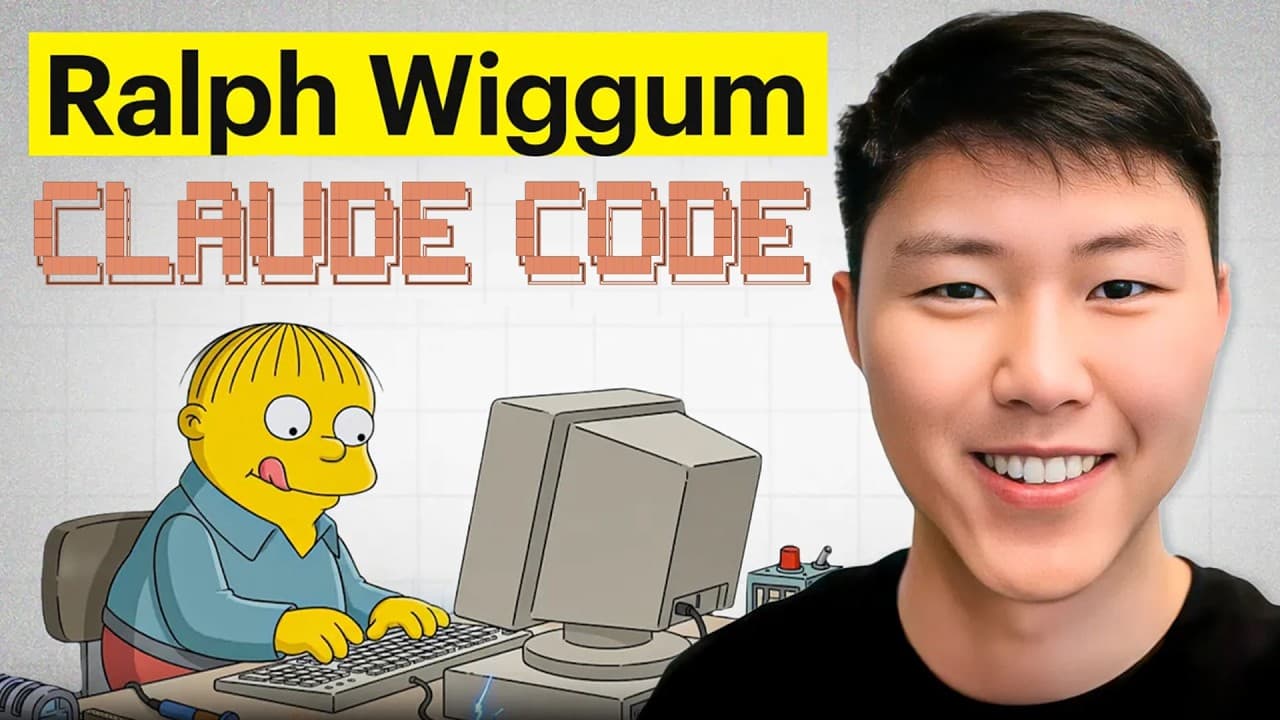
The Ralph Wiggum plugin makes Claude Code loop automatically instead of stopping when it thinks a task is done. It works through a stop hook that feeds the prompt back to Claude, repeating until it hits a set iteration limit or a break condition. You control it by supplying a consistent, reusable prompt, a max-iteration count, and a completion signal.
Transcript
Anthropic recently released the Ralph Wigan plugin. And in this video, I'm going to show you why we should use it, how to set this up on your local machine, and how we can be able to introduce different team roles, different personas, autonomously calling different roles to improving your applications iteration by iterations until you have a produc... Read More
Key Insights
- The Ralph Wiggum plugin solves the problem of Claude Code stopping halfway, since a normal session ends once Claude believes the job is finished even when reviews, tests, and refinements remain.
- The plugin works by triggering a Claude Code stop hook that passes the prompt back to Claude whenever it stops, so the agent keeps iterating through the loop instead of ending.
- Setup requires only two inputs from the user: how many iterations Claude should perform and the condition on which the loop should break.
- Installation is done inside a Claude Code session by first adding the marketplace to plugins, then installing Ralph Wiggum, and confirming it with the /plugins installed view.
- The slash command exposes three actions: cancel a running loop, show help for additional options, and start the loop with a prompt, a max-iteration value, and a completion display.
- The loop prompt is the most important part because it runs on every iteration, so it must be written to stay consistent and reusable rather than describing a one-time action.
- A strong loop prompt first reads the task list to find incomplete tasks, completes and checks them off, then rotates through multiple personas to review and perfect the codebase.
- Multiple personas mirror a real team review, including a fellow developer reviewing code, a solution architect checking file structure and dependencies, and a front-end designer applying design skills.
Install to Summarize YouTube Videos and Get Transcripts
Explore YouTube Video Summarizer or Get YouTube Transcript Extractor
Questions & Answers
Q: What problem does the Ralph Wiggum plugin solve?
It solves Claude Code stopping halfway through work. Normally you give Claude a prompt and it stops when it believes the job is finished, but many improvements remain afterward, such as user experience refinements, running tests, and reviewing the overall system. Achieving the best solution takes iteration after iteration, and the plugin keeps Claude looping so it continues improving the application autonomously instead of ending prematurely.
Q: How does the Ralph Wiggum plugin work behind the scenes?
Once you provide a prompt, Claude Code performs the instructions, and when it finishes it triggers a Claude Code hook. Whenever Claude stops, that hook passes the prompt back to Claude, so it iterates through the loop again. All the user has to supply is how many iterations Claude should perform and a condition for when the loop should break, and it keeps running until it completes all the loops.
Q: How do you install the Ralph Wiggum plugin in Claude Code?
First CD into your project and start a Claude Code session. Inside the session, install the marketplace so it is added to your plugins, then run the command to install Ralph Wiggum into your Claude plugins. You can verify the installation by running the /plugins command and viewing the installed list, where Ralph Wiggum should appear as successfully installed inside your Claude plugins.
Q: How do you use the Ralph Wiggum slash command?
Type the Ralph Wiggum slash command and you get three options. One cancels the currently running Ralph Wiggum loop. Another is help, which shows additional options you can add. The last one starts the loop, taking the prompt for exactly what you want Claude to do, the maximum number of iterations it should perform, and what to display in the session after the loop completes, such as marking it done with a check mark.
Q: Why is the loop prompt so important?
Because the prompt runs on every iteration, not just once. Many people simply write something like complete this or run the spec implements, but after the first run the loop performs multiple iterations reusing the same prompt. The prompt must therefore be consistent and reusable across iterations. A good prompt specifies where the work happens, reads the task list for incomplete tasks, completes and checks them, then rotates personas to review and perfect the code.
Q: What personas are used to review the code in the demo?
The workflow rotates into different personas to review the entire codebase, mirroring how a real team reviews work. It includes a fellow developer or co-worker reviewing the code, a solution architect ensuring the file structure and dependencies are sound and identifying any refactors needed, and a front-end designer applying front-end design skills. Introducing multiple personas is how the loop is directed to perfect the application.
Q: How should you run a large task list with the plugin?
The creator asked Claude whether an entire large task list could run autonomously in one go, and Claude recommended doing it feature by feature because each feature uses a separate branch. So you check out a feature's branch, run Ralph Wiggum there to implement it, then continuously test and review by repeating the review phases until the solution is perfected, merge that feature into the main branch, and repeat the process for the next feature.
Q: What spec-driven steps are done before running the loop?
Before running the loop, the creator has Claude commit existing unstaged changes, breaking them into multiple commits. Then Claude performs spec-driven development planning: generating specs, plans, and task lists for the phase-two features. Some features had a spec but no plan or tasks, and others had no spec at all, so Claude generates the specs, plans, and full task lists, aggregating them into a single master task list before execution begins.
Summary & Key Takeaways
-
The video introduces the Ralph Wiggum plugin for Claude Code, framing the core problem: Claude stops once it thinks a task is done, even though user experience, testing, and overall system review often need many further iterations before an application is production ready.
-
Behind the scenes the plugin uses a Claude Code stop hook. After Claude performs the instructions and stops, the hook passes the prompt back to Claude, repeating until the loop finishes. The user supplies the iteration count and the break condition.
-
The creator demonstrates installing the marketplace and plugin, then running a spec-driven workflow: commit unstaged changes, generate specs, plans, and task lists, then run a feature branch autonomously, rotating personas to review the code until the solution is perfected and merged.
Read in Other Languages (beta)
Share This Summary 📚
Summarize YouTube Videos and Get Video Transcripts with 1-Click
Try YouTube Summary with ChatGPT & Claude or YouTube Transcript Generator
Explore More Summaries from Eric Tech 📚


Summarize YouTube Videos and Get Video Transcripts with 1-Click
Try YouTube Summary with ChatGPT & Claude or YouTube Transcript Generator