How to Use Playwright MCP for AI Visual Testing
TL;DR
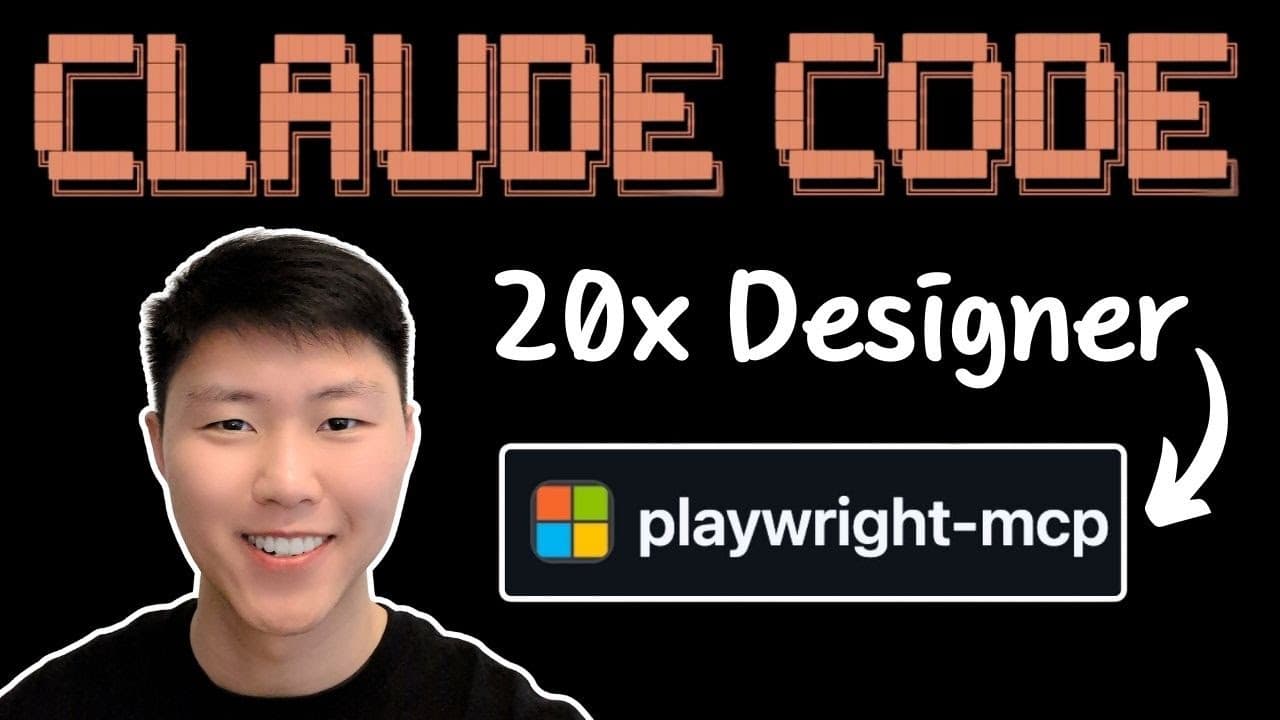
Playwright MCP integration allows Claude Code to perform automated visual testing, enhancing front-end development by enabling the AI to see, verify, and fix UI bugs. This tool provides the ability to navigate applications, take screenshots, and ensure design compliance, ultimately improving the accuracy and efficiency of coding workflows.
Transcript
All right, so first thing first, I want to talk about what's the problem we're trying to solve. So the biggest problem here is that let's say if you're a front-end engineer and you're trying to use claw code here to build front-end applications and the biggest problem here is that claw code is not able to open the browser and be able to navigate to... Read More
Key Insights
- Playwright MCP provides Claude Code with visual access to applications, enabling it to verify changes visually rather than relying solely on logs and codebase.
- The integration allows Claude Code to perform browser actions such as navigating pages, clicking, and entering forms, which are crucial for front-end development.
- A typical workflow starts with spec development, followed by Claude Code executing the plan and using Playwright to test the features implemented.
- Playwright MCP can take screenshots, navigate different page parts, and check console and network logs to verify changes.
- The tool supports visual development and testing by identifying changes, navigating affected pages, and validating feature implementations against design principles.
- Playwright MCP facilitates comprehensive design reviews, triggering agents to test interactive states, responsiveness, and accessibility.
- Essential commands for UI testing include navigating pages, taking screenshots, setting browser size, and interacting with elements.
- The integration is particularly beneficial for major feature implementations and refactoring components, while backend features or documentation updates may not require visual testing.
Install to Summarize YouTube Videos and Get Transcripts
Explore YouTube Video Summarizer or Get YouTube Transcript Extractor
Questions & Answers
Q: How does Playwright MCP enhance Claude Code's functionality?
Playwright MCP enhances Claude Code by providing it with visual access to applications, enabling it to verify changes visually. This integration allows Claude Code to perform browser actions like navigating pages, clicking, and entering forms, which are crucial for ensuring that implemented features meet the required specifications and design principles.
Q: What is the typical workflow when using Playwright MCP with Claude Code?
The typical workflow starts with spec development, where a plan for features is created. Claude Code then executes this plan, coding the features. Playwright MCP is used to test the implemented features by taking screenshots, navigating different page parts, and checking console and network logs to verify the changes against the plan and design principles.
Q: What are the key benefits of using Playwright MCP for visual testing?
Key benefits include the ability to perform automated visual testing, ensuring that UI changes are visually verified, and features are implemented correctly. Playwright MCP helps identify changes, navigate affected pages, validate feature implementations, and ensure compliance with design principles, ultimately improving the accuracy and efficiency of front-end development workflows.
Q: When should comprehensive design reviews be triggered?
Comprehensive design reviews should be triggered for major feature implementations or when refactoring components. These reviews involve testing interactive states, checking responsiveness, and verifying accessibility to ensure that the application meets the required design standards and functions correctly across different devices and scenarios.
Q: What commands are essential for UI testing with Playwright MCP?
Essential commands for UI testing include navigating to different pages, taking screenshots, setting the browser size to test responsiveness, and interacting with elements like clicking, inputting text, and hovering. These commands help verify that the application's UI is functioning correctly and meets design and accessibility standards.
Q: How does Playwright MCP handle responsive design issues?
Playwright MCP can identify responsive design issues by resizing the browser window and checking for visual consistency. It can automatically fix these issues by analyzing the problem, targeting the affected components, and making necessary adjustments to ensure that the application displays correctly on different devices, such as mobile phones and tablets.
Q: What scenarios do not require visual testing with Playwright MCP?
Visual testing with Playwright MCP is not required for backend feature implementations or documentation updates, as these do not affect the application's UI. In such cases, visual testing would be redundant, and resources can be better allocated to other aspects of development that directly impact the user interface.
Q: How does Playwright MCP contribute to front-end development efficiency?
Playwright MCP contributes to front-end development efficiency by automating visual testing, reducing the need for manual verification of UI changes. This automation ensures that features are implemented correctly and meet design standards, allowing developers to focus on coding and improving the application rather than spending time on manual testing and debugging.
Summary & Key Takeaways
-
Playwright MCP integration allows Claude Code to perform automated visual testing, enhancing front-end development by enabling the AI to see, verify, and fix UI bugs. This tool provides the ability to navigate applications, take screenshots, and ensure design compliance, ultimately improving the accuracy and efficiency of coding workflows.
-
The workflow involves spec development, execution by Claude Code, and feature verification using Playwright MCP. Key capabilities include taking screenshots, navigating pages, and checking logs, which help validate changes against design principles.
-
Comprehensive design reviews are triggered for major feature implementations, testing interactive states, responsiveness, and accessibility. Essential testing commands include navigating pages, setting browser size, and interacting with elements, ensuring compliance with design standards.
Read in Other Languages (beta)
Share This Summary 📚
Summarize YouTube Videos and Get Video Transcripts with 1-Click
Try YouTube Summary with ChatGPT & Claude or YouTube Transcript Generator
Explore More Summaries from Eric Tech 📚



Summarize YouTube Videos and Get Video Transcripts with 1-Click
Try YouTube Summary with ChatGPT & Claude or YouTube Transcript Generator