How to Build a Second Brain with Obsidian and Claude
TL;DR
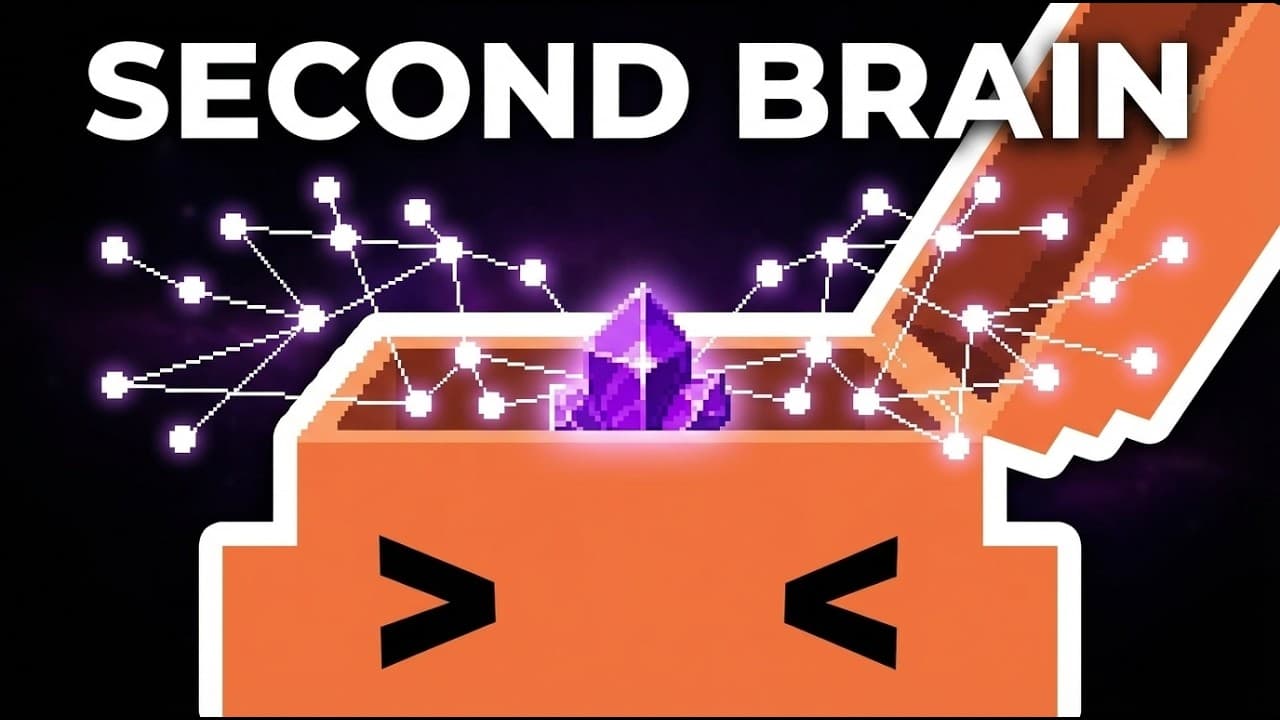
Build a second brain by opening a private GitHub repository as an Obsidian vault, then use the Obsidian Git plugin to automate commits and pull updates at startup. Claude Code can serve as an AI assistant for organizing, summarizing, questioning, and acting on notes, while custom Obsidian skills guide it through repeatable workflows such as onboarding project information from Gmail and local files.
Transcript
In this video, I'm going to show exactly how to build your second brain using Claude Code and the power of Obsidian. And specifically for my use case, I use Obsidian here to manage different projects. And furthermore, I was able to use Claude Code here as like a AI assistant here to manage my notes. Right here, you can see I have a bunch of Obsidia... Read More
Key Insights
- A private GitHub repository is the cloud storage and version-control layer for the Obsidian vault. Keeping the repository private prevents other people from viewing the notes, while commits preserve a history of changes that can be inspected or reverted.
- GitHub Desktop is a graphical alternative to terminal-based Git management. It lets users select a repository, choose a local destination, clone the files, summarize changes, create commits, push updates, and inspect repository history without relying on command-line operations.
- An Obsidian vault is a local folder containing notes and supporting files. Opening the cloned GitHub repository as a vault means newly created notes and folders appear directly in the repository, with note names reflected as Markdown filenames.
- Manual Git commits create recoverable snapshots of the vault. After writing a summary message, users can commit local changes and push them to the remote GitHub repository, where the saved files and commit history become available as a cloud backup.
- The Obsidian Git community plugin automates repository backups. Its auto commit and sync setting can push changes after file editing stops, using a user-defined interval such as the demonstrated one-minute period, which reduces the need for repeated manual commits.
- Pull on startup synchronizes changes made elsewhere before work resumes. When enabled in the Obsidian Git plugin, it retrieves the latest repository updates when Obsidian starts, supporting a workflow in which notes may be edited across two devices.
- Claude Code is used as an AI assistant for the Obsidian knowledge base. The demonstrated concept allows the agent to answer questions about notes, perform actions on them, and help manage project information stored throughout the vault.
- Custom Obsidian skills provide instructions for repeatable AI workflows. The project onboarding skill described in the transcript can take information from Gmail and local files, organize and summarize that material, and save the processed information into Obsidian notes.
Install to Summarize YouTube Videos and Get Transcripts
Explore YouTube Video Summarizer or Get YouTube Transcript Extractor
Questions & Answers
Q: How do you build a second brain with Obsidian and GitHub?
Create a private GitHub repository, then clone it to a local folder with GitHub Desktop. Install Obsidian and choose the cloned repository through the open folder as vault option. Notes and folders created in Obsidian will then exist as files in that repository. Commit and push the changes to GitHub to establish cloud backup and a version history.
Q: Why should an Obsidian vault use a private GitHub repository?
A private GitHub repository gives the Obsidian vault cloud storage and version control while preventing other people from viewing the second-brain notes. Each pushed commit records a set of changes, making it possible to inspect the repository history and revert earlier work. The transcript presents this approach as a free alternative for syncing and backing up notes.
Q: How do you open a GitHub repository as an Obsidian vault?
First clone the selected GitHub repository to the local machine, using GitHub Desktop if a graphical interface is preferred. In Obsidian, choose the option to open a folder as a vault, navigate to the location where the repository was cloned, select that repository folder, and open it. Obsidian will then treat the repository contents as the notebook.
Q: How do you back up Obsidian notes automatically to GitHub?
Open Obsidian settings, enable community plugins, browse for the plugin named Git, then install and enable it. In its options, activate auto commit and sync after stopping file edits. Set the desired synchronization interval, such as the one-minute interval demonstrated in the transcript. After editing stops, the plugin automatically commits and syncs the changed files to GitHub.
Q: What does pull on startup do in the Obsidian Git plugin?
Pull on startup retrieves the latest repository changes whenever Obsidian starts. This is useful when notes are edited from more than one device. For example, changes made and committed from one device can be pulled when Obsidian opens on another device, allowing the second vault copy to receive the latest saved content before additional editing begins.
Q: How does GitHub Desktop help manage an Obsidian vault?
GitHub Desktop provides a graphical interface for cloning the private repository, viewing changed files, writing a summary of those changes, creating commits, pushing commits to GitHub, and inspecting repository history. It is recommended in the transcript for people who are new to terminals or are not developers, because it avoids requiring command-line Git operations.
Q: How can Claude Code help manage Obsidian notes?
Claude Code can act as an AI assistant connected to the Obsidian knowledge base. The transcript describes using it to answer questions, perform actions on notes, manage project information, organize material, and produce summaries. Obsidian CLI skills provide instructions that help the agent create better notes and interact with the vault through more structured and repeatable processes.
Q: What is the project onboarding skill for Claude Code and Obsidian?
The project onboarding skill is a custom workflow designed to bring external information into an Obsidian vault. According to the transcript, it can take data sources such as Gmail and local files, then have Claude Code organize and summarize the information. The processed results are stored in Obsidian by using the accompanying Obsidian skills for note creation and management.
Summary & Key Takeaways
-
The setup begins with a private GitHub repository that serves as the storage location for the second brain. GitHub Desktop provides a graphical way to clone the repository to a local folder. Opening that folder as an Obsidian vault ensures every note and folder is represented by files inside the repository.
-
Git provides version control and cloud backup for the Obsidian vault. Changes can initially be committed and pushed through GitHub Desktop, creating a history that supports reviewing or reverting edits. The Obsidian Git community plugin removes repetitive manual work by automatically committing and syncing changes after editing stops for a configured interval.
-
Claude Code becomes an AI assistant for the completed Obsidian vault. Custom Obsidian CLI skills teach the agent how to create and manage better notes. A project onboarding skill can process information from sources such as Gmail and local files, organize and summarize it, then store the resulting knowledge in Obsidian.
Read in Other Languages (beta)
Share This Summary 📚
Summarize YouTube Videos and Get Video Transcripts with 1-Click
Try YouTube Summary with ChatGPT & Claude or YouTube Transcript Generator
Explore More Summaries from Eric Tech 📚




Summarize YouTube Videos and Get Video Transcripts with 1-Click
Try YouTube Summary with ChatGPT & Claude or YouTube Transcript Generator