How to Build Full-Stack Apps with Claude Code Subagents
TL;DR
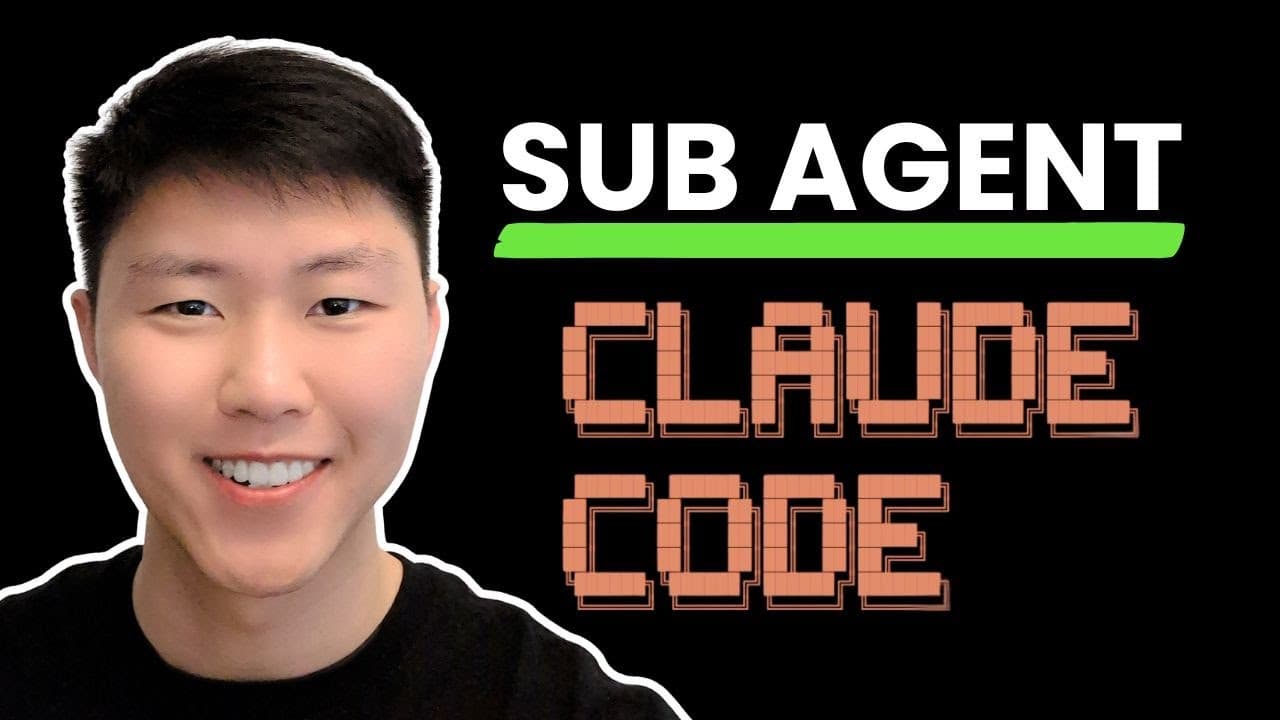
Claude Code subagents can help build full-stack apps by assigning specialized frontend, backend, and database agents to work in parallel. Each subagent has its own 200k-token context window, can receive selected tools and a model, and can be reused across projects or shared with a team. Read on for the exact creation workflow and ways to organize specialized agents.
Transcript
In this video, I'm going to show you how to create multiple specialist sub aents here inside of claw code where you can have multiple agents running in parallels. So here you can see I have front end, backend, and database sub aents here all running in parallel to building a full stack web applications using the sub aent feature built in within clo... Read More
Key Insights
- Claude Code subagents are specialized AI agents designed to handle specific tasks like frontend, backend, and database management.
- Each subagent operates within its own context window, allowing for parallel processing and efficient task management.
- Subagents can be reused across different projects and shared within a team, enhancing collaborative development workflows.
- The creation of subagents involves defining their roles, selecting tools, and configuring settings to match project requirements.
- Subagents help in breaking down complex projects into manageable tasks, facilitating a streamlined development process.
- ByteRover provides a memory layer for AI agents, ensuring continuity and context retention across sessions.
- The integration of subagents allows for independent development of components with clear integration points.
- Claude Code's subagent feature simplifies the building of full-stack applications by automating repetitive tasks and optimizing resource allocation.
Install to Summarize YouTube Videos and Get Transcripts
Explore YouTube Video Summarizer or Get YouTube Transcript Extractor
Questions & Answers
Q: How do you create subagents in Claude Code?
Run the agents command, choose to create a new agent, and select whether it should work only in the current project or across all projects. Describe the agent’s specialty, choose its tools and model, select a color, review the generated configuration, and press Enter to save it.
Q: How can Claude Code subagents help build a full-stack application?
You can assign separate subagents to frontend, backend, and database work and have them run in parallel. Each agent focuses on its own domain, then returns its work to the main agent so the application’s components can be coordinated.
Q: What is the context-window size of each Claude Code subagent?
Each subagent has its own context window of 200k tokens. This keeps its specialized work separate from the main agent and from other subagents while multiple workflows run in parallel.
Q: Can Claude Code subagents be reused across projects?
Yes. During creation, you can choose either a project-specific agent or an agent that works across all projects, and the transcript also says subagents can be reused and shared across a team.
Q: How do you configure tools for a Claude Code subagent?
During agent creation, select all tools or deselect tools the agent does not need, such as MTP servers. Advanced options let you choose individual tools before continuing with the configuration.
Q: How do you select a model for a Claude Code subagent?
Claude Code presents a model-selection step after tool configuration. The demonstration uses Sonnet with the Pro plan and notes that Opus is also available with the Max plan.
Q: Where is a project-specific subagent configuration saved?
After confirmation, the agent is saved as an MD file in the agents folder inside the Claude folder. The file contains the agent’s name, description, tools, model, system prompt, and working approach.
Q: How do you invoke a saved Claude Code subagent?
Type the @ symbol to reference the specialized agent, select its name, and provide the prompt you want it to execute. In the demonstration, the project planner gathers requirements, asks follow-up questions, develops a product requirements document, and creates the PRD file after approval.
Summary & Key Takeaways
-
Claude Code subagents enable developers to create full-stack applications efficiently by utilizing specialized AI agents for tasks like frontend, backend, and database management. Each subagent operates independently, allowing for parallel task execution and optimized workflows. This approach simplifies complex projects by automating tasks and ensuring seamless integration across components.
-
By using Claude Code's subagents, developers can break down complex projects into distinct tasks managed by AI agents. These agents are configured to handle specific domains, facilitating efficient collaboration and resource allocation. The use of ByteRover further enhances this process by providing a memory layer that retains project context across sessions.
-
The video demonstrates the creation and use of Claude Code subagents to build a full-stack application. Each subagent specializes in a domain, such as frontend, backend, or database, and operates independently to streamline the development process. ByteRover's memory layer ensures continuity and context retention, making AI-driven development more efficient and effective.
Read in Other Languages (beta)
Share This Summary 📚
Summarize YouTube Videos and Get Video Transcripts with 1-Click
Try YouTube Summary with ChatGPT & Claude or YouTube Transcript Generator
Explore More Summaries from Eric Tech 📚
Summarize YouTube Videos and Get Video Transcripts with 1-Click
Try YouTube Summary with ChatGPT & Claude or YouTube Transcript Generator