How to Automate App Builds with Claude Code
TL;DR
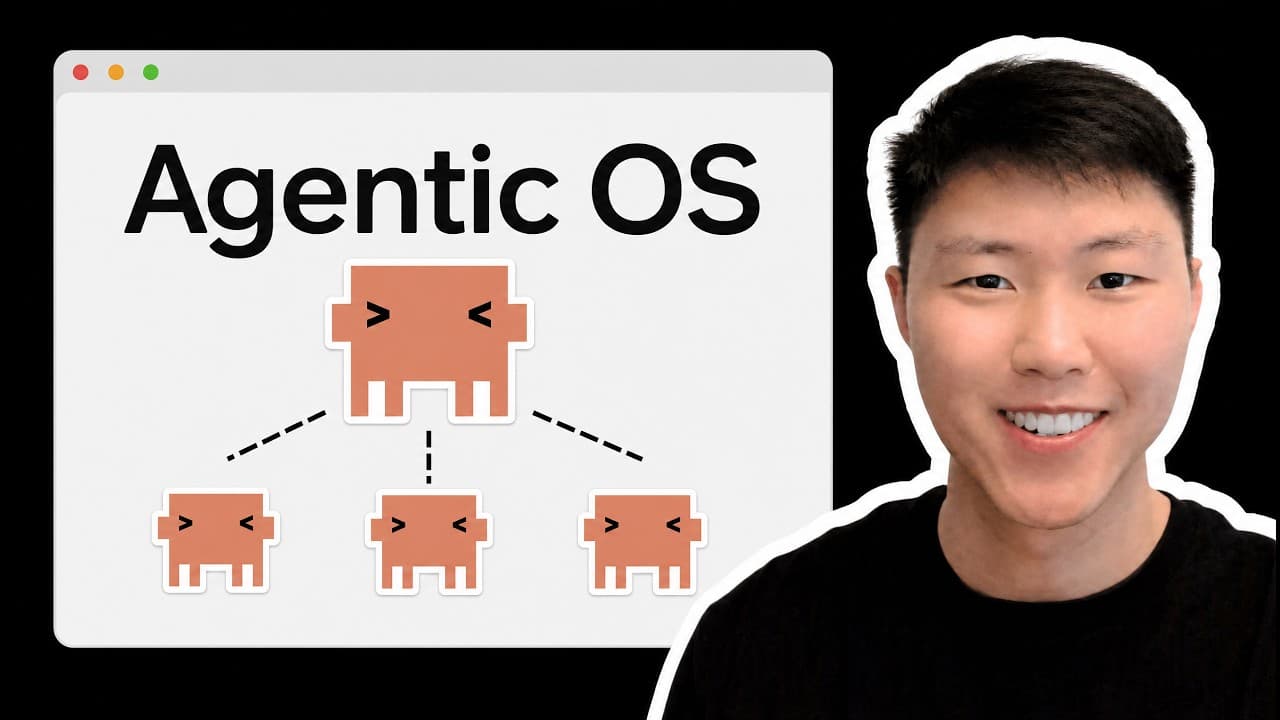
Automate Claude Code app builds by using Superboard to move GitHub tickets through separate Builder, QA, and Reviewer stages before merging approved work into a develop branch. The demonstrated system shipped four pull requests overnight, returned failed work with exact feedback, and handled another ticket while one was looping. Read on for the installation, onboarding, ticket-linting, and human-stop safeguards that make unattended runs practical.
Transcript
While I was sleeping last night, Clocku shipped four pull requests for me. It pick up tickets from my GitHub project board, build the feature, run the QA against the acceptance criteria, did a full code review, and only then merge into develop branch. And if the QA fail or the reviewer push back, it didn't just ship it anyway. It sent the ticket ba... Read More
Key Insights
- Superboard is a GitHub project pipeline that moves issues through Ready, Building, QA, Review, and Done while routing exceptional work to Blocked or Skipped. It continues draining the board until no actionable tickets remain.
- The orchestrator is responsible for reading each issue's board status and triggering the appropriate specialized agent. A ticket in Building goes to the Builder, a ticket in QA goes to the tester, and a ticket in Review goes to the Reviewer.
- The Builder is responsible for implementing the feature described by a ticket before moving it into QA. Autonomous changes can be committed to a separate develop branch, which keeps the production branch isolated from work produced during unattended runs.
- The QA stage is a gate that tests the implemented feature against the ticket's acceptance criteria. A passing result advances the ticket to Review, while a failure returns it to the Builder with specific feedback for another implementation attempt.
- The Reviewer is a separate quality gate that conducts a code review after QA succeeds. Reviewer objections do not get ignored, because the ticket returns to the Builder with exact feedback and enters another revision loop.
- Ticket linting is required to make headless execution practical because autonomous workers cannot pause to ask the user questions. The lint command checks Ready issues for clear success criteria and highlights vague requirements before the pipeline is dispatched.
- Blocked and Skipped are explicit human-control states for work that cannot proceed autonomously. Examples mentioned include missing API tokens and payment subscriptions, while the described workflow also stops at genuine human gates or after a maximum of three revisions.
- Parallel Claude Code sessions can keep the board moving while one ticket is caught in a revision loop. The system can work on another issue simultaneously, and the full pipeline can be triggered from a single Telegram message for unattended execution.
Install to Summarize YouTube Videos and Get Transcripts
Explore YouTube Video Summarizer or Get YouTube Transcript Extractor
Questions & Answers
Q: How does Superboard automate app builds with Claude Code?
Superboard turns a GitHub project board into an autonomous Claude Code pipeline. An orchestrator routes each ticket to a Builder, tester, or Reviewer according to its board status, and approved work is merged into the develop branch. In the demonstrated overnight run, the system shipped four pull requests.
Q: How do I install the Superboard skills in an existing repository?
Download the skill package, start a Claude Code session in the existing repository, and drag the ZIP file into the session. Ask Claude Code to unzip it and install the relevant skills in the current repository, then verify that Super Build, Super Board, Super QA, and Super Review appear in the skills folder.
Q: How do I onboard a project into Superboard?
Start a new Claude Code session in the repository and run the board onboarding command. The onboarding process identifies the repository, checks GitHub authorization, creates missing configuration, connects or creates the project board, and lets you select a safe base branch such as develop.
Q: What columns does the Superboard GitHub project use?
The board uses Ready, Building, QA, Review, Done, Blocked, and Skipped columns. Tickets progress from Ready through implementation, testing, and review before reaching Done, while work that cannot continue autonomously moves to Blocked or Skipped.
Q: Why should tickets be linted before an autonomous run?
Headless Claude Code workers cannot pause an unattended run to ask questions, so tickets need explicit success and acceptance criteria. The lint command checks issues in Ready, identifies vague requirements, and requests clarification before the pipeline is dispatched.
Q: What happens when QA or code review fails?
A failed QA check sends the ticket back to the Builder with specific feedback instead of advancing it. Reviewer objections follow the same pattern, creating another implementation cycle. The workflow stops after a maximum of three revisions rather than looping indefinitely.
Q: When does Superboard stop for human intervention?
The pipeline stops when a ticket reaches a genuine human gate, becomes blocked, is skipped, or reaches the revision limit. Missing API tokens and required payment subscriptions are examples of blockers that need human action.
Q: Can Superboard work on multiple tickets without supervision?
Yes. Separate Claude Code sessions can operate in parallel, so another ticket can progress while one remains in a revision loop. The full pipeline can also be triggered with a single Telegram message, leaving the user to review completed and blocked work afterward.
Summary & Key Takeaways
-
Superboard converts a GitHub project board into an autonomous development pipeline with Ready, Building, QA, Review, Done, Blocked, and Skipped columns. An orchestrator reads each ticket's current status, assigns the corresponding specialized skill, and advances the work only after that stage completes successfully or returns actionable feedback for another iteration.
-
Installation involves adding the provided skill package to an existing repository, asking Claude Code to unzip and install it, and verifying the four skills under the Claude skills folder. The onboarding command then identifies the repository, checks GitHub authorization, creates missing configuration, establishes a project board, and selects a safe base branch.
-
Reliable autonomous runs depend on tickets containing explicit success and acceptance criteria. The lint command examines issues in the Ready column, identifies vague requirements, and requests clarification before headless workers begin. Once dispatched, Builder, QA, and Reviewer sessions can operate in parallel, repeat failed stages, and stop when human input is genuinely required.
Read in Other Languages (beta)
Share This Summary 📚
Summarize YouTube Videos and Get Video Transcripts with 1-Click
Try YouTube Summary with ChatGPT & Claude or YouTube Transcript Generator
Explore More Summaries from Eric Tech 📚




Summarize YouTube Videos and Get Video Transcripts with 1-Click
Try YouTube Summary with ChatGPT & Claude or YouTube Transcript Generator