How to reverse engineer app features with AI REA
TL;DR
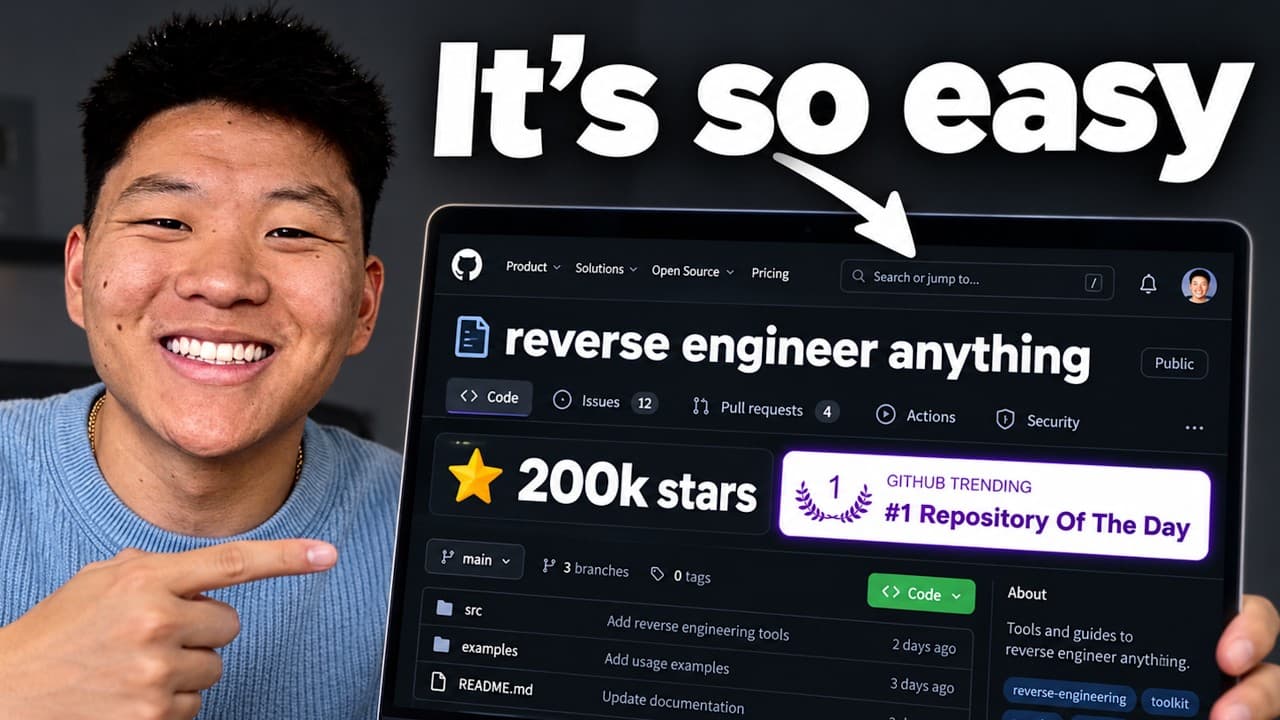
RE A helps you study an existing app, deconstruct its features, and reassemble them into your own version by guiding AI with concrete references. It emphasizes reverse engineering as a practical method, using end results to define exact outputs and iterating on features one by one for better skill building.
Transcript
So this GitHub repo right here, reverse engineer anything, has been absolutely blowing up. Matthew Bourbon himself said software is done. Now he's kind of joking a little bit. This narrative has been around for, you know, over a year since vibe coding has really taken off. But there is some truth to it because the idea of reverse engineer Anything ... Read More
Key Insights
- REA is a framework where AI studies an app to replicate its core functionality rather than copying UI.
- The key to good outputs is giving the AI a very specific end result to chase, not a vague goal.
- Reverse engineering involves inspecting the app, decompiling its components, and iterating until the recreated feature matches the reference.
- Using end results as a PRD helps instruct AI more clearly and yields higher fidelity in recreated features.
- Examples like Loom and social media edits show how frame by frame analysis informs feature recreation.
- The workflow emphasizes breaking down tasks into features rather than building an entire app from scratch.
- There are limits and caveats including AI’s creativity limits and the importance of concrete references.
- Providing clear references and stepwise guidance improves AI performance and helps build better AI powered skills.
Install to Summarize YouTube Videos and Get Transcripts
Explore YouTube Video Summarizer or Get YouTube Transcript Extractor
Questions & Answers
Q: How does REA guide AI to recreate a feature from a reference app
REA guides AI by pointing it at a concrete end result and asking it to analyze the reference app, decompile its functionality, and then build a similar feature in your own app. This process emphasizes inspecting the app, collecting core behaviors, and iterating until the new implementation matches the reference in function rather than form.
Q: What is the practical benefit of reverse engineering end results rather than asking for a generic feature
The practical benefit is that a specific end result acts like a detailed PRD for the AI, reducing generic outputs. By focusing on a defined example, you guide the AI toward the exact functionality and user experience you want, which helps you recreate reliable features and accelerate development.
Q: What examples are used to illustrate REA in the video
The video uses Loom like screen recording features and Instagram reel style edits as examples. It explains how to analyze and copy the functional aspects such as the recording bubble, UI interactions, and animation patterns, while not cloning the exact UI so the recreated tool remains distinct.
Q: What is the five step REA workflow mentioned
The five step workflow involves selecting a reference feature, analyzing its function frame by frame, decompiling the core blocks that make the feature work, instructing the AI to recreate the function with similar behavior, and then iterating to refine fidelity until the output matches the desired end result.
Q: What limitations or caveats are discussed
The video notes limits and caveats such as AI not being truly creative, potential gaps in output, and the need to provide precise references and guidance. It also mentions that some creative aspects of a design may not be fully replicable by AI and requires careful iteration.
Q: How should one use references to improve AI outputs
Use references by having the AI study several good examples and extract common features, behaviors, and design decisions. Then instruct the AI to implement those features in your own app, ensuring the output aligns with a specific target style and functionality rather than attempting a generic creation.
Q: What role does decompiling play in REA
Decompiling plays a central role by allowing you to inspect how a feature is built, understand the underlying blocks, and translate that understanding into a new but functionally equivalent implementation. This makes the AI’s task more concrete and testable rather than abstract.
Q: How does the host describe the novelty of REA
The host argues that reverse engineering has existed for a long time but REA is gaining traction because it provides a practical, thought through framework for decompiling and iterating toward an end goal. It leverages concrete references to guide the AI towards useful outputs.
Summary & Key Takeaways
-
REA shows how to reverse engineer existing apps by analyzing end results and decompiling features to create your own version, using concrete references to guide AI. It stresses specific, feature level guidance over vague goals and demonstrates a five step workflow with examples like Loom and Screencast style editors.
-
The approach relies on analyzing frames, styles, and core interactions to transfer functionality rather than cloning UI. It also highlights limits and caveats such as AI creativity constraints and the need for precise instructions to get useful outputs.
-
The video provides free resources and a five step workflow for using REA, plus examples and references to Loom, Loom like bubbles, and other apps, all aimed at improving AI skill building and practical automation projects.
Read in Other Languages (beta)
Share This Summary 📚
Summarize YouTube Videos and Get Video Transcripts with 1-Click
Try YouTube Summary with ChatGPT & Claude or YouTube Transcript Generator
Explore More Summaries from Nate Herk | AI Automation 📚






Summarize YouTube Videos and Get Video Transcripts with 1-Click
Try YouTube Summary with ChatGPT & Claude or YouTube Transcript Generator