How to Use APIs for AI Agents in n8n
TL;DR
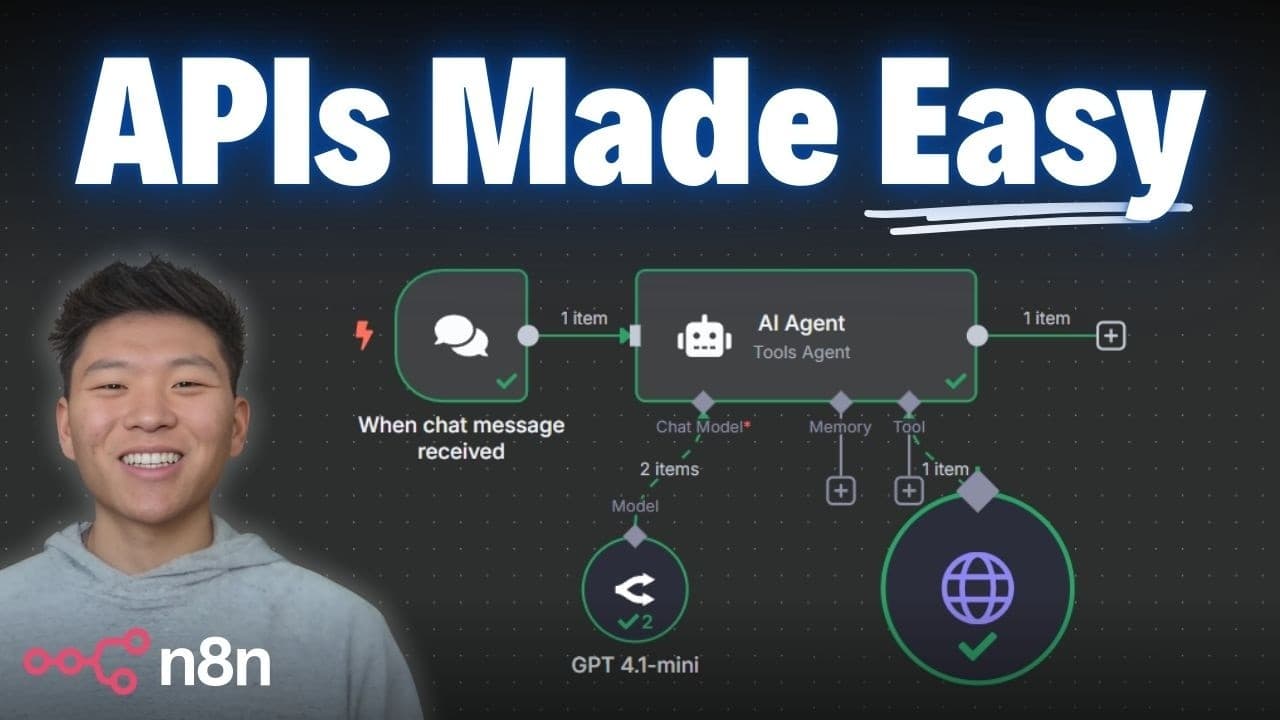
APIs allow AI agents to communicate with external systems, unlocking vast possibilities for automation. By understanding APIs, you can set up API calls in n8n without coding experience. This video simplifies API concepts, explaining HTTP requests, native integrations, and setting up API endpoints, making it accessible for beginners to integrate APIs into their workflows.
Transcript
if you're building AI agents but you don't really understand what an API is or how to use them don't worry You're not alone I was in that exact same spot not too long ago I'm not a programmer I don't know how to code but I've been teaching tens of thousands of people how to build real AI systems And what changed the game for me was when I understoo... Read More
Key Insights
- APIs are essential for AI agents to interact with external systems, enabling a wide range of functionalities.
- An API (Application Programming Interface) allows two systems to communicate by sending requests and receiving responses.
- HTTP requests are the backbone of API interactions, with GET and POST being the most common methods.
- Native integrations in tools like n8n simplify API usage by providing a user-friendly interface for setting parameters.
- A cURL command can be used to import API configurations into n8n, streamlining the setup process.
- API documentation is crucial for understanding how to configure requests, including query, header, and body parameters.
- Common API response codes include 200 (success), 400 (bad request), 401 (unauthorized), and 500 (server error).
- JSON is the standard data format for API requests and responses, consisting of key-value pairs.
Install to Summarize YouTube Videos and Get Transcripts
Explore YouTube Video Summarizer or Get YouTube Transcript Extractor
Questions & Answers
Q: How to integrate APIs into AI workflows in n8n?
Integrating APIs into AI workflows in n8n involves understanding HTTP requests, using native integrations, and configuring API endpoints. Start by identifying the API documentation to understand required parameters. Use cURL commands to import configurations into n8n, and adjust parameters like query, header, and body to suit your needs. This process allows AI agents to access external data and functionalities.
Q: What is an API and why is it important for AI agents?
An API, or Application Programming Interface, is a set of rules that allows different software systems to communicate. For AI agents, APIs are crucial as they enable access to external data and services, expanding the agent's capabilities beyond its native environment. This interaction is achieved through HTTP requests, allowing the agent to send and receive information seamlessly.
Q: What are the common HTTP methods used in API requests?
The most common HTTP methods used in API requests are GET and POST. GET requests retrieve data from a server without altering it, while POST requests send data to a server to create or update resources. Understanding these methods is essential for setting up API calls, as they determine how data is exchanged between systems.
Q: How do native integrations differ from HTTP requests in n8n?
Native integrations in n8n provide a user-friendly interface to interact with APIs, simplifying the process by wrapping HTTP requests in a graphical format. This allows users to set parameters without manually configuring each request. In contrast, HTTP requests require manual setup, specifying endpoints, methods, and parameters directly, offering more flexibility but requiring a deeper understanding of APIs.
Q: What role does API documentation play in setting up API calls?
API documentation is crucial for setting up API calls as it provides detailed information on how to interact with the API, including available endpoints, required parameters, and expected responses. It guides users in configuring requests correctly, ensuring that all necessary data is included and formatted properly, which is essential for successful API integration.
Q: What are the common API response codes and their meanings?
Common API response codes include 200 (success), indicating the request was successful and data is returned; 400 (bad request), suggesting an error in the request format; 401 (unauthorized), meaning authentication failed; 403 (forbidden), indicating access to the resource is denied; and 500 (server error), showing an issue on the server side. Understanding these codes helps diagnose issues in API interactions.
Q: How does JSON facilitate API communication?
JSON (JavaScript Object Notation) facilitates API communication by providing a lightweight, text-based data format that is easy to read and write for humans and machines. It consists of key-value pairs, making it ideal for transmitting structured data in API requests and responses. JSON's simplicity and compatibility with most programming languages make it a standard for data exchange in web APIs.
Q: What is a cURL command and how is it used in API integration?
A cURL command is a tool for transferring data using various network protocols, commonly used to interact with APIs. In API integration, cURL commands are used to set up HTTP requests, specifying endpoints, methods, and parameters. In tools like n8n, importing a cURL command automates the configuration process, quickly populating the necessary fields for an API call, simplifying integration for users.
Summary & Key Takeaways
-
APIs enable AI agents to access external systems, expanding their capabilities beyond native environments. Understanding APIs involves grasping HTTP requests, native integrations, and endpoint configurations. With tools like n8n, beginners can set up API calls without coding, using cURL commands and API documentation to guide them.
-
HTTP requests, such as GET and POST, form the core of API interactions, allowing data exchange between systems. Native integrations in platforms like n8n simplify this process by providing a graphical interface to configure parameters, while cURL commands automate setup.
-
API response codes indicate the status of requests, with 200 being successful, 400 indicating a bad request, 401 for unauthorized access, and 500 for server errors. JSON, a key-value data format, is pivotal in API communication, both in requests and responses.
Read in Other Languages (beta)
Share This Summary 📚
Summarize YouTube Videos and Get Video Transcripts with 1-Click
Try YouTube Summary with ChatGPT & Claude or YouTube Transcript Generator
Explore More Summaries from Nate Herk | AI Automation 📚






Summarize YouTube Videos and Get Video Transcripts with 1-Click
Try YouTube Summary with ChatGPT & Claude or YouTube Transcript Generator