Products
Features
YouTube Video Summarizer
Summarize YouTube videos
Web & PDF Highlighter
Highlight web pages & PDFs
Chat with PDF
Ask any PDF questions with AI
Ask AI Clone
Chat with your highlights & memories
Audio Transcriber
Transcribe audio files to text
Glasp Reader
Read and highlight articles
Kindle Highlight Export
Export your Kindle highlights
Idea Hatch
Hatch ideas from your highlights
Integrations
Obsidian Plugin
Notion Integration
Pocket Integration
Instapaper Integration
Medium Integration
Readwise Integration
Snipd Integration
Hypothesis Integration
Apps & Extensions
Chrome Extension
Safari Extension
Edge Add-ons
Firefox Add-ons
iOS App
Android App
Discover
Discover
Ideas
Discover new ideas and insights
Articles
Curated articles and insights
Books
Book recommendations by great minds
Posts
Essays and notes from readers
Quotes
Inspiring quotes collection
Videos
Curated videos and summaries
Explore Glasp
Glasp Story
How we grew from 0 to 3 million users
Glasp Newsletter
Weekly insights and updates
Glasp Talk
Interview series with great minds
Glasp Blog
Latest news and articles
Glasp Use Cases
Learn how others use Glasp
Build & Support
Glasp API
Access Glasp's API for developers
MCP Connector
Connect Glasp to Claude & ChatGPT
Community
Glasp Reddit Community
Students
Student discount and benefits
FAQs
Frequently Asked Questions
AboutPricing
DashboardLog inSign up

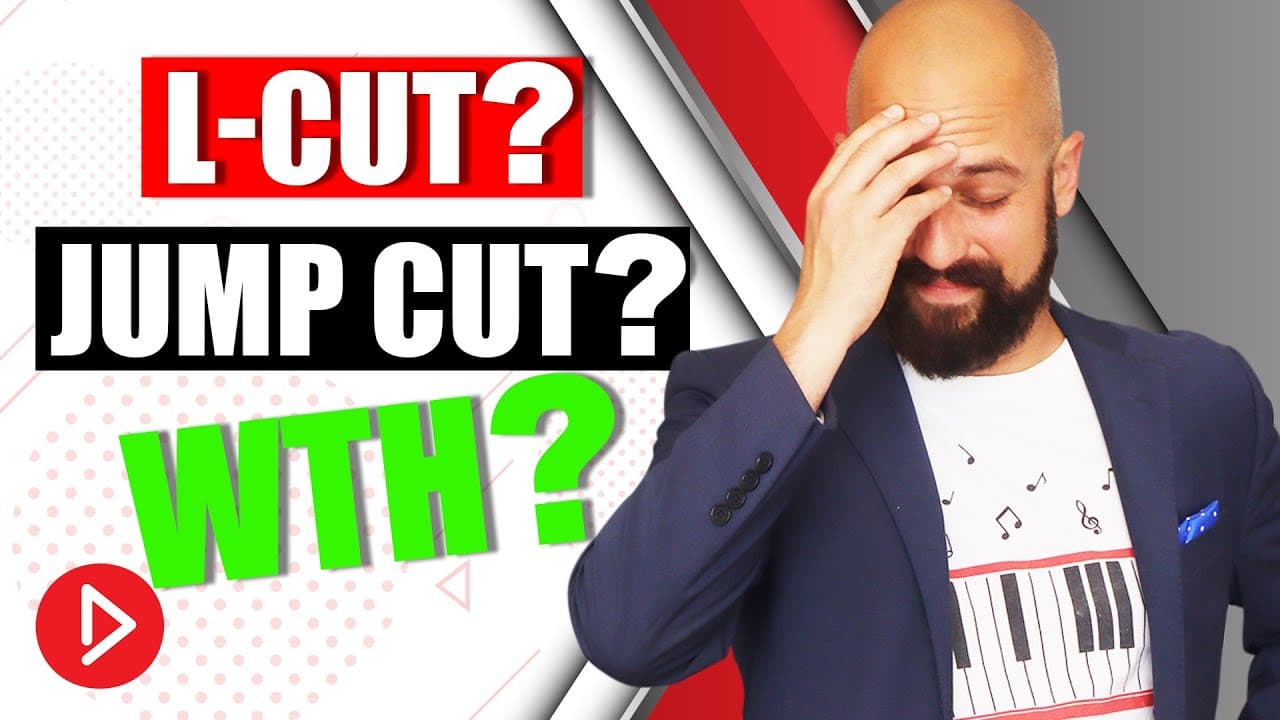
Video Editing Terms And Definitions For Beginners

August 12, 2019
by
Owen Video
YouTube video player
Video Editing Terms And Definitions For Beginners

TL;DR

Learn foundational video editing terms for effective communication with editors and efficient editing processes.

Transcript

you're going to be making a ton of video this year and as a business owner you're either gonna hire out to find an editor or you're gonna do some of that editing yourself either way I assume you didn't go to school for video editing like I did so in this video I'm gonna teach you some of the foundational video editing terms that you need to know to... Read More

Key Insights

  • 🤕 Jump cuts are effective for seamless transitions in talking head videos.
  • 🎑 Understanding transitions can help blend scenes together smoothly.
  • 🎮 Zoom in or scale up techniques enhance visual interest in videos.
  • ⌛ Ripple delete saves time by removing unnecessary footage efficiently.
  • ❓ Copying attributes streamlines the editing process for consistency.
  • 🚎 B-roll footage complements the main content in videos.
  • 🎮 Keyframes are essential for creating movement and animations in videos.

Install to Summarize YouTube Videos and Get Transcripts

Explore YouTube Video Summarizer or Get YouTube Transcript Extractor

Questions & Answers

Q: Why is it important to know video editing terms?

Knowing video editing terms is crucial for effective communication with editors, ensuring that your vision is accurately translated into the final product.

Q: How can understanding jump cuts improve video editing?

Jump cuts are useful for seamless transitions in talking head videos, providing a clean and engaging visual experience for viewers.

Q: What are some key video branding elements that every business should have?

Essential video branding elements include lower thirds, custom transitions, and full-screen graphics, which help maintain consistency and professionalism in videos.

Q: How does using voice overs enhance storytelling in videos?

Voice overs allow for additional storytelling elements by combining visuals with audio narration, creating a more engaging and informative video experience for viewers.

Summary & Key Takeaways

  • Understanding video editing terms is crucial for effective communication with editors.

  • Key terms such as jump cut, transition, zoom in, ripple delete, and keyframe are explained.

  • Video branding elements and voice-over techniques are essential for professional video editing.


Read in Other Languages (beta)

English

Share This Summary 📚

Summarize YouTube Videos and Get Video Transcripts with 1-Click

Download browser extensions on:

Try YouTube Summary with ChatGPT & Claude or YouTube Transcript Generator

Explore More Summaries from Owen Video 📚

Best DIY video backdrops - DIY Home Studio for YouTube Video thumbnail
Best DIY video backdrops - DIY Home Studio for YouTube Video
Owen Video
How To Charge for Brand Deals on small to medium YouTube Channels thumbnail
How To Charge for Brand Deals on small to medium YouTube Channels
Owen Video
Simple iPhone Video Set Up - EASIEST WAY to Film YouTube Videos On any Mobile Device thumbnail
Simple iPhone Video Set Up - EASIEST WAY to Film YouTube Videos On any Mobile Device
Owen Video
Add Pop Up Graphics To Your Live Stream - Restream Tutorial 2022 thumbnail
Add Pop Up Graphics To Your Live Stream - Restream Tutorial 2022
Owen Video
Film PERFECT Videos In One Take - NO TELEPROMPTER thumbnail
Film PERFECT Videos In One Take - NO TELEPROMPTER
Owen Video
How to get 4,000 hours Watchtime FAST as a small YouTuber thumbnail
How to get 4,000 hours Watchtime FAST as a small YouTuber
Owen Video

Summarize YouTube Videos and Get Video Transcripts with 1-Click

Download browser extensions on:

Try YouTube Summary with ChatGPT & Claude or YouTube Transcript Generator

Apps & Extensions

  • Chrome Extension
  • Safari Extension
  • Edge Add-ons
  • Firefox Add-ons
  • iOS App
  • Android App

Key Features

  • YouTube Video Summarizer
  • Web & PDF Summarizer
  • Web & PDF Highlighter
  • Chat with PDF
  • Ask AI Clone
  • Audio Transcriber
  • Glasp Reader
  • Kindle Highlight Export
  • Idea Hatch

Integrations

  • Obsidian Plugin
  • Notion Integration
  • Pocket Integration
  • Instapaper Integration
  • Medium Integration
  • Readwise Integration
  • Snipd Integration
  • Hypothesis Integration

More Features

  • APIs
  • MCP Connector
  • Blog & Post
  • Embed Links
  • Image Highlight
  • Personality Test
  • Quote Shots

Company

  • About us
  • Our Story
  • Blog
  • Community
  • FAQs
  • Job Board
  • Newsletter
  • Pricing
Terms

•

Privacy

•

Guidelines

© 2026 Glasp Inc. All rights reserved.