How to Create Impactful One-Take Videos
TL;DR
Creating one-take videos can significantly grow your YouTube channel by reducing editing time and increasing upload frequency. Focus on topics where you have expertise, use the Great Video Formula for structure, and ensure to engage your audience with strong calls to action. Follow these steps to enhance your video production skills and boost your online presence.
Transcript
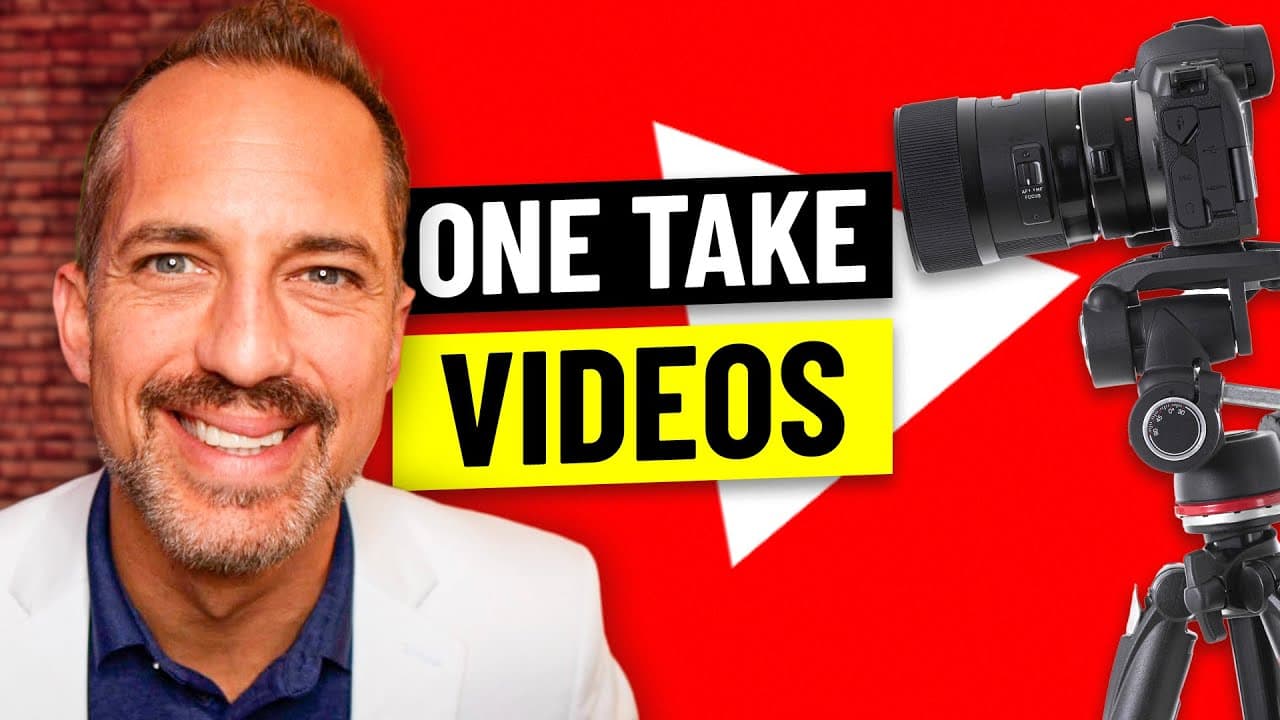
a one take is a video that you can shoot from beginning to end without stopping you literally just press the record button once you film your video and then you press the record button again to stop the filming you'll trim off the beginning and end and upload it to YouTube and being able to shoot a one take is a very powerful tool for growing a You... Read More
Key Insights
- 👻 One-take videos can be a powerful tool for growing a YouTube channel, as they require minimal editing and allow for more frequent uploads.
- 🤗 Shooting one-take videos requires expertise in the topic at hand and the ability to confidently deliver the content without major interruptions.
- 😷 The Great Video Formula (Grab Attention, Relate to the Viewer, Explain the Solution, Ask for Engagement, Tell Them What to Do Next) helps structure and engage viewers in one-take videos.
- ❤️🩹 Adjusting framing, delivering attention-grabbing statements, relating to viewer problems, explaining solutions, and ending with engagement and calls to action are essential elements of shooting successful one-take videos.
- 🎮 It's important to avoid summarizing videos, future-casting topics, and rambling during one-take videos to maintain viewer interest and engagement.
- 💗 By shooting and uploading multiple one-take videos, you can increase your YouTube channel's visibility and grow your audience.
Install to Summarize YouTube Videos and Get Transcripts
Explore YouTube Video Summarizer or Get YouTube Transcript Extractor
Questions & Answers
Q: Why is shooting a one-take video beneficial for growing a YouTube channel?
Shooting one-take videos reduces the need for video editing, resulting in lower costs and allowing for more frequent video uploads. This increases your chances of outranking competitors in search engine results.
Q: How should I handle mistakes during a one-take video?
If you make a major mistake, restart the video. However, if you make minor mistakes, continue without stopping. It's more efficient to reshoot the entire video than to spend time editing it.
Q: What does the Great Video Formula entail?
The Great Video Formula consists of five steps: Grab Attention, Relate to the Viewer, Explain the Solution, Ask for Engagement, and Tell Them What to Do Next. Following this formula helps structure your one-take video and engages viewers effectively.
Q: Should I rely on notes during a one-take video?
It's recommended to have a few notes to reference during your one-take video. However, avoid excessive reliance on notes and ensure that you deliver your content confidently and calmly.
Summary & Key Takeaways
-
Shooting one-take videos allows for low video editing costs and more frequent uploads, leading to better rankings in search engines.
-
To shoot a successful one-take video, avoid stopping and restart if necessary, focus on a topic you're an expert in, and follow the Great Video Formula (Grab Attention, Relate to the Viewer, Explain the Solution, Ask for Engagement, Tell Them What to Do Next).
-
Implement the 5-point system for shooting one-take videos: adjust framing, choose an attention-grabbing statement, relate to the viewer's problems, explain your solution, and end with a call for engagement and a suggestion to watch more videos.
Read in Other Languages (beta)
Share This Summary 📚
Summarize YouTube Videos and Get Video Transcripts with 1-Click
Try YouTube Summary with ChatGPT & Claude or YouTube Transcript Generator
Explore More Summaries from Owen Video 📚






Summarize YouTube Videos and Get Video Transcripts with 1-Click
Try YouTube Summary with ChatGPT & Claude or YouTube Transcript Generator