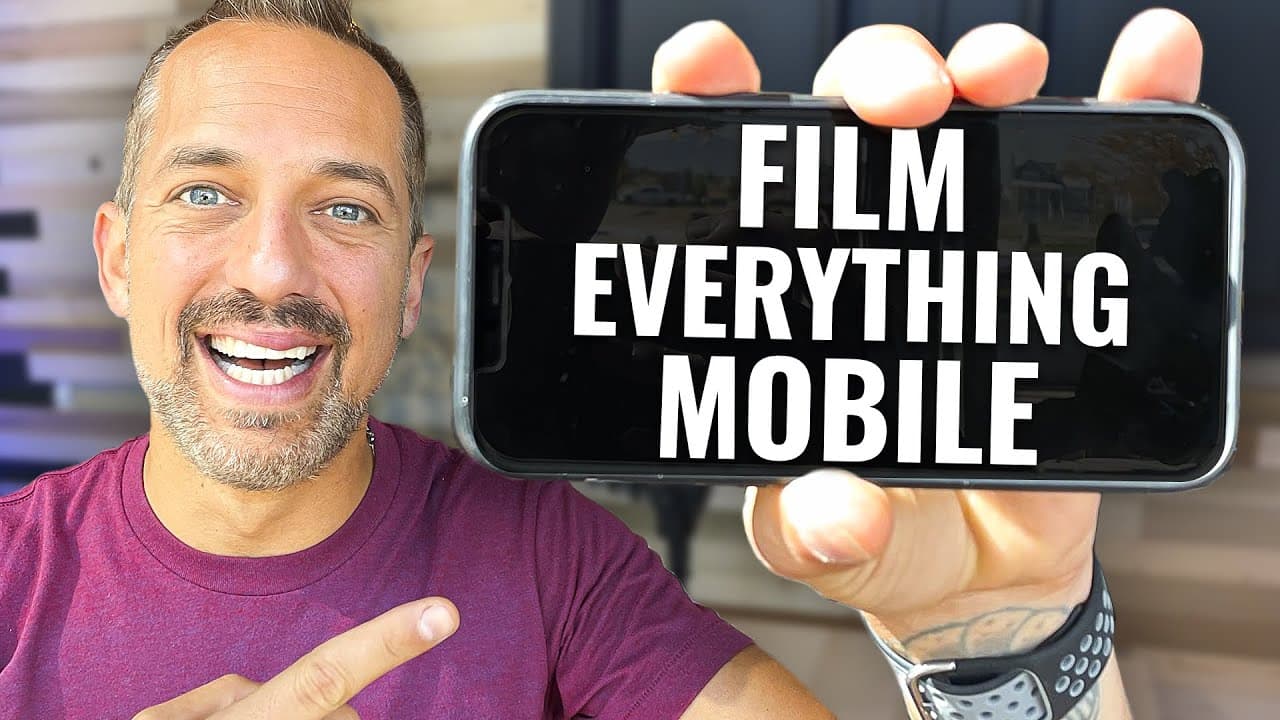
Tips for Filming YouTube Videos with Your Phone
TL;DR
Shoot professional-quality YouTube videos using just your mobile phone and essential accessories like tripods, microphones, and lighting. Proper framing and editing techniques are crucial for delivering engaging content that resonates with your audience.
Transcript
mobile phone video is powerful because it's easy you've already got a mobile device in your pocket right now and your clients don't need you to have a big expensive fancy camera what they need is for you to deliver your message consistently and mobile phone video makes that possible so today i'm going to show you my process for shooting great looki... Read More
Key Insights
- 📱 Mobile phone videos allow for convenient and consistent message delivery.
- 🎙️ Essential tools for mobile phone video shooting include tripods, tripod adapters, microphones, and lighting equipment.
- 🖼️ Proper framing is crucial, with options like the rule of thirds and the newscaster frame.
- 😀 InShot is a recommended app for minimal editing, while Dropbox is useful for collaborating with an editor.
- 📱 Mobile phone videos offer a cost-effective alternative to expensive and complicated camera setups.
- 🎮 Lighting plays a significant role in creating high-quality mobile phone videos.
- 😒 Audio quality is essential and requires the use of external microphones.
Install to Summarize YouTube Videos and Get Transcripts
Explore YouTube Video Summarizer or Get YouTube Transcript Extractor
Questions & Answers
Q: Why is shooting videos with a mobile phone powerful?
Mobile phone video is powerful because it allows for convenience and consistent messaging. Your mobile device is readily available, and clients value consistent delivery of your message more than expensive equipment.
Q: What are the key tools needed for high-quality mobile phone video shooting?
Essential tools include tripods (both full-size and tabletop), tripod adapters, microphones (such as the RODE video mic or the Sabintek mic), and lighting equipment (such as the 18-inch ring light by Neewer).
Q: How should the mobile phone be framed for shooting videos?
The rule of thirds suggests positioning yourself close to the middle of the screen, with approximately two fingers' worth of headroom. Another framing option is the newscaster frame, which positions you on one side of the screen, allowing space for additional graphics.
Q: How can videos shot with a mobile phone be edited?
For minimal editing, the free app InShot is recommended. Trim the videos, add text, images, and music using the app before uploading them directly to YouTube. Alternatively, videos can be sent to an editor using Dropbox for advanced editing, including the addition of b-roll and transitions.
Summary & Key Takeaways
-
Shooting videos with your mobile phone is convenient and allows for consistent messaging.
-
Essential tools for mobile phone video shooting include tripods, tripod adapters, microphones, and lighting.
-
Proper framing, file management, and editing techniques are crucial for creating high-quality videos with your mobile phone.
Read in Other Languages (beta)
Share This Summary 📚
Summarize YouTube Videos and Get Video Transcripts with 1-Click
Try YouTube Summary with ChatGPT & Claude or YouTube Transcript Generator
Explore More Summaries from Owen Video 📚






Summarize YouTube Videos and Get Video Transcripts with 1-Click
Try YouTube Summary with ChatGPT & Claude or YouTube Transcript Generator