Which AI Text-to-Speech Generator Sounds Human?
TL;DR
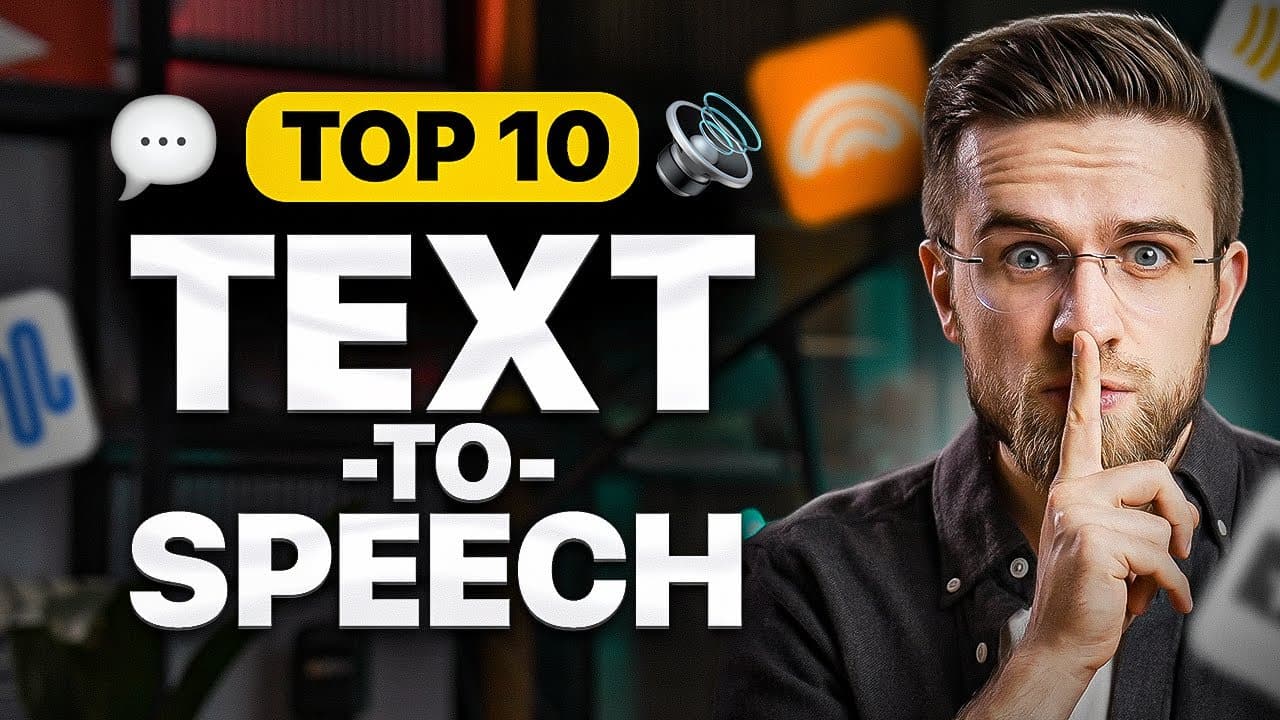
ReadSpeaker is presented as the simplest option for realistic multilingual speech, while SpeechEasy delivers consistent, high-quality short clips and VoiceMaker provides detailed control over pauses, emphasis, pitch, speed, and volume. The best choice depends on whether you prioritize simplicity, expressive customization, document conversion, background audio, celebrity-style voices, or emotion-aware delivery.
Transcript
let's take a look at text to speed generators cool powerful and all of them are different with their own unique quirks and features take my vocal AI for example its main feature is the ability to clone your own voice and then use it in songs or speed generation I know this sounds like something we've all seen before but that doesn't matter because ... Read More
Key Insights
- ReadSpeaker is designed around simplicity, offering a text field, a voice menu, and a play or pause button. It supports many languages with multiple voices, and its generated speech sounds realistic enough that artificial qualities mainly become noticeable during attentive listening with high-quality headphones.
- SpeechEasy is strongest when generating short, consistent pieces of audio. Its generation window is limited to roughly one sentence or ten seconds, but the available voices maintain stable style, tone, and pitch, making the tool useful when a voiceover is planned and divided into short segments.
- MyVocal AI is built around cloning a user's voice for songs or speech, although voice cloning requires a subscription. Its free text-to-speech mode provides English generation with ten celebrity or fictional-character-style voices, and each generation is limited to five hundred characters.
- TTSFree is a beginner-friendly generator that can combine speech with background audio uploaded directly or supplied through a YouTube or SoundCloud link. It also offers many voices plus pitch and speed adjustments, although the review recommends retaining the default settings to preserve the best available voice quality.
- VoiceMaker is focused on precise narration customization rather than background audio. Users can adjust volume, speed, and pitch, insert pauses of chosen lengths, and emphasize selected text. These controls can make generated speech more artistic or dramatic because deliberate pauses significantly affect how spoken words are perceived.
- AnyToSpeech is able to create spoken audio from typed text, PDFs, articles, and links. Its voices are described as natural and professional, with careful pronunciation and narration. The broad input support also allows users to listen to an online article while doing another activity instead of reading it.
- Text-to-Voice is distinguished by voices that support specific emotions, including whispering, for users with a paid subscription. Its input window accepts five hundred characters, and compatible voices are marked with a smiley face, although the interface can make generation errors difficult to diagnose.
- Beebly is presented as a fast, broadly accessible generator with a large selection of free voices, including many English options. It supports styles such as angry, cheerful, unfriendly, and whispering, alongside controls for speed, pitch, volume, and pauses that can be reduced below the default one-second length.
Install to Summarize YouTube Videos and Get Transcripts
Explore YouTube Video Summarizer or Get YouTube Transcript Extractor
Questions & Answers
Q: Which AI text-to-speech tool is easiest to use?
ReadSpeaker is presented as the simplest text-to-speech option because it removes most controls that could confuse users. Its interface contains three main elements: a field for entering text, a drop-down menu for choosing a voice, and a button for playing or pausing the audio. It also supplies multiple languages and several voices for each supported language.
Q: How can I generate consistent short AI voice clips?
SpeechEasy is suited to short voice clips because its generated audio maintains a consistent style, tone, and pitch. Its main limitation is a generation window of only ten seconds, which is roughly one sentence. Planning the script in advance and dividing it into short sections makes it possible to produce a longer voiceover from multiple high-quality, consistent recordings.
Q: How does MyVocal AI voice cloning work in this comparison?
MyVocal AI can clone a user's own voice and then use the cloned result for songs or speech generation, but access to voice cloning requires a paid subscription. Its free alternative is regular English text-to-speech generation with ten voices modeled after celebrities or fictional characters. Each free generation is limited to five hundred characters, and some artificial artifacts remain audible.
Q: How can background audio be added to AI speech?
TTSFree includes a background-audio feature intended to make generated speech sound more natural. Users can upload their own audio file or provide a link from YouTube or SoundCloud, after which the tool processes the material. It also offers voice selection plus pitch and speed controls, although leaving those settings at their defaults is recommended for the highest available quality.
Q: How can pauses and emphasis improve an AI voiceover?
VoiceMaker allows pauses of chosen lengths and emphasis to be inserted at specific points in a script. These features provide more control over timing and delivery than basic voice selection alone. A strategically placed pause can change how listeners interpret spoken words, while emphasis can make particular phrases stand out, helping a generated voiceover sound more artistic or dramatic.
Q: Can AI convert PDFs, articles, and links into speech?
AnyToSpeech can convert several kinds of written material into spoken audio, including manually entered text, PDFs, articles, and links. The generated voices are described as natural, professional, and attentive to pronunciation and narration details. This input flexibility makes it possible to paste an article link and listen to the content while cooking or doing another activity.
Q: Which text-to-speech generator supports emotional voices?
Text-to-Voice supports emotion-aware delivery when a paid subscription is available. Voices marked with a smiley face can use specific modes such as whispering, and the result is described as a separately trained vocal delivery rather than a simple filter applied to ordinary reading. The tool accepts up to five hundred characters, though its interface can be difficult to troubleshoot.
Q: Which free AI voice generator offers styles and pause controls?
Beebly provides a large selection of voices that can be used for free, including many English choices. It also offers delivery styles such as angry, cheerful, unfriendly, and whispering, together with speed, pitch, and volume controls. Users can insert pauses wherever needed and shorten the default one-second pause to a quarter of a second, while generation takes about one second.
Summary & Key Takeaways
-
The comparison shows that human-like text-to-speech tools differ more in workflow and customization than in their basic operation. Most require users to enter text, select a voice, and start generation. Important differences include language support, character or duration limits, voice selection, emotional styles, file uploads, background audio, and narration controls.
-
ReadSpeaker offers a particularly simple interface with text input, voice selection, and playback controls, while SpeechEasy focuses on consistent short recordings. TTSFree adds background audio and basic pitch and speed settings. VoiceMaker provides finer creative control through adjustable pauses, emphasis, volume, pitch, and speed for more dramatic or artistic voiceovers.
-
AnyToSpeech can convert typed text, PDFs, articles, and links into spoken audio, making it suitable for listening to written material. Text-to-Voice supports emotion-aware voices for paid users, while Beebly provides many free voices, styles, pauses, and audio adjustments. MyVocal AI also offers paid voice cloning alongside limited celebrity-style speech generation.
Read in Other Languages (beta)
Share This Summary 📚
Summarize YouTube Videos and Get Video Transcripts with 1-Click
Try YouTube Summary with ChatGPT & Claude or YouTube Transcript Generator
Explore More Summaries from AI Master 📚


Summarize YouTube Videos and Get Video Transcripts with 1-Click
Try YouTube Summary with ChatGPT & Claude or YouTube Transcript Generator