How to turn long videos into viral Shorts with AI
TL;DR
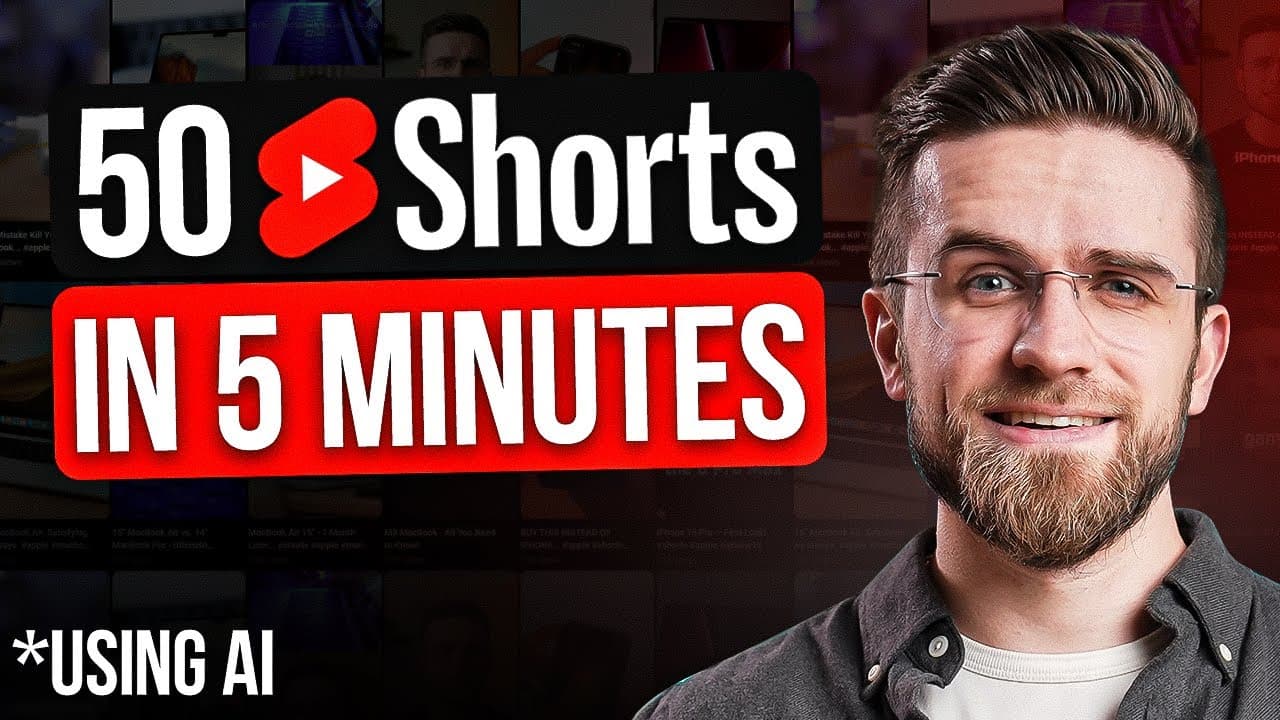
AI can turn a long video into a set of ready to publish Shorts in seconds. Vidyo.ai processes the source, producing 22 clips with captions and cropped layouts suitable for YouTube, TikTok, or Instagram. You can adjust style, add music, and view a viral potential score for each clip.
Transcript
how about taking long YouTube videos and repurposing them as short clips for YouTube Tik Tok or Instagram typically I need to re-record parts of the video or Tinker with the script before recording but the AI as always is smarter than us and can do it much much faster I prefer repurposing my videos into shorts using Vio AI let's say I have this vid... Read More
Key Insights
- Vidyo.ai can generate 22 ready to publish Shorts from a single long video.
- The platform shows a viral potential score for each clip to help pick the best takes.
- Clips are automatically cropped and resized to keep faces centered and relevant action in view.
- You can change each clip’s format on the fly to portrait, landscape, or square.
- Cut magic analyzes a clip and creates multi camera style cuts for engaging layouts.
- Captions are editable with various fonts, colors, outlines, and emojis.
- Music can be added to generated clips to increase viewer engagement.
- An AI assistant can suggest ideas, create show notes, and assist with calendar planning.
Install to Summarize YouTube Videos and Get Transcripts
Explore YouTube Video Summarizer or Get YouTube Transcript Extractor
Questions & Answers
Q: How to create multiple Shorts from a long video using Vidyo.ai
To create multiple Shorts from a long video, upload the video to Vidyo.ai, choose the language, and set a few details for best results. The AI then processes the file and outputs 22 short clips with captions and a viral potential score next to each clip. You can adjust format and layout without re rendering.
Q: What does the viral potential score indicate
The viral potential score represents the likelihood of a short video going viral based on analysis of many short form clips. Vidyo.ai uses its study of numerous prior videos to assign this score, helping you prioritize which clips to publish or further refine. It is visible in the preview view alongside each clip.
Q: Can I customize the layout and style of each clip
Yes, you can customize layout and style for any clip. There are style and layout buttons under each clip, and you can switch formats to portrait, landscape, or square. The changes can be made on the fly, and they apply without re rendering the video, saving time.
Q: What is cut magic and how does it work
Cut magic is a feature that analyzes a clip and finds moments for layout changes, such as when two people are on screen. It then creates a split view or multi camera style for those moments. You can manually enable or disable the split view, and there is a visual timeline to guide editing.
Q: Can captions be edited and styled
Captions can be edited with timestamps and a wide range of options. You can adjust fonts, text colors, outlines, and even add emojis. The editor shows all captions with timestamps, allowing you to modify text and positioning to improve readability and engagement.
Q: What other editing options are available for generated clips
Generated clips offer options to adjust caption styles, change the text, align captions with the audio, and vary the animation style of captions. You can also add music tracks, adjust volume, and apply a progress bar at the bottom to help viewers follow longer videos.
Q: What does Vidyo.ai’s built in AI assistant do
The built in AI assistant can suggest video ideas from uploaded files, generate show notes to summarize the content, and provide advice to improve video quality. It can also turn long videos into shorter tweets or proposals for content re use, helping creators brainstorm and repurpose material.
Q: How does the tool support social media scheduling and workflow
Vidyo.ai includes a social media scheduling feature that helps one person creators and entrepreneurs amplify content reach with less time spent editing. The interface remains simple and intuitive, with quick access to processing results and easy sharing options across platforms.
Summary & Key Takeaways
-
Vidyo.ai converts long videos into multiple Shorts quickly and efficiently, removing the need for manual re-editing or scripting. The platform provides automatically edited clips with captions, resizing, and layout optimization for different social platforms. It also offers real time style changes and a viral potential score to guide publishing.
-
The editor features a multi camera style option called cut magic that automatically creates split view moments, especially useful for interviews and podcasts. Captions are fully customizable with fonts, colors and emojis, and you can add music to boost engagement.
-
A built in AI assistant proposes video ideas, generates show notes, and can help with content planning and scheduling insights, making it a comprehensive tool for small creators aiming to scale production with minimal effort.
Read in Other Languages (beta)
Share This Summary 📚
Summarize YouTube Videos and Get Video Transcripts with 1-Click
Try YouTube Summary with ChatGPT & Claude or YouTube Transcript Generator
Explore More Summaries from AI Master 📚


Summarize YouTube Videos and Get Video Transcripts with 1-Click
Try YouTube Summary with ChatGPT & Claude or YouTube Transcript Generator