What Are the Must-Know Windows Commands for Productivity?
TL;DR
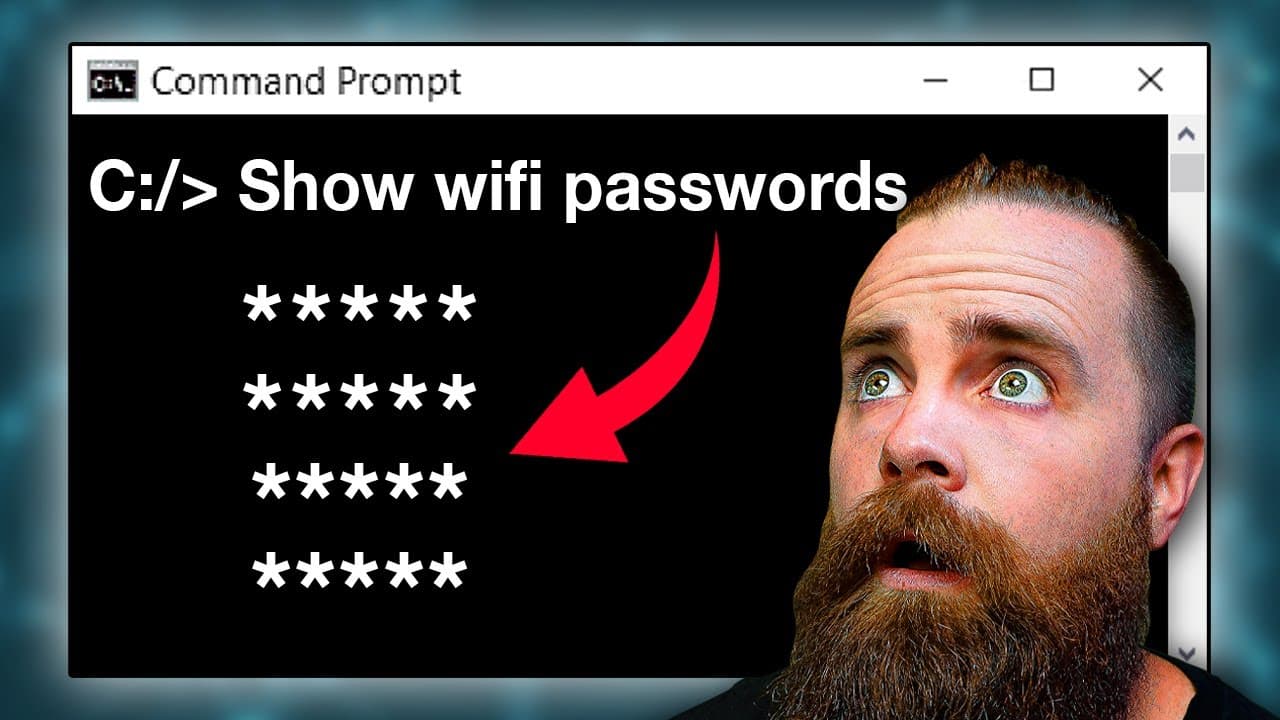
There are essential Windows commands that can significantly enhance your productivity. For instance, you can run Command Prompt as an administrator by default, zip and encrypt sensitive files, and use 'netsh wlan show profile' to view saved Wi-Fi passwords. Commands like 'curl' enable you to check weather updates and manage website links directly from the command line.
Transcript
You thought you were done, but no. There are 35 more Windows commands you need to know. Let's get right to, the first thing we'll do is launch our command prompt and B mode. Mr. B mode. So either hit Windows key S on your keyboard or click the Windows icons as far from there. Type in cmd, right click and run as administrator. But hold up. What if i... Read More
Key Insights
- 🧑🦽 Running Command Prompt as an administrator by default saves time and prevents the need for manual elevation.
- 📁 Hiding files and folders using the copy command provides an extra layer of security and privacy.
- 🔑 The ability to view Wi-Fi passwords directly from the Command Prompt can be useful for troubleshooting or accessing saved passwords.
- 🧡 Curl offers a range of functionalities, including checking the weather, shortening links, and retrieving website information.
- 😒 Customizing the appearance of Command Prompt can improve the visual experience and make it more enjoyable to use.
- 🤩 Knowing the various function keys in Command Prompt can enhance productivity and save time when working with the command history.
Install to Summarize YouTube Videos and Get Transcripts
Explore YouTube Video Summarizer or Get YouTube Transcript Extractor
Questions & Answers
Q: How can I run Command Prompt as an administrator by default?
Right-click on the Command Prompt shortcut, select "Properties," go to the "Advanced" tab, and check "Run as administrator by default." This will ensure that Command Prompt always runs with administrative privileges.
Q: How can I hide sensitive files using the Command Prompt?
First, create a zip folder containing the files you want to hide. Then, use the "copy /b" command to hide the zip file inside an image or any other file. This will make it appear as a normal file, but it will contain your hidden files.
Q: Can I view Wi-Fi passwords using Command Prompt?
Yes, you can use the "netsh wlan show profile" command to view the names of Wi-Fi networks you've connected to. To view the passwords, add the parameter "key=clear" after specifying the network name.
Q: What is the Terminal feature in Windows 11?
The Terminal is an upgraded command-line interface in Windows 11 that supports multiple tabs, allowing you to run different command prompts simultaneously. It offers a more modern and customizable experience compared to the traditional Command Prompt.
Key Insights:
- Running Command Prompt as an administrator by default saves time and prevents the need for manual elevation.
- Hiding files and folders using the copy command provides an extra layer of security and privacy.
- The ability to view Wi-Fi passwords directly from the Command Prompt can be useful for troubleshooting or accessing saved passwords.
- Curl offers a range of functionalities, including checking the weather, shortening links, and retrieving website information.
- Customizing the appearance of Command Prompt can improve the visual experience and make it more enjoyable to use.
- Knowing the various function keys in Command Prompt can enhance productivity and save time when working with the command history.
- The Terminal feature in Windows 11 adds more flexibility and convenience to the command-line experience, especially with the inclusion of PowerShell support.
Summary & Key Takeaways
-
Launch Command Prompt in administrator mode by default, making it easier to run commands that require administrative privileges.
-
Use the copy command to hide sensitive files inside a zip folder or encrypt them so that only you can access them.
-
Hide folders from view using the attrib command and bring them back by reversing the attributes.
-
Use the "netsh wlan show profile" command to view previously connected Wi-Fi networks and their passwords.
-
Utilize Curl to check the weather, shorten links, check the status of a website, and more.
-
Customize your Command Prompt appearance with color and prompt settings.
-
Interact with the command history using function keys to save time and recall previous commands.
-
Explore the new Terminal feature in Windows 11, which offers an improved command-line experience and supports PowerShell.
Read in Other Languages (beta)
Share This Summary 📚
Summarize YouTube Videos and Get Video Transcripts with 1-Click
Try YouTube Summary with ChatGPT & Claude or YouTube Transcript Generator
Explore More Summaries from NetworkChuck 📚




Summarize YouTube Videos and Get Video Transcripts with 1-Click
Try YouTube Summary with ChatGPT & Claude or YouTube Transcript Generator