How to Manage AI Agents with Paperclip
TL;DR
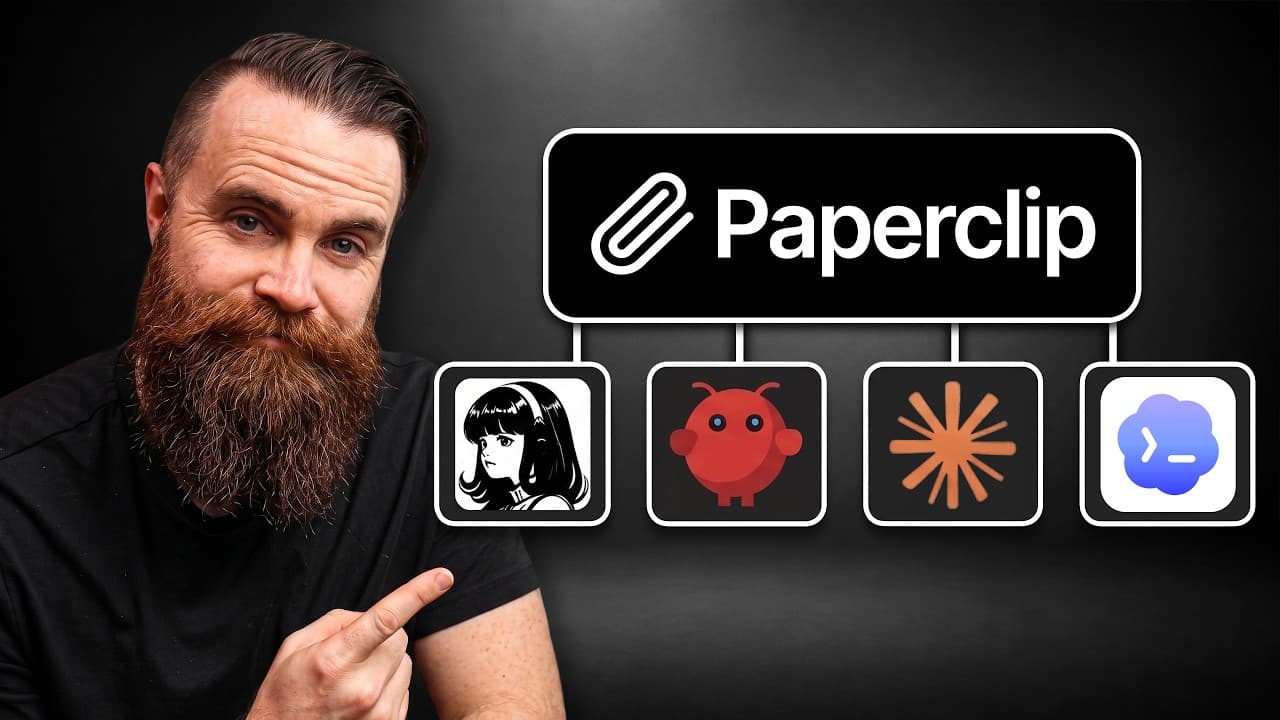
Paperclip is a meta harness that allows you to manage multiple AI agents as if they were employees within a company. It facilitates communication and task assignments among agents like Claude Code, Codex, and Hermes. The video demonstrates setting up an AI-driven IT department to solve real network issues, emphasizing Paperclip's ability to integrate different AI models and harnesses.
Transcript
So, we're all using agents, right? Lots of agents. Hermes, Codex, Claude Code, Open Claude. In my company, I have eight. It's great, but managing them, that's hard. How does everyone talk to them? Can they talk to each other? Who does what? Who's keeping track of that? And what about security? We've seen attempts at this, but it's really not it. Bu... Read More
Key Insights
- Paperclip is a meta harness that integrates various AI models and harnesses, allowing them to function as a cohesive unit.
- Agents in Paperclip are treated as employees, with tasks assigned and managed through an organizational structure.
- Communication between agents is task-focused, ensuring intentional and productive interactions.
- Paperclip supports running on various platforms, including local machines and cloud servers, providing flexibility in deployment.
- The setup process for Paperclip involves installing the software on a server and configuring agents and tasks.
- Paperclip's task management system includes features like approval gates, watchdogs, and routines for automation.
- The video showcases an example where agents are used to troubleshoot a network issue related to a NAS disconnection.
- Paperclip's integration with threat intelligence platforms like Flare enhances security monitoring and incident response capabilities.
Install to Summarize YouTube Videos and Get Transcripts
Explore YouTube Video Summarizer or Get YouTube Transcript Extractor
Questions & Answers
Q: How to install Paperclip for managing AI agents?
To install Paperclip, you need a server running a compatible operating system like Ubuntu, Mac, or Windows with WSL2. Download the installation script and execute it to set up Paperclip. Once installed, you can access it via a web interface and begin configuring your AI agents and tasks. Detailed steps are available in the video and accompanying resources.
Q: What is the role of a meta harness like Paperclip?
A meta harness like Paperclip acts as an overarching framework that integrates various AI models and harnesses, allowing them to function cohesively. It provides a structured environment where AI agents are treated as employees, with tasks assigned and managed through an organizational hierarchy. This approach enhances collaboration and productivity among diverse AI systems.
Q: How does Paperclip facilitate communication between AI agents?
Paperclip facilitates communication between AI agents through a task-focused approach. Agents communicate by assigning and completing tasks, ensuring interactions are intentional and goal-oriented. This method prevents unnecessary chatter and focuses on achieving specific objectives, enhancing the efficiency and effectiveness of the AI team.
Q: What are the deployment options for Paperclip?
Paperclip can be deployed on various platforms, providing flexibility in its implementation. It can run on local machines, virtual machines, or cloud servers, depending on the user's needs. For quick trials, it can be set up on a personal computer, while more robust deployments may require dedicated servers or cloud-based virtual machines.
Q: What features does Paperclip offer for task management?
Paperclip offers comprehensive task management features, including approval gates, watchdog agents, and routines for automation. These tools ensure tasks are completed efficiently and help monitor progress. Approval gates require human oversight for critical decisions, while watchdogs and routines automate checks and balances, enhancing the overall management process.
Q: How can Paperclip be used to solve network issues?
Paperclip can be used to solve network issues by assigning tasks to AI agents specialized in network management. These agents can diagnose problems, communicate with each other to share insights, and propose solutions. The video provides an example where agents address a NAS disconnection issue, showcasing Paperclip's capability to coordinate complex troubleshooting tasks.
Q: What security integrations does Paperclip support?
Paperclip supports security integrations with platforms like Flare, a threat intelligence service. This integration allows Paperclip to monitor potential security threats, such as leaked credentials and unauthorized access attempts. By leveraging Flare, Paperclip enhances its security monitoring capabilities, providing real-time alerts and enabling proactive incident response.
Q: How does Paperclip handle task automation?
Paperclip handles task automation through its routines feature, which allows users to schedule tasks at specific intervals. These automated tasks can perform regular checks, generate reports, and notify users of any issues. Routines streamline repetitive processes, ensuring consistent monitoring and maintenance without requiring manual intervention.
Summary & Key Takeaways
-
Paperclip transforms AI agents into a structured company with roles and tasks, enhancing management and collaboration. It integrates various AI harnesses, allowing agents to communicate and solve problems collectively.
-
The video demonstrates setting up an AI-driven IT department using Paperclip to resolve network issues, highlighting its task management and automation capabilities.
-
Paperclip's flexibility in deployment and integration with security tools like Flare provides a comprehensive solution for managing AI agents and enhancing organizational security.
Read in Other Languages (beta)
Share This Summary 📚
Summarize YouTube Videos and Get Video Transcripts with 1-Click
Try YouTube Summary with ChatGPT & Claude or YouTube Transcript Generator
Explore More Summaries from NetworkChuck 📚




Summarize YouTube Videos and Get Video Transcripts with 1-Click
Try YouTube Summary with ChatGPT & Claude or YouTube Transcript Generator