How to Run the Reflection AI Model Locally
TL;DR
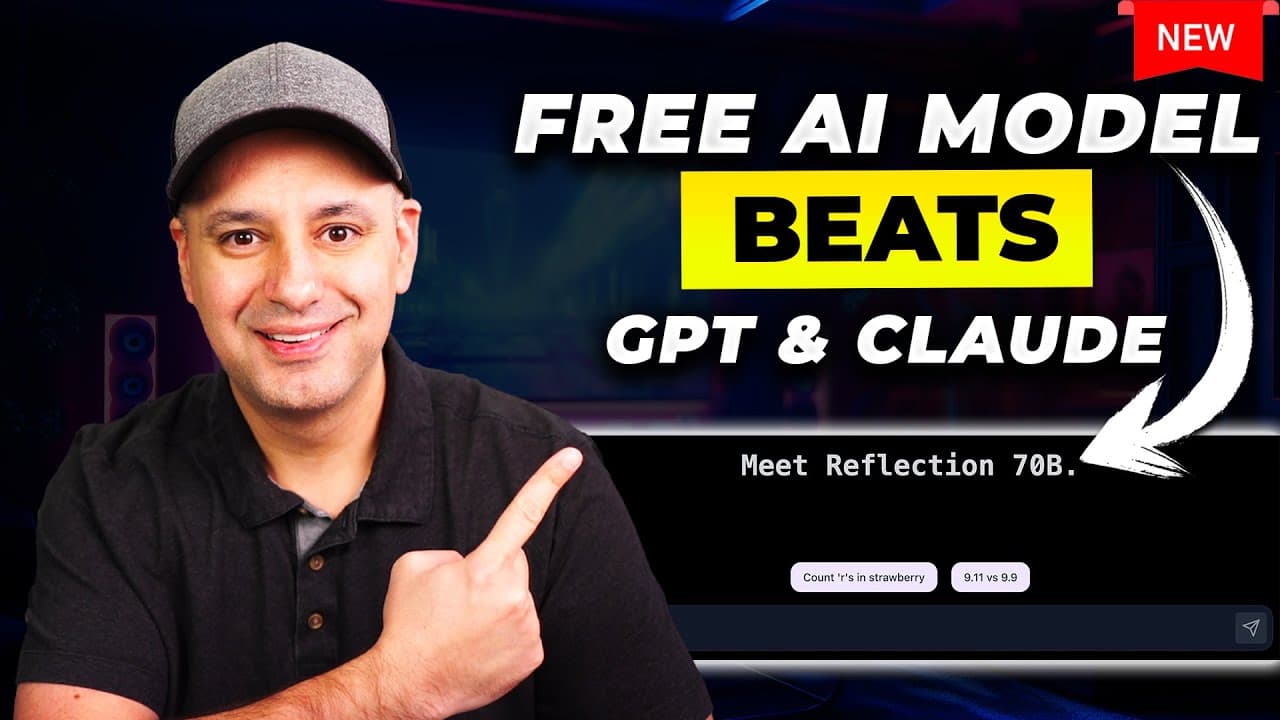
Install Reflection locally by using Ollama to download the model, Docker to run the required container, and Open WebUI to provide a browser-based chat interface. The available Reflection 70B download is about 39 GB, and its distinctive response process displays its thinking before reflecting on the draft and producing a final answer.
Transcript
there's a brand new large language model that is free to use it's open source and it beats GPT 40 and Claude Sonet right now and in this video I wanted to show you how to actually install it and run it locally on your computer and the biggest benefit with this model is it tries to solve a big problem with large language models which is hallucinatio... Read More
Key Insights
- Reflection is a free, open-source large language model that attempts to reduce hallucinations by reviewing its own output. It exposes a thinking stage, produces an initial response, and then reflects on that response before presenting its final answer.
- The benchmark presented in the video claims that Reflection 70B beats GPT-4o, Claude 3.5 Sonnet, and Gemini 1.5 Pro in nearly every displayed category. Claude 3.5 Sonnet is described as the closest competitor in several categories.
- Ollama is the software used to download and run Reflection locally. The installation supports Macs running macOS 11 Big Sur or later and Windows computers running Windows 10 or later, according to the requirements provided in the walkthrough.
- The Reflection 70B installation is about 39 GB and took approximately 13 minutes in the demonstration. The presenter cautions that performance depends on the computer and suggests choosing a smaller Reflection model if one becomes available and the 70B version runs slowly.
- Reflection 400B is a planned, substantially larger version that the presenter says will not be practical to run locally on most computers. An online website is mentioned as a possible way to test it after release, although the existing playground experienced excessive traffic.
- Docker is required to run the Open WebUI container, but users do not need to configure Docker manually. They install the correct version for an Intel Mac, Apple silicon Mac, or PC, open the application, and leave it running.
- Open WebUI is a locally hosted chatbot interface that resembles ChatGPT and can operate open-source models. After its installation command runs in Terminal, Docker displays a container with a port link that opens the interface at localhost port 3000.
- Local operation is described as private and independent of a public website. The presenter states that the chatbot can continue operating with Wi-Fi turned off because Ollama, Reflection, Docker, and Open WebUI are installed and running on the computer.
Install to Summarize YouTube Videos and Get Transcripts
Explore YouTube Video Summarizer or Get YouTube Transcript Extractor
Questions & Answers
Q: How do you install the Reflection AI model locally?
Install Ollama from its website, open Terminal, and run the provided Llama 3.1 command. Next, find Reflection in the Ollama model library and run the Reflection installation command. Install and open Docker, then copy the Open WebUI installation command from its documentation into Terminal. When Docker creates the container, open its port link and select Reflection 70B in Open WebUI.
Q: What software is required to run Reflection locally?
The walkthrough uses three main applications: Ollama, Docker, and Open WebUI. Ollama downloads and runs open-source language models, including Reflection. Docker runs the container created during the Open WebUI installation. Open WebUI supplies the browser-based chatbot interface at localhost port 3000, where the installed Reflection model can be selected from a dropdown menu and used for conversations.
Q: How does Reflection try to reduce AI hallucinations?
Reflection tries to reduce hallucinations by reviewing its own response before delivering the final result. During a conversation, it displays a thinking stage, develops an answer, and then performs a reflection step on that answer. The purpose is to identify potential mistakes or weaknesses in its initial reasoning, especially when accuracy matters for research or data analysis.
Q: How large is the Reflection 70B model download?
The Reflection 70B model download shown in the installation is about 39 GB. In the demonstration, the download took approximately 13 minutes, although the presenter notes that the experience depends on the computer. If a smaller Reflection model becomes available, users with slower hardware may prefer it because the 70B version could run too slowly on their system.
Q: Can Reflection run privately without an internet connection?
The local setup is described as a private experience that does not depend on a public chatbot website after installation. Open WebUI opens in a browser at localhost port 3000, which means the interface is running on the computer. The presenter states that Wi-Fi can be turned off while using it because the model and supporting applications have already been installed locally.
Q: How do you access Reflection through Open WebUI?
After Ollama, Reflection, Docker, and Open WebUI are installed, open the Docker application and locate the newly created container. Click the displayed port number to open the local Open WebUI page at localhost port 3000. Complete the Open WebUI sign-up step if needed, open the model dropdown, choose Reflection 70B, enter a prompt, and send the message.
Q: What computer requirements are mentioned for installing Ollama?
The walkthrough states that Mac users need macOS 11 Big Sur or later, while Windows users need Windows 10 or later. Mac users downloading Docker must also choose the correct processor version. The available options distinguish Intel chips from Apple silicon chips such as M1, M2, and M3, although the website usually detects the computer and recommends an option.
Q: How does Reflection 70B compare with other AI models?
The benchmark displayed in the presentation claims that Reflection 70B outperforms GPT-4o, Claude 3.5 Sonnet, and Gemini 1.5 Pro in nearly every listed category. Claude 3.5 Sonnet is described as coming very close in a few categories. These comparisons are presented as benchmark claims in the source, while the practical demonstration focuses on installation and Reflection's response process.
Summary & Key Takeaways
-
Reflection is presented as a free, open-source language model designed to reduce hallucinations through self-reflection. The model displays its thinking, generates an answer, and then reflects on that response. The benchmark shown in the presentation claims that Reflection 70B outperforms GPT-4o, Claude 3.5 Sonnet, and Gemini 1.5 Pro across nearly every listed category.
-
The local installation begins with Ollama, which runs open-source language models on a computer. After installing Ollama, the user enters terminal commands to download Llama 3.1 and Reflection. The Reflection 70B model requires a download of about 39 GB, so installation speed and performance depend on the computer being used.
-
Docker and Open WebUI provide the interface for using Reflection after the model download finishes. Docker runs a container created through a terminal command, while Open WebUI supplies a familiar chatbot interface at localhost port 3000. Users can select Reflection 70B from the model menu and chat without relying on a public website.
Read in Other Languages (beta)
Share This Summary 📚
Summarize YouTube Videos and Get Video Transcripts with 1-Click
Try YouTube Summary with ChatGPT & Claude or YouTube Transcript Generator
Explore More Summaries from Skill Leap AI 📚






Summarize YouTube Videos and Get Video Transcripts with 1-Click
Try YouTube Summary with ChatGPT & Claude or YouTube Transcript Generator