How to Build Professional Websites with Codex
TL;DR
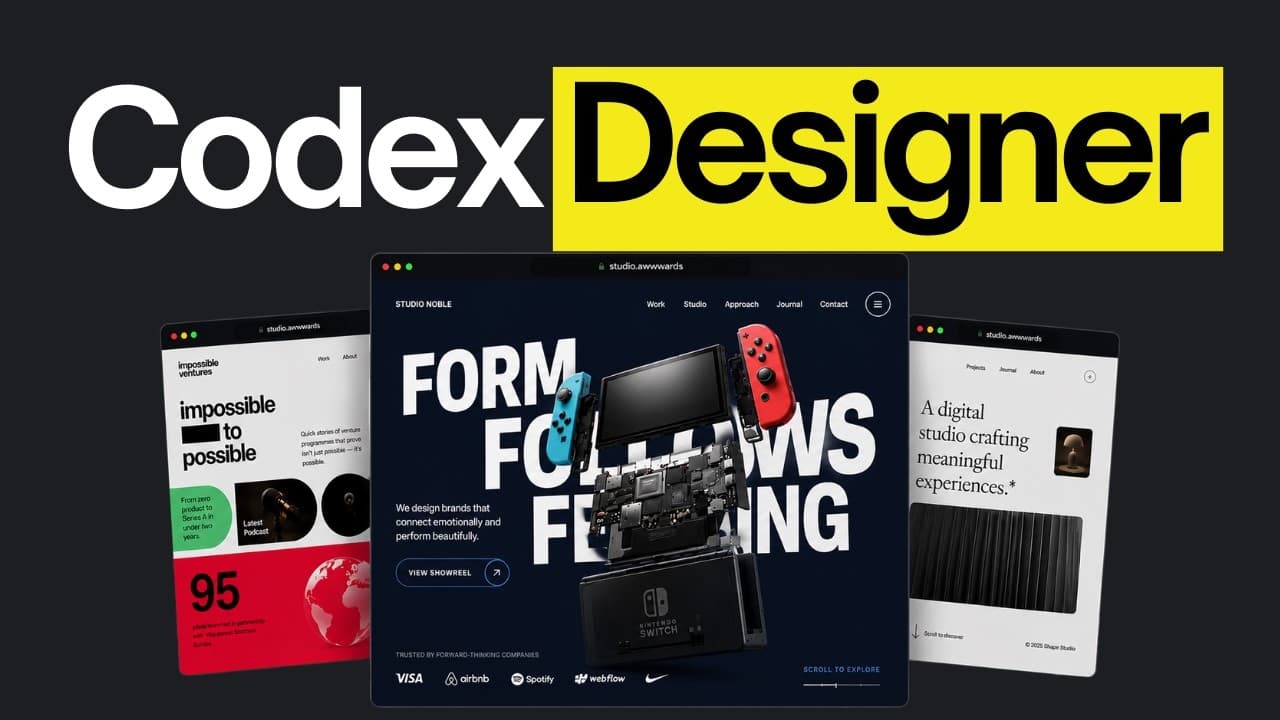
Define the landing page’s audience, purpose, product, and desired action before asking Codex to build it. Preserve that context in AGENTS.md, apply reusable visual rules through the GPT Taste skill, and let Codex start and verify the local site itself. This workflow aims to replace repetitive AI styling with a consistent, brand-specific design that is suitable for client work.
Transcript
If you didn't already know, we're a software company and we've developed seven stages that you can use to make sure Codex builds websites that don't look AI vibecoded, but actually feel professional and belong to a real brand. Whether you're completely new to AI coding or you already have experience with it, there's something here for you. If you'v... Read More
Key Insights
- A Codex project is an actual folder on the user’s computer, and each conversation inside that project is called a thread. The app also provides access to project files and a browser, so the demonstrated workflow does not require opening a terminal or an IDE such as Visual Studio Code.
- The initial landing-page prompt is most effective when it defines the audience, purpose, product capabilities, and intended visitor action. A broad request gives Codex only a topic, forcing it to guess important product and conversion decisions even when the resulting page looks visually polished.
- The page’s desired action is the most important instruction in the example prompt. Telling Codex that Beacon should collect waitlist registrations gives the landing page a concrete function and prevents it from adding an inappropriate sign-up flow for a product that has not yet been released.
- AGENTS.md is an instruction file that Codex reads before working on a project. It preserves essential context, including the project purpose, structure, and folder organization, so new threads and later tasks can begin with consistent information instead of requiring the same instructions repeatedly.
- The init command creates an AGENTS.md file from the context already supplied in the conversation. The walkthrough also recommends adding an instruction that Codex should perform available actions itself, including starting the application and verifying that the completed build works correctly.
- A skill is a reusable instruction file that Codex reads for a particular type of work. The GPT Taste skill supplies updated visual-system rules intended to counter recurring patterns produced by newer GPT models and help websites avoid looking like variations of the same AI-generated template.
- The walkthrough advises using the GPT Taste skill for design and explicitly telling Codex not to use the site skill for designing. It also suggests recording that restriction in AGENTS.md, while limiting the restriction to design because the site skill has another use addressed later.
- A localhost link opens a website running only on the builder’s computer and cannot be shared directly with other people. Codex can provide this link after starting the application, and the built-in browser panel can open it without requiring the user to leave the Codex app.
Install to Summarize YouTube Videos and Get Transcripts
Explore YouTube Video Summarizer or Get YouTube Transcript Extractor
Questions & Answers
Q: How should I prompt Codex to build a landing page?
Describe the page’s purpose, who it serves, what the product or platform does, and the exact action visitors should take. The example specifies a Next.js landing page for Beacon, a podcast analytics platform, with the primary goal of getting users to join a waitlist. This context reduces guessing and helps Codex build toward the correct business objective.
Q: What is AGENTS.md used for in a Codex project?
AGENTS.md stores persistent instructions and project context that Codex reads before it works. It can document what the website is, how the project is organized, and how Codex should operate. This prevents decisions from drifting when a new thread begins or work moves to another section, because each task starts from the same recorded information.
Q: How do I create an AGENTS.md file in Codex?
Enter a forward slash to open the available commands, select the init option, and submit it. Codex then creates an AGENTS.md file using context from the initial project prompt. The generated file can include the website’s purpose, project structure, folder organization, and other relevant details that were already provided during the conversation.
Q: How can I make Codex work more autonomously?
Add an instruction at the top of AGENTS.md stating that whenever Codex can perform an action itself, it should do so. The walkthrough specifically includes starting the application and verifying that the build works correctly. This instruction addresses the tendency of Codex models to ask users to complete actions that the models can perform without assistance.
Q: How does the GPT Taste skill improve website design?
The GPT Taste skill provides reusable visual-system rules that Codex reads before designing. Its purpose is to push GPT models away from repeated patterns that make separately generated websites share the same visual language. By loading these instructions for design work, Codex receives guidance intended to produce a more distinctive, brand-specific result instead of a familiar AI template.
Q: How do I install and activate the GPT Taste skill?
Copy the provided installation command and ask Codex to run it. After installation, quit Codex and return to the saved thread so the installed skills become available. Then enter the slash command, reference the GPT Taste skill by name, and submit the prompt. Codex will read the instructions contained in that skill before beginning the build.
Q: Which Codex effort and speed settings does the walkthrough recommend?
The walkthrough recommends keeping effort between light and high because settings above that are described as consuming more usage without providing a benefit. It recommends standard speed because the featured Codex models are considered fast enough for the demonstrated workflow, while the fast option uses additional usage. The app’s menu displays remaining weekly usage for monitoring.
Q: How can I preview a website that Codex builds locally?
After Codex builds and starts the site, it provides a localhost link. Open the side panel inside Codex, select the browser, and enter that link to inspect the result without leaving the app. Localhost means the page is available only on the builder’s computer, so sending that address to someone else will not let them access it.
Summary & Key Takeaways
-
Begin by installing the ChatGPT app, signing in, switching to Codex, and creating a project folder. Projects can contain multiple conversations called threads. The walkthrough uses GPT 5.6, recommends light-to-high effort and standard speed, and advises monitoring the weekly usage shown in the app’s menu while working.
-
A strong initial prompt defines more than a broad topic. It identifies the landing page’s purpose, explains what the product does, and specifies the action visitors should take. In the Beacon example, the product is a podcast analytics platform, and the page’s primary function is encouraging prospective users to join its waitlist.
-
Project context and design rules should be made reusable. The init command creates an AGENTS.md file that carries information across tasks and threads, while the GPT Taste skill supplies updated visual guidance. Codex can then build the Next.js site, start it locally, and present a localhost link for inspection in its browser panel.
Read in Other Languages (beta)
Share This Summary 📚
Summarize YouTube Videos and Get Video Transcripts with 1-Click
Try YouTube Summary with ChatGPT & Claude or YouTube Transcript Generator
Explore More Summaries from AI LABS 📚


Summarize YouTube Videos and Get Video Transcripts with 1-Click
Try YouTube Summary with ChatGPT & Claude or YouTube Transcript Generator