How to Run Windows Programs on Linux Using Bottles
TL;DR
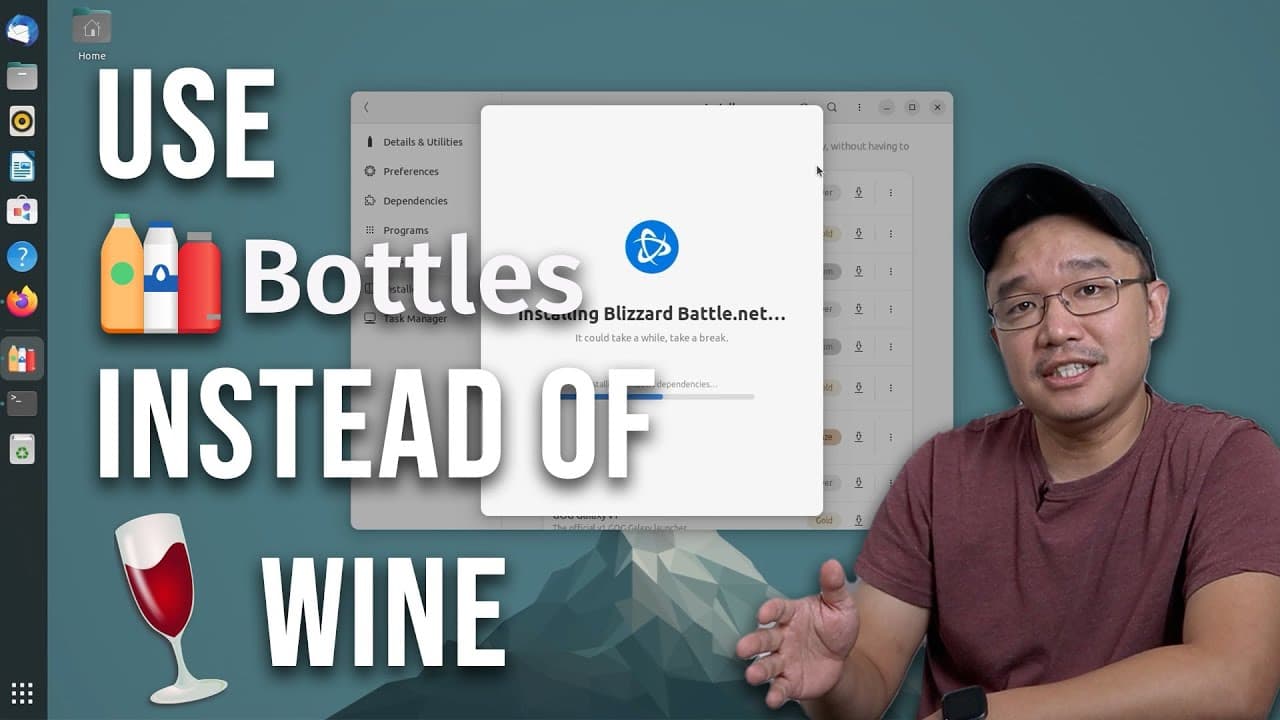
To run Windows programs on Linux, use Bottles, a GUI installer that creates isolated environments for each application, minimizing dependency conflicts. It simplifies the installation and management of Windows software through an intuitive interface and supports Flatpak for easy installation across various Linux distributions.
Transcript
hey guys what's going on it's Don here from Nova Spirit Tech and welcome back to our Channel and today I'm going to be showing you guys a really cool program called bottles which is basically a wine installer for Linux so let's get started now I use Linux a lot and from time to time I have to install Windows programs there's just no doubt about it ... Read More
Key Insights
- 🫥 Bottles provides an intuitive GUI for Wine, making it more accessible for users who are not comfortable with command-line interfaces.
- 👤 By creating separate "bottles," users can manage multiple Windows applications without the risk of dependency conflicts, enhancing system stability.
- 👻 The software's dependency management is simplified through automated configurations, allowing users to focus more on productivity and less on compatibility issues.
- 🍼 Bottles allows users to save and transfer their bottle settings, making it easy to replicate setups across different machines or for backups.
- 😄 Given its Flatpak support, Bottles can be installed on various Linux distributions, promoting cross-platform compatibility and ease of installation.
- 👾 With built-in options for performance enhancements, Bottles helps improve the efficiency of Windows applications and games running on Linux.
- 👀 Users looking for additional resources can visit the official Bottles website for documentation, bug reporting, and community support.
Install to Summarize YouTube Videos and Get Transcripts
Explore YouTube Video Summarizer or Get YouTube Transcript Extractor
Questions & Answers
Q: What is Bottles and how does it work?
Bottles is a graphical user interface for Wine, designed to simplify the installation and management of Windows applications on Linux. It creates isolated environments, known as "bottles," for each application, allowing users to keep dependencies separated and avoid conflicts. This makes it easier for users to install multiple Windows programs without worrying about which dependencies are required for each one.
Q: How do I install Bottles on my Linux system?
To install Bottles, you need to have Flatpak and a compatible software center installed. Simply search for "Bottles" in your software center or use terminal commands to install Flatpak and the GNOME Software Center if necessary. Once you have the setup, you can easily find and install Bottles, which will allow you to start creating bottles for your Windows applications.
Q: Can Bottles run games and other applications seamlessly?
Yes, Bottles allows users to install not just utility software but also games. It provides features such as environment configuration and specific installers for popular platforms like Battle.net and the Epic Game Store. Users can configure various settings to enhance game performance, making Bottles suitable for both gaming and productivity applications.
Q: What are some unique features of Bottles compared to traditional Wine installations?
Unlike traditional Wine installations, Bottles offers a visually appealing graphical interface that aids in managing applications effortlessly. It automatically handles dependency configurations and allows users to save and export bottle settings for use on other systems. Additionally, it provides options for optimizing performance, such as enabling DXVK and setting GPU preferences, enhancing the overall user experience.
Summary & Key Takeaways
-
Bottles is a graphical user interface for Wine that allows Linux users to install and manage Windows applications more easily and efficiently, minimizing conflicts between different software dependencies.
-
Users can create “bottles” or containers, which are separate environments for each Windows program, preventing dependency conflicts and streamlining the installation process.
-
The software supports Flatpak installation and provides various configuration settings to optimize Windows applications for Linux, making it a versatile tool for gamers and productivity users alike.
Read in Other Languages (beta)
Share This Summary 📚
Summarize YouTube Videos and Get Video Transcripts with 1-Click
Try YouTube Summary with ChatGPT & Claude or YouTube Transcript Generator
Explore More Summaries from Novaspirit Tech 📚






Summarize YouTube Videos and Get Video Transcripts with 1-Click
Try YouTube Summary with ChatGPT & Claude or YouTube Transcript Generator