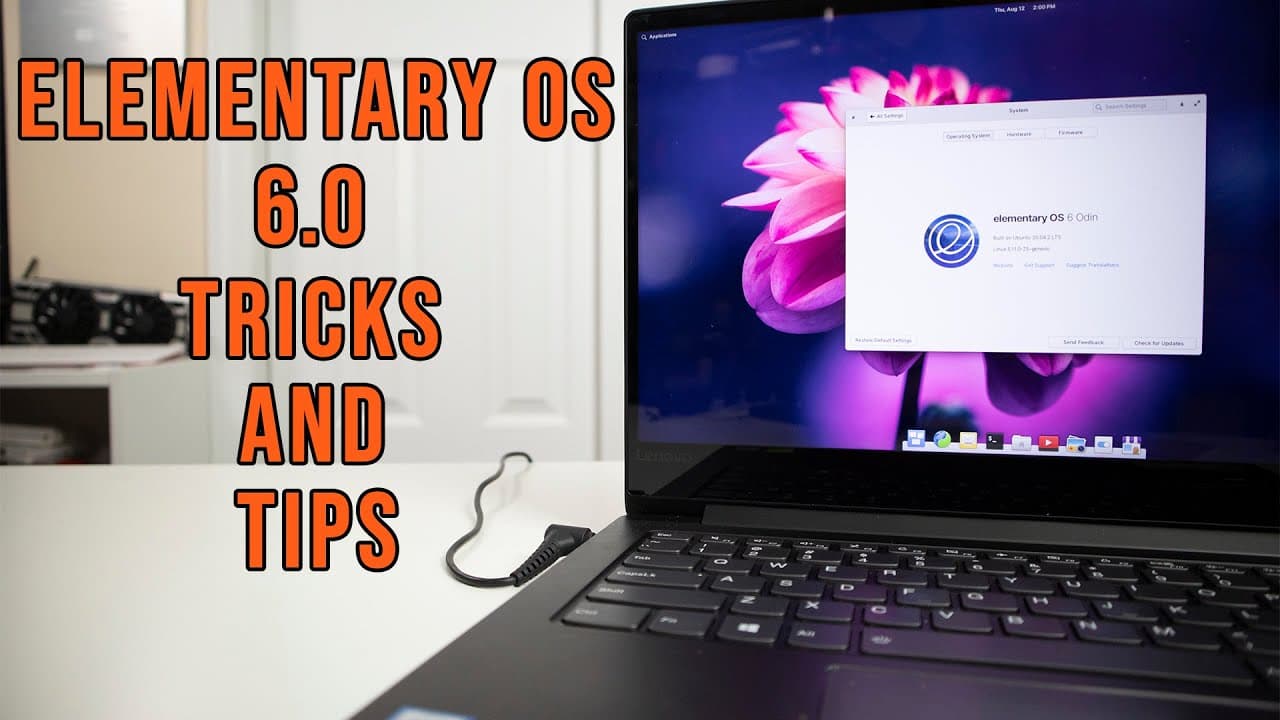
Elementary OS 6.0 Odin Tricks & Tips
TL;DR
Discover essential tricks for optimizing your Elementary OS 6 experience.
Transcript
hey guys don here from nova spare tech and welcome back to the channel and today i'm going to be showing you guys some tricks and tips for elementary os 6 odin so let's get started now a couple of days ago elementary os just released their latest operating system which is elementary os 6.0 odin and it's been a long time coming they've actually been... Read More
Key Insights
- 🥳 Elementary OS 6.0 Odin has been developed over nearly 1,000 days, indicating a strong investment in user feedback and feature enhancement.
- 🈸 The absence of a system tray in the stock version necessitates the installation of add-ons for better app management.
- 👤 Pantheon Tweaks is an essential utility for customizing the operating system experience to match user preferences, such as re-enabling minimize buttons.
- 🔋 Battery management tools like TLP and Laptop Mode Tools are critical for optimizing performance on laptops, especially for users who prioritize battery life.
- 😀 Users typically face Bluetooth connectivity issues post-installation, which can be resolved through simple terminal commands.
- 👻 The introduction of Gnome Usage allows users to monitor system performance and manage resource allocation effectively.
- 🤟 Gesture controls and accent color customization in Elementary OS 6 cater to improving user experience, especially on laptops.
Install to Summarize YouTube Videos and Get Transcripts
Explore YouTube Video Summarizer or Get YouTube Transcript Extractor
Questions & Answers
Q: What are some of the first steps to customize Elementary OS 6?
To customize Elementary OS 6, begin by installing Pantheon Tweaks, which allows you to modify various settings, including adding a minimize button to windows. This can be done using just a few terminal commands, enhancing user experience significantly for those accustomed to different desktop environments.
Q: Why is a system tray important in Elementary OS 6?
A system tray is crucial because it provides quick access to application icons, allowing users to manage apps more efficiently. In Elementary OS 6, lacking this feature can hinder the usability of applications like Steam or messaging clients, as users may not be able to see or close background processes without it.
Q: How can users improve battery life on their laptops running Elementary OS 6?
To enhance battery life, users can install either TLP or Laptop Mode Tools. These tools allow users to manage power settings effectively, such as enabling or disabling Bluetooth, adjusting CPU clock speeds, and controlling various system functions to optimize power usage.
Q: What should I do if Bluetooth is blocked on my laptop after installing Elementary OS 6?
If Bluetooth is blocked, you can unblock it using the "rfkill" command in the terminal. By typing "rfkill unblock bluetooth," you can re-enable Bluetooth functionality, allowing you to connect devices without any issues after installation.
Q: How do I resolve the suspend issue on Elementary OS 6?
If your laptop does not enter suspend mode properly, installing the pm-utils package can solve this problem. Simply use the terminal command "sudo apt install pm-utils" to ensure your device can suspend correctly, addressing background display issues upon suspension.
Q: What are some recommended applications to install for better performance?
Recommended applications include Gnome Usage for system resource management, Gnome Disk Utility for USB configuration, and WireGuard for VPN connections. These tools enhance the overall functionality of Elementary OS 6, making it a more robust operating system for daily use.
Q: What new features does Elementary OS 6 bring for laptop users?
Elementary OS 6 introduces enhancements like gesture controls for multitasking, improved notification systems, and customizable accent colors, all designed to create a more intuitive and accessible user experience tailored for laptop use.
Q: How can I take screenshots easily in Elementary OS 6?
To take screenshots in Elementary OS 6, you can use the right-click functionality on any window, allowing you to capture images seamlessly. This feature enhances usability by providing quick access to capturing content without additional software.
Summary & Key Takeaways
-
The video showcases various tips and tricks for enhancing the usability of Elementary OS 6 (Odin), which has been under development for nearly 1,000 days. The host shares personal insights and solutions to common issues faced by users.
-
Key enhancements discussed include adding a system tray, Pantheon Tweaks for UI customization, and installing essential utilities like Gnome Usage for monitoring system performance and TLP or Laptop Mode Tools for battery management.
-
The host also addresses specific problems like Bluetooth functionality and suspend issues, providing solutions like installing the appropriate utilities to ensure smooth operation on laptops.
Read in Other Languages (beta)
Share This Summary 📚
Summarize YouTube Videos and Get Video Transcripts with 1-Click
Try YouTube Summary with ChatGPT & Claude or YouTube Transcript Generator
Explore More Summaries from Novaspirit Tech 📚






Summarize YouTube Videos and Get Video Transcripts with 1-Click
Try YouTube Summary with ChatGPT & Claude or YouTube Transcript Generator