Hackintosh Install Script For Proxmox
TL;DR
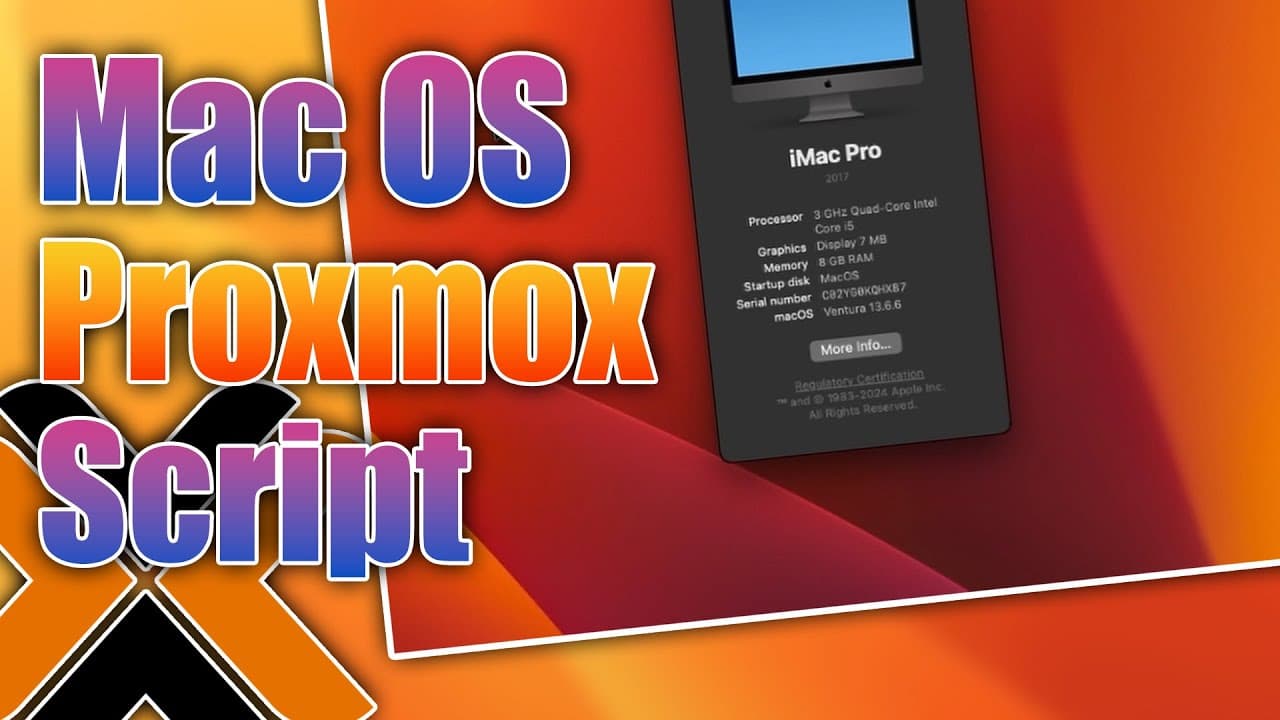
A script simplifies the installation of Mac OS on Proxmox for iMessaging purposes.
Transcript
all right so today we're going to be installing Mac OS through a script on proxmox so let's get started now I personally run Mac OS in my environment just so I can run this software called blue bubble server which allows me to forward my iMessaging to my Android device this way I technically have iMessaging with that being said otherwise I don't re... Read More
Key Insights
- 👻 Proxmox is a powerful virtualization platform that allows for the installation of various operating systems, including Mac OS, via scripts.
- 🏵️ The OSX prox Max script significantly reduces installation complexity, enabling users to set up Mac OS with minimal manual input.
- 😵 The narrator's usage of Mac OS serves a practical purpose, allowing integration of iMessaging into an Android device, making it a valuable tool for cross-platform messaging.
- 😚 The installation of Mac OS in Proxmox typically takes around 15-20 minutes, which includes multiple reboots and setup steps, reflecting the importance of patience and oversight during the process.
- 😑 Using pre-downloaded ISOs can expedite the installation process substantially, highlighting the benefits of proper planning and resource management.
- 💁 After installation, configurations can be modified through Open Core, though that information was not covered in detail in this content.
- 😑 Users need a pre-approved Apple ID to successfully set up iMessaging in the virtualized environment, emphasizing the importance of existing Apple services.
Install to Summarize YouTube Videos and Get Transcripts
Explore YouTube Video Summarizer or Get YouTube Transcript Extractor
Questions & Answers
Q: What is the purpose of running Mac OS in Proxmox for the narrator?
The narrator primarily runs Mac OS on Proxmox to utilize the blue bubble server, which allows the forwarding of iMessaging to an Android device. This setup offers a way to access iMessages without owning a Mac hardware device, effectively integrating Apple messaging service capabilities into an Android environment.
Q: How does the OSX prox Max script benefit the installation process?
The OSX prox Max script simplifies the installation of Mac OS on Proxmox by automating various setup tasks such as creating configuration files, downloading the OS ISO, and installing Open Core. This reduces the manual effort required by users, enabling them to set up Mac OS quickly and efficiently without extensive technical knowledge.
Q: What are the system requirements specified for running Mac OS in Proxmox?
During the setup, the narrator specifies a virtual machine configuration with 64GB of storage, four CPU cores, and 8GB of RAM. While 4GB is the default, increasing RAM helps improve performance, particularly for applications like Xcode, though optimizing for specific workloads may require even more resources.
Q: What challenges are faced when running Mac OS without a dedicated graphics card?
Without a dedicated graphics card, the Mac OS runs sluggishly, particularly evident when trying to play videos or perform graphical tasks. The absence of graphic acceleration leads to slow performance, potentially causing applications to freeze or crash, underscoring the limitations of this virtualized environment.
Summary & Key Takeaways
-
The content focuses on using a script called OSX prox Max to streamline the installation of Mac OS on a Proxmox environment, making the process simpler for users.
-
The narrator runs Mac OS mainly to utilize the blue bubble server for forwarding iMessages to Android, highlighting the practical benefits of this setup.
-
The installation process involves configuring virtual machines, downloading necessary files, and using Open Core to complete the setup efficiently, emphasizing ease of use.
Read in Other Languages (beta)
Share This Summary 📚
Summarize YouTube Videos and Get Video Transcripts with 1-Click
Try YouTube Summary with ChatGPT & Claude or YouTube Transcript Generator
Explore More Summaries from Novaspirit Tech 📚






Summarize YouTube Videos and Get Video Transcripts with 1-Click
Try YouTube Summary with ChatGPT & Claude or YouTube Transcript Generator