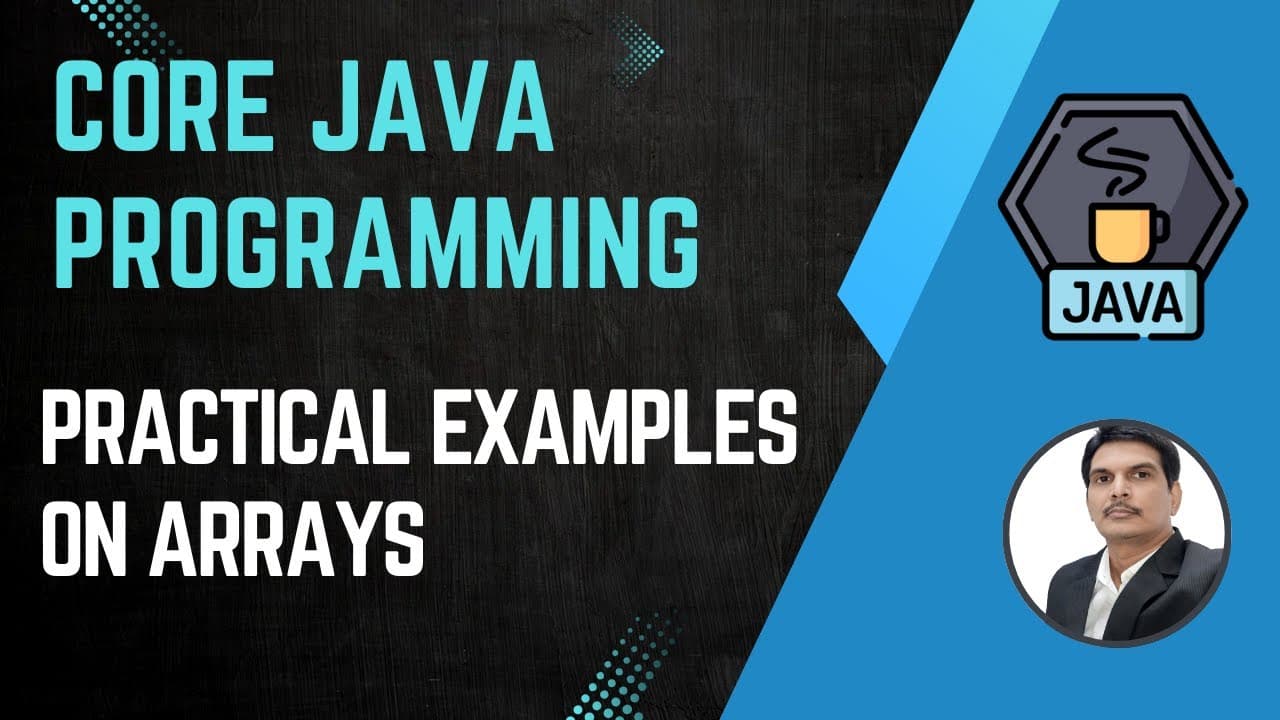
How to search an element in a Java array
TL;DR
The video demonstrates a linear search in a one dimensional array. It shows how to read each element, compare it to the target using an equality check, and break out of the loop when a match is found. If no match occurs after checking all elements, it reports that the element is not found.
Transcript
so in our previous class we have seen how to work with array single dimensional and uh twood dimensional and today we will continue the topic so we will see different type of examples and uh we'll see how we can solve different type of problems using arrays so the most popular and most important uh programs is searching and sorting so when I su... Read More
Key Insights
- A linear search scans every element in sequence until a match is found or the end is reached.
- The key action is comparing each array element with the search target using an equality check.
- The algorithm exits the loop immediately once a matching element is found to avoid unnecessary iterations.
- The approach works with both unique and duplicate values, focusing on presence rather than counting occurrences.
- The pseudocode concept includes iterating with a loop, reading current value, and a conditional break on match.
- The explanation stresses the importance of framing the problem statement before coding the logic.
- The tutorial compares the idea of reading data from an array with performing a comparison in each iteration.
- The method is presented as a fundamental interview problem, with emphasis on simplicity and clarity.
- More videos from this channel:
- More from this channel: SDET- QA
Install to Summarize YouTube Videos and Get Transcripts
Explore YouTube Video Summarizer or Get YouTube Transcript Extractor
Questions & Answers
Q: What is the basic method used to find an element in an array in the video?
The video presents a linear search method, where you iterate through each element in the array starting from index zero, compare the current element to the search target, and stop as soon as a match is found. If you reach the end without a match, you declare that the element is not present. This approach does not require sorting and works regardless of duplicates.
Q: How does the video suggest handling the moment a match is found?
When a match is found, the video recommends immediately exiting the loop using a break or similar control flow. This avoids unnecessary comparisons with the remaining elements and confirms that the target exists in the array. The focus is on presence rather than counting how many times it appears.
Q: What is the role of the for loop in the linear search example?
The for loop serves to traverse the array from the first element to the last, reading one value at a time. Each iteration checks whether the current element equals the search target. If a match occurs, the loop terminates early; otherwise the loop continues until all elements have been checked.
Q: What must be true about the search element according to the transcript?
The search element is a value you want to verify exists somewhere in the array. The process does not require the elements to be ordered; the algorithm simply compares each element to the target value and reports presence or absence based on whether a match is found during the traversal.
Q: What happens if the element is not found after checking all elements?
If no matching element is found after iterating through the entire array, the program outputs that the element is not present. This ensures a definitive result even when the target does not exist in the array, and no false positives are reported.
Q: Does the video discuss sorting or multiple search algorithms?
Yes, the video mentions sorting and various search methods but emphasizes starting with the simplest approach, the linear search. It notes that there are multiple algorithms for searching and sorting, but one should begin with the straightforward method to build a solid foundation before expanding to additional techniques.
Q: How are duplicates treated in the search logic presented?
Duplicates do not affect the core goal in the presented logic. The algorithm stops at the first occurrence of the search element and reports that the element is present. It does not require counting all occurrences or handling duplicates differently beyond confirming presence.
Q: What practical steps are outlined before writing code for the search?
The video stresses understanding the problem statement first, then framing a logic approach. Practically, this means deciding to read each array element, compare with the search target, and break on a match. Only after the logic is clear should one translate it into a programming construct like a for loop.
Summary & Key Takeaways
-
A linear search is used to locate a target value by scanning each array element from start to finish, stopping early when a match is found. The approach emphasizes checking one element at a time and breaking the loop on success. It does not require sorting.
-
The logic highlighted includes reading values, comparing with the target using an equality operator, and handling the case where the target is absent after the full traversal.
-
The explanation covers choosing between classic and enhanced for loops, and clarifies that duplicates do not affect the core goal of finding the presence of the target.
Read in Other Languages (beta)
Share This Summary 📚
Summarize YouTube Videos and Get Video Transcripts with 1-Click
Try YouTube Summary with ChatGPT & Claude or YouTube Transcript Generator
Explore More Summaries from SDET- QA 📚



Summarize YouTube Videos and Get Video Transcripts with 1-Click
Try YouTube Summary with ChatGPT & Claude or YouTube Transcript Generator