What Are the Key Features of Deepin Linux DDE?
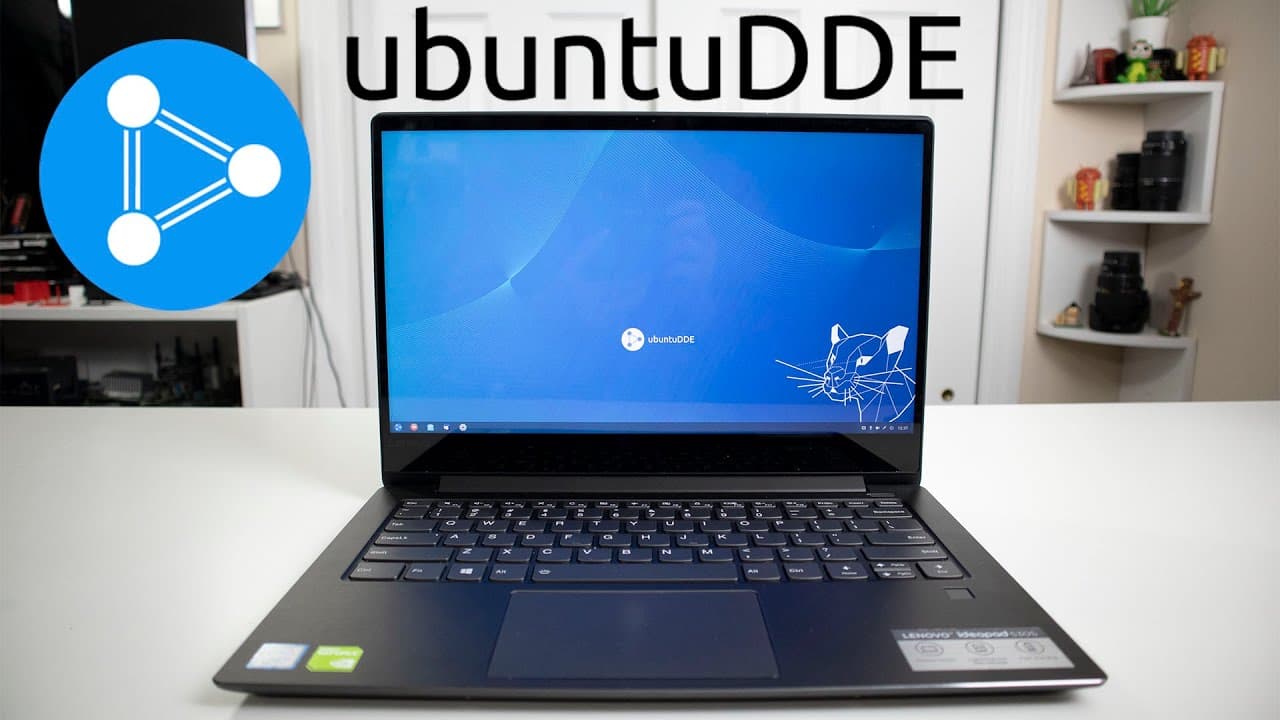
TL;DR
Deepin Linux DDE is praised for its visually appealing design, user-friendly settings panel, and smooth installation process. Notable features include customizable themes and efficient task management; however, concerns about slow updates from China and potential spyware in the Deepin store may deter some users. Inconsistent dark mode implementation also highlights areas for improvement.
Transcript
hey guys what's going on it's down here from Nova spirit Tech and welcome back to our Channel and today we will be checking out new bun 2d ve so let's get started now I haven't been this excited for our new desktop environment for a very long time actually since pop OS and you could say now deep in Linux or deep in desktop environment is not new to... Read More
Key Insights
- 👤 Deepin Linux DDE is praised for its attractive design and user-centered features, making it an appealing option for desktop users.
- 👤 The straightforward installation process enhances accessibility for users transitioning from other operating systems or Linux distributions.
- 👤 Notable features include customizable themes, efficient task management, and a settings panel that simplifies user adjustments.
- 👤 Concerns regarding update servers being based in China and the potential for spyware have been prominent in user discussions.
- 👤 Inconsistent theme implementation highlights the need for further development to improve user satisfaction and experience.
- 👤 The environment blends characteristics of Windows and Linux, potentially attracting users from both spheres.
- 🏛️ Deepin Linux DDE’s built-in applications, such as the screenshot tool, are considered standout features that enhance functionality.
Install to Summarize YouTube Videos and Get Transcripts
Explore YouTube Video Summarizer or Get YouTube Transcript Extractor
Questions & Answers
Q: What features make Deepin Linux DDE stand out compared to other desktop environments?
Deepin Linux DDE is distinguished by its intuitive user interface, aesthetic design with a blur effect, a highly customizable settings panel, and features like fractional scaling. Unlike many environments, it offers a unique blend of functionalities that resemble both Windows and popular Linux systems, providing an attractive choice for users seeking a modern desktop experience.
Q: How does the installation process of Deepin Linux compare to other distributions?
The installation process of Deepin Linux is highlighted as straightforward and user-friendly. Users can install it without facing the complications often associated with other distributions. The simplicity and efficiency of the installation are perceived as major advantages, making it accessible to both novice and experienced Linux users.
Q: What concerns did the reviewer mention regarding the Deepin store?
The reviewer raised concerns about potential spyware in the Deepin store, attributed to the software's origin in China. This scrutiny has led to skepticism about the store among users, resulting in a degree of reluctance towards fully trusting the environment. These considerations contribute to a cautious approach in the community regarding the software’s privacy implications.
Q: How does the settings menu of Deepin Linux enhance user experience?
The settings menu is appreciated for its design as a panel rather than a pop-up dialog, making it easy to navigate. It offers extensive customization options such as fractional scaling, theme switching, and sound settings, allowing users to tailor their experience according to personal preferences effortlessly.
Q: What were some of the drawbacks encountered during the review?
Some drawbacks included slow update speeds due to servers being based in China, potential privacy concerns with the Deepin store, and inconsistencies in dark mode implementation. Users also experience some bugs, such as visual glitches when switching between dark and light themes, which may detract from the overall user experience.
Q: Why was the fractional scaling feature emphasized in the review?
The fractional scaling feature is particularly emphasized because many Linux distributions struggle with this option, often requiring complicated workarounds. Deepin Linux enables seamless fractional scaling, making it user-friendly for those who need to adjust display settings, enhancing its appeal to a wider audience of users.
Q: What is the reviewer's overall impression of Deepin Linux DDE after a few days of use?
The reviewer conveys a positive impression after using Deepin Linux DDE for a few days, appreciating its functionality, aesthetic appeal, and overall performance. Despite minor issues, such as inconsistencies with theme settings and update speeds, the reviewer indicates a strong likelihood of continued use, at least until testing other distributions.
Summary & Key Takeaways
-
The reviewer expresses enthusiasm for the new Deepin Linux DDE desktop environment, highlighting its appealing aesthetics and functionality reminiscent of both Windows and KDE/GNOME.
-
Key features such as a user-friendly settings menu, fractional scaling, customizable themes, and a seamless installation process are discussed, emphasizing its potential for everyday users.
-
Issues like slow updates from China's servers, suspicions of spyware in the Deepin store, and inconsistencies in dark mode options are acknowledged as drawbacks that might hinder user adoption.
Read in Other Languages (beta)
Share This Summary 📚
Summarize YouTube Videos and Get Video Transcripts with 1-Click
Try YouTube Summary with ChatGPT & Claude or YouTube Transcript Generator
Explore More Summaries from Novaspirit Tech 📚






Summarize YouTube Videos and Get Video Transcripts with 1-Click
Try YouTube Summary with ChatGPT & Claude or YouTube Transcript Generator