What Are the Best Tips for Using Obsidian Efficiently?
TL;DR
To use Obsidian efficiently, focus on linking ideas effectively through remarks and relationships in your notes. Utilize tags for better organization and easy retrieval of information, and explore customization options for themes and hotkeys to enhance your workflow. Consider using the 'add, relate, communicate' framework to develop your notes systematically.
Transcript
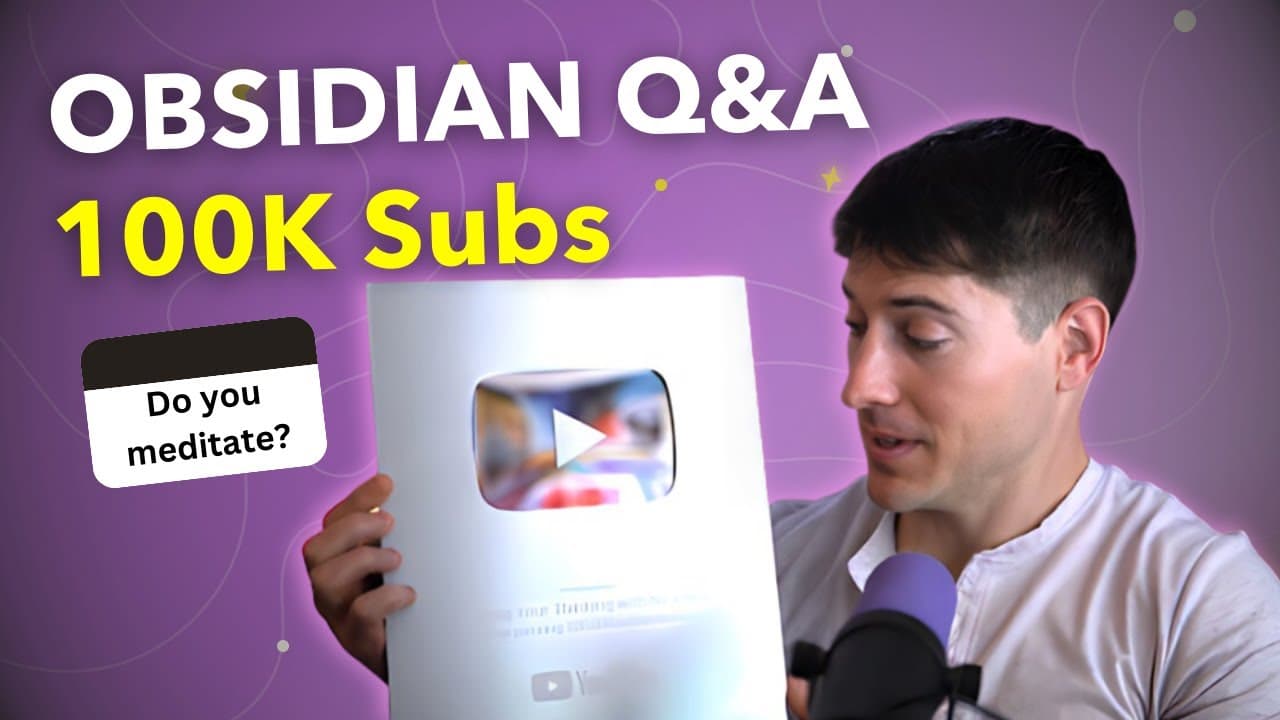
whoa this really blows me away we hit 100,000 subscribers I never thought that this was an actual possibility back in 2020 I just wanted to help people manage their thoughts and ideas that's why I'm so grateful for each and every one of you for watching for subscribing and engaging in all these videos and if you're new here my name is Nick Milo and... Read More
Key Insights
- 🛀 Obsidian can be used for in-depth note-taking, making remarks, and linking ideas effectively.
- 🧡 Viewer questions addressed range from tagging, linking, task management to encryption in Obsidian.
- 💁 Content creator encourages engagement, sharing tips to enhance note-taking workflows.
- ❓ Showcases usage of themes, sharing wallpapers, and highlighting hotkeys for productivity.
- 😒 Demonstrates the use of toggles for collapsing and expanding content in notes.
- 🚙 Provides insights into the utility of tags in organization and note retrieval.
- 👨🔬 Obsidian features like nested tags, saved searches, and properties enhance note organization.
Install to Summarize YouTube Videos and Get Transcripts
Explore YouTube Video Summarizer or Get YouTube Transcript Extractor
Questions & Answers
Q: How can I effectively write notes about others' content while making them my own?
To create meaningful notes, capture the interesting parts, make remarks, relate them to other ideas, and make your thoughts visible through relate and communicate steps.
Q: Is Obsidian suitable for novel writing?
Obsidian can be used for writing novels, depending on individual preferences and use cases, with examples of successful authors using it for story and world-building.
Q: How can I remove inline square brackets from Markdown files for ease of sharing notes?
Use reading mode to copy and paste text without brackets, or use a special paste command (shift option command V) to strip formatting for cleaner copies.
Q: How can I effectively come back to notes I've created?
By setting up effort hubs, relating notes to each other, and using the ARC framework (Add, Relate, Communicate).
Summary & Key Takeaways
-
Content creator celebrates reaching 100K subscribers by answering viewer questions.
-
Demonstrates tips for effective note-taking and organization in Obsidian.
-
Provides insights on task management tools and customization options.
Read in Other Languages (beta)
Share This Summary 📚
Summarize YouTube Videos and Get Video Transcripts with 1-Click
Try YouTube Summary with ChatGPT & Claude or YouTube Transcript Generator
Explore More Summaries from Linking Your Thinking with Nick Milo 📚




Summarize YouTube Videos and Get Video Transcripts with 1-Click
Try YouTube Summary with ChatGPT & Claude or YouTube Transcript Generator