Products
Features
YouTube Video Summarizer
Summarize YouTube videos
Web & PDF Highlighter
Highlight web pages & PDFs
Chat with PDF
Ask any PDF questions with AI
Ask AI Clone
Chat with your highlights & memories
Audio Transcriber
Transcribe audio files to text
Glasp Reader
Read and highlight articles
Kindle Highlight Export
Export your Kindle highlights
Idea Hatch
Hatch ideas from your highlights
Integrations
Obsidian Plugin
Notion Integration
Pocket Integration
Instapaper Integration
Medium Integration
Readwise Integration
Snipd Integration
Hypothesis Integration
Apps & Extensions
Chrome Extension
Safari Extension
Edge Add-ons
Firefox Add-ons
iOS App
Android App
Discover
Discover
Ideas
Discover new ideas and insights
Articles
Curated articles and insights
Books
Book recommendations by great minds
Posts
Essays and notes from readers
Quotes
Inspiring quotes collection
Videos
Curated videos and summaries
Explore Glasp
Glasp Newsletter
Weekly insights and updates
Glasp Talk
Interview series with great minds
Glasp Blog
Latest news and articles
Glasp Use Cases
Learn how others use Glasp
Build & Support
Glasp API
Access Glasp's API for developers
MCP Connector
Connect Glasp to Claude & ChatGPT
Community
Glasp Reddit Community
Students
Student discount and benefits
FAQs
Frequently Asked Questions
AboutPricing
DashboardLog inSign up

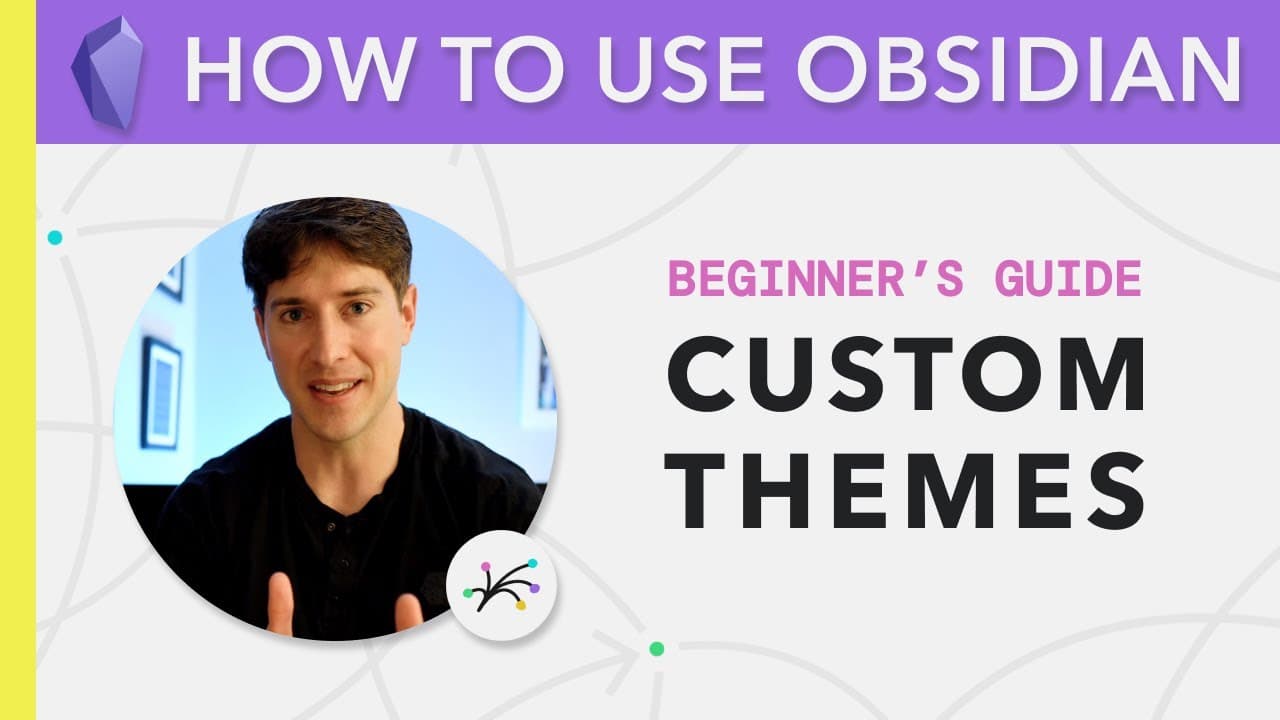
Obsidian for Beginners: Custom Themes (4/6) — How to Use the Obsidian App for Notes

218.0K views
•
September 23, 2020
by
Linking Your Thinking with Nick Milo
YouTube video player
Obsidian for Beginners: Custom Themes (4/6) — How to Use the Obsidian App for Notes

TL;DR

This video explores custom themes and design options in Obsidian, including dark and light modes and various community-created themes.

Transcript

okay let's pick up from where we left off  and if you remember we had enabled custom css   and when we do that we have these custom themes  buttons and we also really quickly explored   base mode changing it from dark to light so now  we're in light mode here's kind of what the app   looks like this might be familiar to what you're  used to when yo... Read More

Key Insights

  • 🙂 Obsidian offers the option to switch between dark and light modes, allowing users to choose their preferred visual aesthetic.
  • 👤 Community-created themes in Obsidian provide users with various design options, such as bold and italicized text, colored headers, and clickable links.
  • 👤 The Light Kit in Obsidian helps users organize and connect their notes effectively, making it easier to navigate and manage extensive knowledge databases.

Install to Summarize YouTube Videos and Get Transcripts

Explore YouTube Video Summarizer or Get YouTube Transcript Extractor

Questions & Answers

Q: How can I enable custom CSS and themes in Obsidian?

To enable custom CSS and themes in Obsidian, go to the settings panel, click on "Appearance," and select a theme or import your own CSS file.

Q: Can I create my own custom theme in Obsidian?

Yes, you can create your own custom theme in Obsidian by editing the CSS or by using the Obsidian community, where members share their own themes.

Q: What is the Light Kit in Obsidian?

The Light Kit is a starter kit in Obsidian that helps users organize and connect their notes over time, using folders, tags, links, and other features. It is designed to make managing personal knowledge more efficient.

Q: How can themes impact productivity and creativity in Obsidian?

Themes in Obsidian can impact productivity and creativity by creating a visually pleasing and comfortable note-taking environment. The right theme can enhance focus, highlight important elements, and add a personal touch to the user's experience.

Summary & Key Takeaways

  • The video starts by discussing the custom themes in Obsidian, including the ability to switch between dark and light modes.

  • The host explores different community themes and showcases their unique features, such as bold and italicized text, colored headers, and clickable links.

  • The video also briefly mentions the Light Kit, which helps users organize and connect their notes effectively.

  • The host emphasizes the importance of finding a theme that suits individual preferences, providing a more enjoyable and productive note-taking experience.


Read in Other Languages (beta)

English

Share This Summary 📚

Summarize YouTube Videos and Get Video Transcripts with 1-Click

Download browser extensions on:

Try YouTube Summary with ChatGPT & Claude or YouTube Transcript Generator

Explore More Summaries from Linking Your Thinking with Nick Milo 📚
Obsidian Publish — The World is Your Oyster thumbnail
Obsidian Publish — The World is Your Oyster
Linking Your Thinking with Nick Milo
Vicky Zhao & Fei-Ling Tseng: The Compass of Zettelkasten Thinking: Associative Thinking Made Easy thumbnail
Vicky Zhao & Fei-Ling Tseng: The Compass of Zettelkasten Thinking: Associative Thinking Made Easy
Linking Your Thinking with Nick Milo
Quick notes & Cognitive scaffolding: Livestream w/ Eleanor & Nick thumbnail
Quick notes & Cognitive scaffolding: Livestream w/ Eleanor & Nick
Linking Your Thinking with Nick Milo
Ryder Carroll - Why Goals Fail Without Intentions + @bulletjournal | How I Think 001 thumbnail
Ryder Carroll - Why Goals Fail Without Intentions + @bulletjournal | How I Think 001
Linking Your Thinking with Nick Milo
Anne Laure Le Cunff & Nick Milo: How can we do Combinational Creativity? thumbnail
Anne Laure Le Cunff & Nick Milo: How can we do Combinational Creativity?
Linking Your Thinking with Nick Milo
Get my ultimate thinking system (in Obsidian) thumbnail
Get my ultimate thinking system (in Obsidian)
Linking Your Thinking with Nick Milo

Summarize YouTube Videos and Get Video Transcripts with 1-Click

Download browser extensions on:

Try YouTube Summary with ChatGPT & Claude or YouTube Transcript Generator

Apps & Extensions

  • Chrome Extension
  • Safari Extension
  • Edge Add-ons
  • Firefox Add-ons
  • iOS App
  • Android App

Key Features

  • YouTube Video Summarizer
  • Web & PDF Summarizer
  • Web & PDF Highlighter
  • Chat with PDF
  • Ask AI Clone
  • Audio Transcriber
  • Glasp Reader
  • Kindle Highlight Export
  • Idea Hatch

Integrations

  • Obsidian Plugin
  • Notion Integration
  • Pocket Integration
  • Instapaper Integration
  • Medium Integration
  • Readwise Integration
  • Snipd Integration
  • Hypothesis Integration

More Features

  • APIs
  • MCP Connector
  • Blog & Post
  • Embed Links
  • Image Highlight
  • Personality Test
  • Quote Shots

Company

  • About us
  • Blog
  • Community
  • FAQs
  • Job Board
  • Newsletter
  • Pricing
Terms

•

Privacy

•

Guidelines

© 2026 Glasp Inc. All rights reserved.