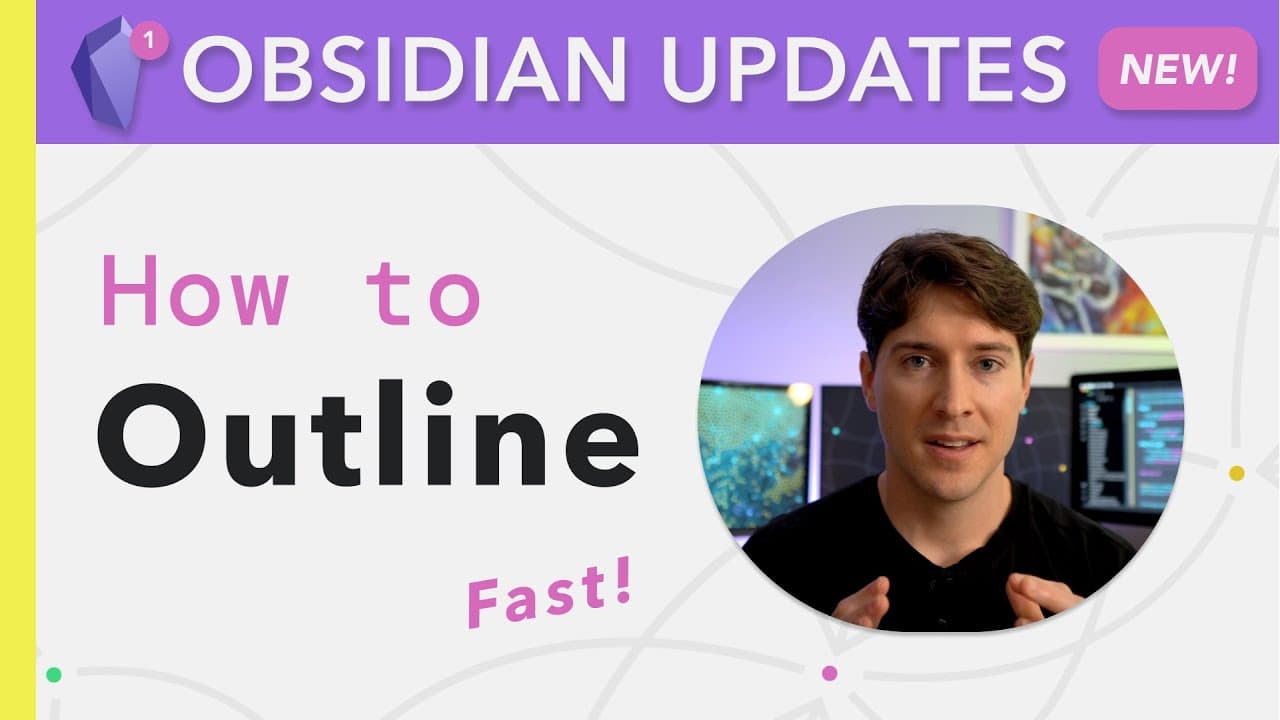
How to Masterfully Outline in Obsidian App
TL;DR
To outline effectively in the Obsidian app, utilize features like folding, swapping lines, and indenting to accelerate your writing process. Set up hotkeys for quick actions to enhance productivity and streamline brainstorming. These capabilities allow for a versatile approach to both note-taking and creative writing.
Transcript
that was the dry run i'm so ready to do this it's crazy are you recording everybody good everybody good okay well the strength of obsidian is that its basic page encourages you to write and think it can also flex its outlining muscles as needed within the very same file this outlining and brainstorming functionality has been increasing through the ... Read More
Key Insights
- 🫥 Obsidian's outlining and brainstorming features, such as folding, swapping lines, and indenting, can significantly enhance your productivity and efficiency in organizing and structuring your thoughts.
- 🙏 The ability to fold lists and headings in preview mode makes it easier to navigate and review your notes without distractions.
- 🫥 Hotkeys for toggling folds, swapping lines, and indenting provide a seamless and fluid outlining experience.
- 👻 Exporting notes to PDF with the option to keep the theme or switch to a different theme allows for easy sharing and collaboration.
- 🗨️ The importance of becoming a left-handed keyboard ninja is emphasized, as efficient hotkey mapping can greatly enhance your speed and productivity.
- 💦 Obsidian's outlining and brainstorming features are not limited to note-taking but can also be applied to various creative works, such as video scripts and essays.
- 💄 The combination of outlining functionality with the ability to write in paragraphs and prose within the same note makes Obsidian a versatile tool for both organization and creativity.
Install to Summarize YouTube Videos and Get Transcripts
Explore YouTube Video Summarizer or Get YouTube Transcript Extractor
Questions & Answers
Q: How can I use Obsidian's folding feature to organize my notes effectively?
To use the folding feature, go to the settings editor and enable the "Fold heading" and "Fold indent" options. This allows you to collapse and expand text sections, making it easier to navigate and organize your notes.
Q: Can I fold lists and headings in preview mode?
Yes, you can fold lists and headings in preview mode. Obsidian remembers the folding state when you switch between edit mode and preview mode, making it convenient to hide or reveal specific content.
Q: How can I quickly toggle folding without using my mouse?
You can map the "Toggle fold on the current line" hotkey to a convenient key combination, such as Command+3. This allows you to quickly collapse and expand individual lines or sections without using your mouse.
Q: How can I speed up my outlining process using hotkeys?
By mapping hotkeys for swapping lines up and down, such as Command+1 and Command+2, you can quickly rearrange and reorder your outline. Highlight the line you want to move and use the corresponding hotkey to swap it with the line above or below.
Summary & Key Takeaways
-
Obsidian's basic page encourages writing and thinking, while its outlining and brainstorming functionality allows for quick folding, swapping lines, and indenting to accelerate the brainstorming, outlining, and writing process.
-
The software's folding feature allows for collapsing and expanding text sections, making it easier to navigate and organize large notes.
-
Hotkeys for swapping lines up and down and indenting/outdenting provide additional speed and flexibility in outlining and brainstorming.
Read in Other Languages (beta)
Share This Summary 📚
Summarize YouTube Videos and Get Video Transcripts with 1-Click
Try YouTube Summary with ChatGPT & Claude or YouTube Transcript Generator
Explore More Summaries from Linking Your Thinking with Nick Milo 📚




Summarize YouTube Videos and Get Video Transcripts with 1-Click
Try YouTube Summary with ChatGPT & Claude or YouTube Transcript Generator