How to Use AI with FreeCAD for 3D Model Generation
TL;DR
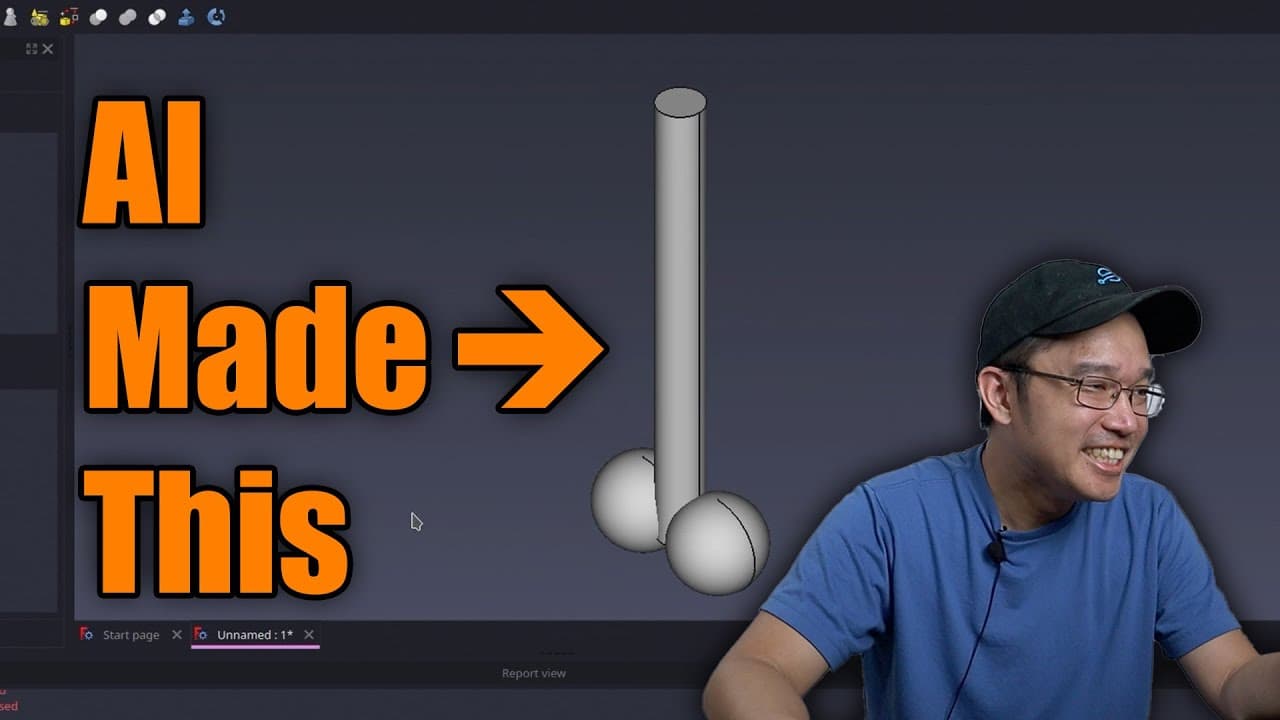
You can use AI to generate 3D models in FreeCAD by utilizing the integrated OpenSCAD software, which allows for programmatic design. For example, you can create simple shapes like cubes or complex objects, such as a spaceship, by inputting specific programming commands into OpenSCAD. This method streamlines the modeling process and makes 3D design more accessible.
Transcript
on my last free CAD video where I was drawing with lines there was an actual comment there where it was suggesting to see if I could use AI to generate 3D models so that's what we're going to be doing real quick today's sponsor is PCB way so if you're looking for high quality 3D print or PCB manufacturing look no further than PCB way they offer hig... Read More
Key Insights
- 👻 The integration of OpenSCAD within FreeCAD allows users to generate 3D models programmatically, revolutionizing the modeling process.
- 💨 AI can simplify 3D object creation, enabling faster design iterations and reduced manual input, making it accessible for beginners.
- ✋ High-quality manufacturing services, such as those offered by PCB Way, complement the 3D modeling process by providing quick and efficient production options.
- 👤 The video highlights the importance of user feedback in shaping future content and improving the modeling process.
- 💦 Troubleshooting skills are essential when working with AI-generated models, particularly in ensuring correct alignment and functionality.
- 👤 Despite its capabilities, AI-generated modeling requires users to have clear objectives and descriptions to achieve desired outcomes.
- 😒 The host emphasizes the use of fun projects, like creating a spaceship, to engage viewers and demonstrate the application of AI in more creative ways.
Install to Summarize YouTube Videos and Get Transcripts
Explore YouTube Video Summarizer or Get YouTube Transcript Extractor
Questions & Answers
Q: How does OpenSCAD integrate with FreeCAD for 3D modeling?
OpenSCAD integrates with FreeCAD as a programming tool for creating 3D shapes. Users can input simple commands to generate models programmatically, which allows for precision and efficient design compared to traditional methods that require manual measurements and adjustments.
Q: What basic shapes can be created using AI and OpenSCAD in FreeCAD?
Using AI and OpenSCAD, users can create fundamental geometric shapes like cubes, spheres, and cylinders. By inputting specific parameters and dimensions in code, users can generate multiple shapes simultaneously, paving the way for more complex designs.
Q: What troubleshooting steps did the host take during the modeling process?
The host encountered some issues with the AI's performance and model alignment. To troubleshoot, they adjusted the code positioning of the generated shapes manually within FreeCAD, demonstrating that while AI can create models, fine-tuning may still be necessary for precision.
Q: How can users without programming knowledge utilize this AI feature?
Users with limited programming knowledge can leverage the AI feature by providing clear, simple descriptions of the shapes they want to create. Additionally, they can follow tutorials or seek community support to better understand how to translate their ideas into effective commands for OpenSCAD.
Summary & Key Takeaways
-
The video demonstrates how to use AI to generate 3D models through FreeCAD using the integrated OpenSCAD software, showcasing its practicality for 3D printing.
-
The host discusses the process of generating simple shapes like cubes and complex designs like a spaceship by providing AI with specific programming commands.
-
Viewers are encouraged to experiment with AI-generated models for their CAD projects and to provide feedback or subscribe for more content.
Read in Other Languages (beta)
Share This Summary 📚
Summarize YouTube Videos and Get Video Transcripts with 1-Click
Try YouTube Summary with ChatGPT & Claude or YouTube Transcript Generator
Explore More Summaries from Novaspirit Tech 📚






Summarize YouTube Videos and Get Video Transcripts with 1-Click
Try YouTube Summary with ChatGPT & Claude or YouTube Transcript Generator