What Is the Yo Terminal and How Can It Be Used?
TL;DR
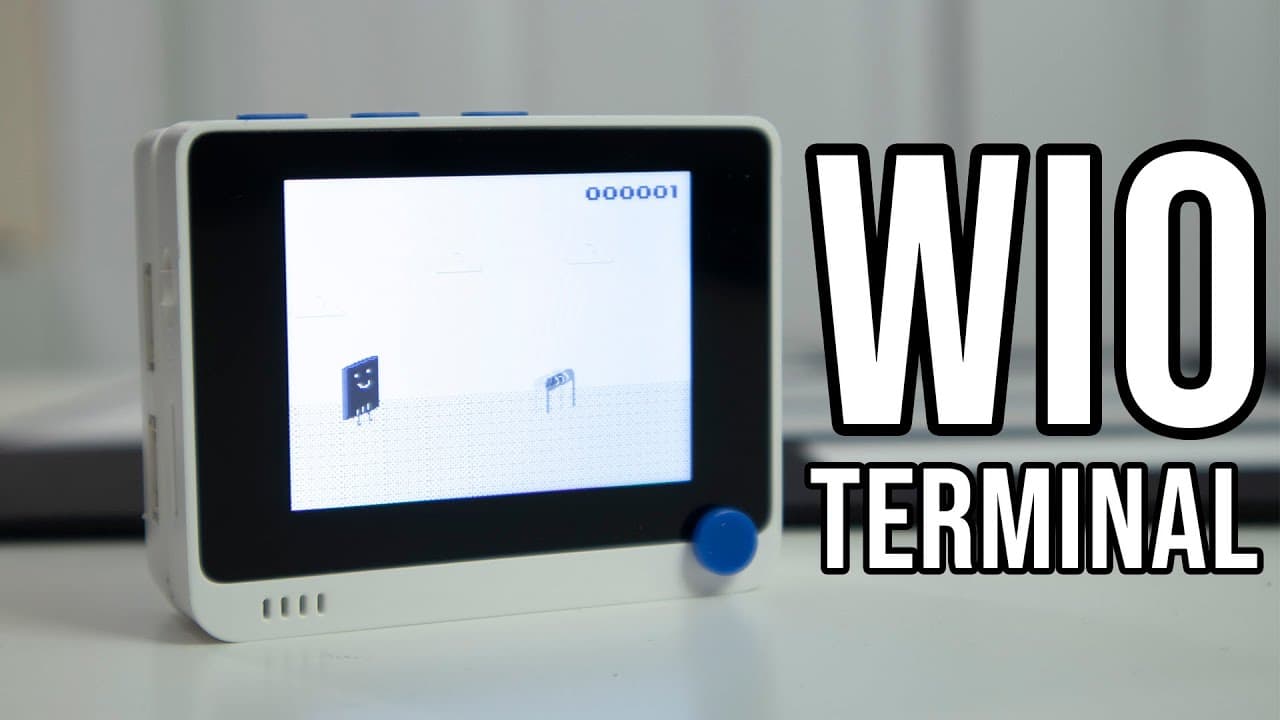
The Yo Terminal is a versatile Arduino-compatible device featuring a 2.4-inch screen, Wi-Fi and Bluetooth connectivity, and support for around 300 additional modules. It's designed for DIY projects, offering programmable buttons, sensors, and an ARM Cortex M4F processor for efficient performance, making it suitable for both beginners and advanced users in electronics.
Transcript
hey guys what is going on it's don here from nova spirit tech and welcome back to the channel and today we are gonna be checking out the yo terminal from seed studio so let's get started now before i begin i do want to thank seed studio for sending me over this sample so i could play around with along with the little battery pack that it comes with... Read More
Key Insights
- 😥 The Yo Terminal presents an affordable entry point into augmented electronics, priced at $29.90 for the module and $9.90 for the battery pack.
- 👾 It comes equipped with a built-in demo game to test functionality upon initial setup, encouraging users to explore its capabilities right away.
- 🤕 Connectivity options include advanced Bluetooth 5.0 and dual-band Wi-Fi, expanding the possible applications for remote control and data sharing.
- 🦾 Its ARM Cortex M4F processor enables efficient running of more complex tasks within Arduino environments.
- 👻 The capability to serve as a USB host or client allows for interactive projects that can capture inputs, providing versatility in potential use cases.
- 👶 Access to extensive online resources and support facilitates project initiation, especially helpful for users new to electronics.
- 🪜 The presence of groove inputs streamlines the process of adding additional functionality, avoiding common programming complications associated with breadboard setups.
Install to Summarize YouTube Videos and Get Transcripts
Explore YouTube Video Summarizer or Get YouTube Transcript Extractor
Questions & Answers
Q: What are the key features of the Yo Terminal?
The Yo Terminal boasts a 2.4-inch screen with a resolution of 320 by 240 pixels, programmable buttons, a joystick, Bluetooth and Wi-Fi connectivity, and an array of sensors, including an accelerometer and light sensor. It also includes a battery module and multiple groove inputs, making it highly versatile for coding and hardware projects.
Q: How does the Yo Terminal support various programming languages?
The Yo Terminal supports programming in both Arduino and MicroPython, providing an accessible way for users with varying levels of coding experience to interact with the device. This dual compatibility allows for greater flexibility in developing applications or projects suited to individual skill levels.
Q: Can I use the Yo Terminal with a Raspberry Pi?
Yes, the Yo Terminal features a 40-pin connector that is compatible with Raspberry Pi HATs. By using an adapter cable, users can connect the Yo Terminal directly to a Raspberry Pi 4, enabling collaboration between the devices for integrated project development.
Q: What kind of projects can I create with the Yo Terminal?
The Yo Terminal is perfect for projects such as custom game controllers, network monitoring tools, sensor applications, or even macro engines to automate repetitive tasks. Its extensive module support and processing power open up opportunities for numerous creative solutions.
Summary & Key Takeaways
-
The Yo Terminal is a two-part device comprising a terminal with a 2.4-inch screen and a battery module that supports multiple additional modules.
-
It features Wi-Fi and Bluetooth connectivity, programmable buttons, and a variety of sensors, making it suitable for a wide range of DIY electronics projects.
-
Seed Studio offers extensive support and a collection of around 300 modules which enhance the functionality of the Yo Terminal, making it a great choice for both beginners and advanced users.
Read in Other Languages (beta)
Share This Summary 📚
Summarize YouTube Videos and Get Video Transcripts with 1-Click
Try YouTube Summary with ChatGPT & Claude or YouTube Transcript Generator
Explore More Summaries from Novaspirit Tech 📚






Summarize YouTube Videos and Get Video Transcripts with 1-Click
Try YouTube Summary with ChatGPT & Claude or YouTube Transcript Generator