How to Build a Portable AI System with Text Files
TL;DR
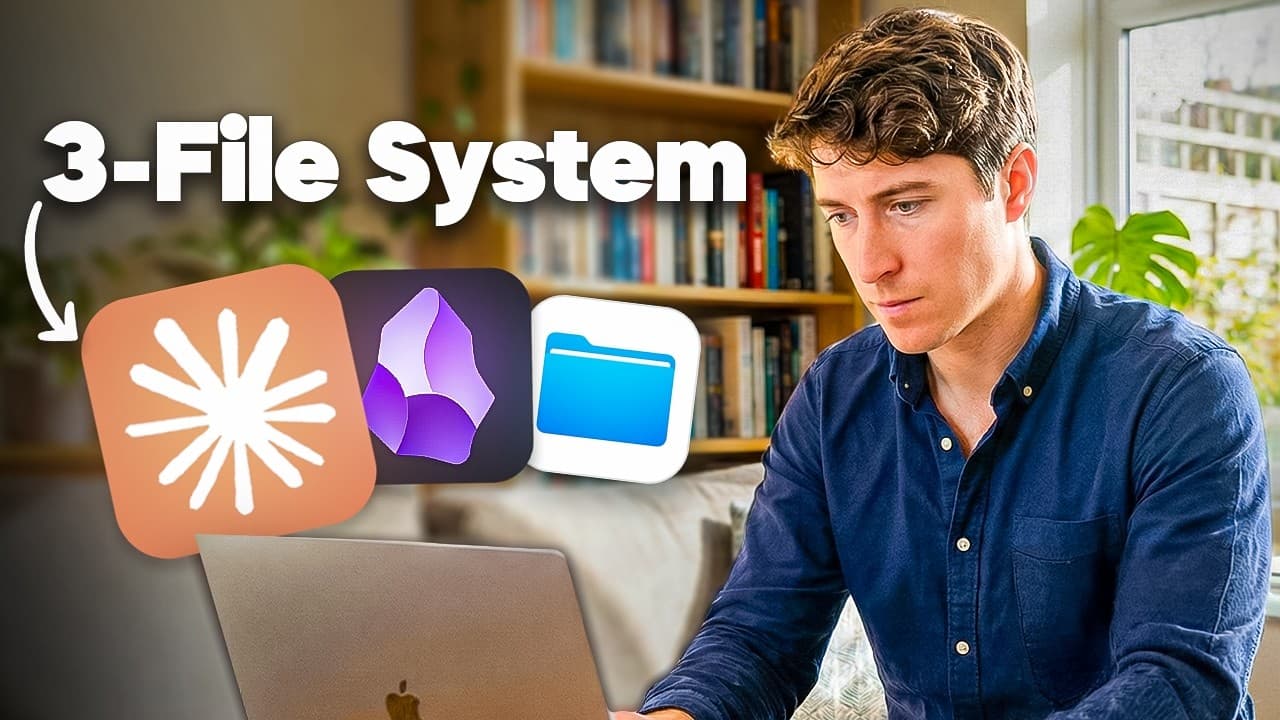
Keep your knowledge, identity instructions, navigation rules, and repeatable AI processes in portable Markdown files that any compatible tool can read. Build the system around an Ideaverse, a me.md identity file, a vault map, and a skills map, while treating applications and models as a replaceable outer layer rather than the permanent home of your workflow.
Transcript
If you're wiring your entire life into AI tools that didn't exist 6 months ago, systems built on someone else's infrastructure, then what happens when that tool changes? When the API breaks, the company pivots, or your favorite model gets deprecated, will you reach for your ideas only to realize they were never actually yours? This video is about m... Read More
Key Insights
- File over AI is a portability principle that keeps AI processes inside user-owned files and folders instead of locking them inside a specific model or application. When tools change, the core knowledge, preferences, navigation guidance, and documented processes remain accessible.
- The AI OS has three layers: an Ideaverse of personal knowledge, a maps-and-manuals layer that translates that knowledge for AI, and a replaceable tools layer. Applications and models can rotate without disrupting the two central layers owned by the user.
- The Ideaverse is the center of the system because it contains the user's notes, ideas, connections, experiences, and thinking in simple files. Adding more personal material gives an AI more relevant context when it works with the user.
- The ACE structure divides an Ideaverse into Atlas for knowledge, Calendar for time-related notes, and Efforts for active projects. These clearly defined sections help both people and AI understand where information belongs and how different areas should be used.
- Maps reduce context-building costs by directing AI toward relevant files instead of requiring it to scan a vault containing many interconnected notes. Clear paths and contextual descriptions create information highways that support faster, more selective navigation.
- The me.md file is a portable identity briefing that answers who the user is, how the user thinks, and how AI should interact. The suggested starting size is around 50–80 lines covering principles, values, frameworks, recurring concepts, preferences, tone, and working rules.
- The vault map is the master table of contents and operating manual for the Ideaverse. It explains folder purposes, important subareas, note types, naming conventions, file-creation rules, and how an AI should navigate and work within the collection.
- A skill is a Markdown file that teaches AI a repeatable process, such as writing emails or categorizing research. Treating skills as portable process documentation places them in the user-owned maps layer rather than tying them permanently to an installed AI tool.
Install to Summarize YouTube Videos and Get Transcripts
Explore YouTube Video Summarizer or Get YouTube Transcript Extractor
Questions & Answers
Q: How do you build an AI system that works with any model?
Build the system from plain-text knowledge and instruction files that remain independent of any particular AI model. Use three layers: an Ideaverse containing your notes and ideas, maps and manuals that explain how to navigate and use those files, and a replaceable tools layer. The core maps are me.md for identity, a vault map for navigation, and a skills map for repeatable processes.
Q: What does file over AI mean?
File over AI means storing your important knowledge, preferences, workflows, and process instructions in files you own rather than inside one AI application. The principle extends the file-over-app philosophy to AI systems. If a model is deprecated, an API breaks, or a company changes direction, your central files remain available and can be read by another compatible tool.
Q: What are the three layers of an AI OS?
The three layers are the Ideaverse, maps and manuals, and tools. The Ideaverse contains personal notes, ideas, experiences, and connections. Maps and manuals provide the paths and instructions AI needs to navigate that knowledge. Tools are the applications and models used to access or modify the files, and they are intentionally treated as the most replaceable layer.
Q: What should a me.md file contain?
A me.md file should explain who you are, how you think, and how you want AI to work with you. Suggested sections include a high-level personal summary, first principles, values and virtues, intellectual frameworks, influential thinkers, recurring concepts, references, reflections, preferred tone, collaboration style, basic working rules, and clear file paths to other important maps in your system.
Q: Why use me.md instead of a tool-specific instruction file?
A me.md file keeps identity and working preferences portable because it is not named or structured around one AI provider. A tool-specific master file can contain a short direction telling that tool to read me.md immediately. If you later switch applications, the substantive identity briefing stays intact, and only the small tool-specific pointer may need to change.
Q: How does a vault map help an AI navigate notes?
A vault map gives AI a master table of contents and a manual for working inside the Ideaverse. It identifies key folders, file paths, important subareas, note categories, naming practices, and creation rules. With this guidance, AI can isolate relevant files and skip unrelated material instead of spending time, tokens, and resources scanning every note in a large collection.
Q: How should the ACE folder structure organize an Ideaverse?
The ACE structure uses three core sections: Atlas for knowledge, Calendar for notes connected to time, and Efforts for projects currently being pursued. Each section should have a clear explanation of what it contains and how it should be used. These distinctions give both the user and AI predictable paths for finding information and placing newly created notes.
Q: What is an AI skill in this file-based system?
An AI skill is a Markdown file that documents a specific process the user wants repeated consistently. Examples in the source include writing emails and categorizing research. Because the skill is process documentation rather than an application-bound tool, it belongs in the portable maps-and-manuals layer and can guide different AI models that have access to the same files.
Summary & Key Takeaways
-
The AI OS keeps valuable knowledge and working instructions in plain-text files rather than tying them to one model or application. Its three layers are the Ideaverse containing personal knowledge, maps and manuals that help AI navigate that knowledge, and replaceable tools such as note applications, AI models, and file-working assistants.
-
The central translation layer begins with me.md, a portable identity briefing describing who the user is, how the user thinks, and how AI should collaborate. Tool-specific instruction files can simply direct the active application to me.md, allowing the substantive preferences to remain stable and reusable when models or applications change.
-
The vault map serves as a master table of contents and operating manual for the Ideaverse. It records folder purposes, important paths, note types, naming preferences, and creation rules. A separate skills map documents repeatable processes, such as writing emails or categorizing research, as Markdown instructions that can move between AI tools.
Read in Other Languages (beta)
Share This Summary 📚
Summarize YouTube Videos and Get Video Transcripts with 1-Click
Try YouTube Summary with ChatGPT & Claude or YouTube Transcript Generator
Explore More Summaries from Linking Your Thinking with Nick Milo 📚

Summarize YouTube Videos and Get Video Transcripts with 1-Click
Try YouTube Summary with ChatGPT & Claude or YouTube Transcript Generator