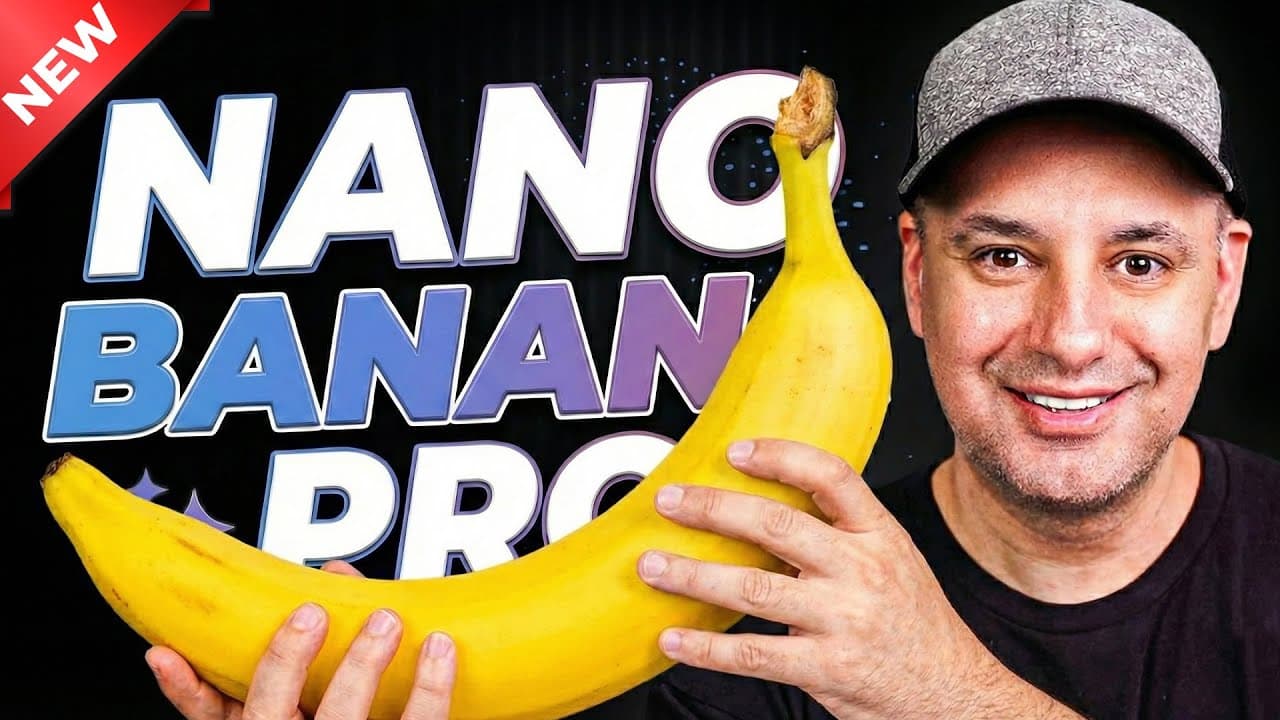
How to Use Nano Banana Pro: 25 Wild AI Image Examples
TL;DR
Use Nano Banana Pro in the Gemini app by selecting the thinking model and enabling image creation under tools. It can recreate designs at new aspect ratios, generate exact 1080-by-1080 images and 16:9 thumbnails, edit individual elements, transform reference photos, combine outfit images, and build infographics from supplied data. Genuine transparent PNG output did not work in the demonstrated test, so read on for practical workflows, limitations, and prompting tips.
Transcript
Google's new AI image model, Nano Banana Pro, is here and it's by far the best image model that I've ever used. And I have a list of over 25 examples that I wanted to show you in this video to show you how to get the most out of Nano Banana Pro. And in the description, I'll include the prompt list that I'm using for this video. Okay, so the best pl... Read More
Key Insights
- Nano Banana Pro is available inside the Gemini app when the thinking model is selected and image creation is enabled under tools. According to the transcript, choosing the fast model uses regular Nano Banana instead of the Pro image model associated with Gemini 3 Pro.
- Image resizing works by recreating the composition for a requested aspect ratio rather than simply cropping the original. In the demonstrated conversion, the recreated result retained the original colors, logo, font, and general design while adapting the layout to different dimensions.
- Exact output dimensions can be requested directly in the prompt. The examples include a square image specified as 1080 by 1080 and a YouTube thumbnail requested in a 16:9 aspect ratio, with the model repeatedly producing the required proportions.
- Follow-up editing can modify one element while keeping the rest of an image consistent. When an unwanted phrase appeared on a generated thumbnail, a subsequent request removed that text while leaving the other visual elements substantially identical.
- Professional headshots can be generated from an existing photograph by specifying clothing and background requirements. The model placed the subject in a suit with a blue tie and removed his hat, then produced another version with a more neutral background suitable for a professional profile.
- Transparent PNG creation is not supported successfully in the demonstrated workflow. The model produced an image that visually imitated transparency but downloaded as a JPEG, so Photoshop's background-removal feature was still required to isolate the subject and place him over another background.
- Reference-image merging can combine a person's photograph with screenshots of individual clothing items. The resulting studio-style image reproduced the referenced sweater and pants, followed the requested white-background instruction, and demonstrated why expressions and other unspecified details should be defined explicitly.
- Infographic generation can turn written instructions or raw figures into structured visual graphics. The model arranged generative AI stages in order, reused an established style for a machine-learning timeline, rendered text effectively, and accurately represented the supplied quarterly revenue, expense, and total figures.
Install to Summarize YouTube Videos and Get Transcripts
Explore YouTube Video Summarizer or Get YouTube Transcript Extractor
Questions & Answers
Q: How do you access Nano Banana Pro in Gemini?
Go to gemini.google.com, switch to the thinking model, and enable image creation under tools before entering your prompt. The transcript identifies Nano Banana Pro as the image model inside Gemini 3 Pro; selecting the fast model uses regular Nano Banana instead.
Q: Is Nano Banana Pro free to use?
Nano Banana Pro is available for free in the Gemini app, but the free plan is extremely limited in how many images it can create. Paid plans provide more usage, while the speaker’s ultra plan also removes the watermark automatically.
Q: How can Nano Banana Pro resize an image for another platform?
Provide the existing image and request the required aspect ratio or pixel dimensions in the prompt. In the demonstration, Nano Banana Pro converts a 16:9 slide to another ratio and creates a 1080-by-1080 square version by recreating the composition rather than merely cropping it.
Q: How do you create and edit a YouTube thumbnail with Nano Banana Pro?
Ask it to create a YouTube thumbnail, specify a 16:9 aspect ratio, and describe the announcement or subject. When the example included the unwanted phrase “the future of fruit tech,” a follow-up instruction removed that text while keeping the rest of the design effectively identical.
Q: How can Nano Banana Pro create a professional headshot?
Upload an existing photograph and describe the clothing and setting you want. The demonstrated prompt placed the subject in a suit with a blue tie, removed his hat, and then changed the setting to a more neutral background suitable for a professional profile.
Q: Can Nano Banana Pro create a genuine transparent PNG?
It did not produce genuine transparency in the demonstrated test. The result mimicked a transparency pattern but downloaded as a JPEG with the background intact, so the speaker used Photoshop’s one-click background remover instead.
Q: How can Nano Banana Pro change clothing, poses, and backgrounds?
Upload a reference photo and specify the desired outfit, framing, expression, action, and setting. The examples place the subject in a tuxedo and a tennis outfit, while follow-up prompts change his direction, remove background players, add a clay court, and place a sunset behind him.
Q: How does Nano Banana Pro combine reference images and create infographics?
For image combinations, provide the person’s photo with screenshots of the clothing or other elements and describe the intended final scene. It can also turn written stages or supplied company figures into structured infographics, reuse an established visual style, and display the provided quarterly values and totals correctly.
Summary & Key Takeaways
-
Nano Banana Pro is accessed through the Gemini app by choosing the thinking model, identified in the transcript as Gemini 3 Pro, and enabling image creation under tools. The free plan permits limited image generation, paid plans provide more usage, and the speaker's ultra plan automatically removes the watermark from generated images.
-
The model can recreate images for new aspect ratios instead of merely cropping them. Demonstrations include converting a 16:9 slide into other formats, requesting exact 1080 by 1080 dimensions, and generating a 16:9 YouTube thumbnail. Follow-up instructions can remove unwanted text while preserving the remaining design.
-
Reference images enable practical transformations such as professional headshots, outfit changes, action poses, and combinations of a person's photograph with clothing screenshots. Nano Banana Pro also creates infographics, maintains a visual style across related prompts, and converts supplied company figures into graphics with correctly displayed quarterly values and totals.
Read in Other Languages (beta)
Share This Summary 📚
Summarize YouTube Videos and Get Video Transcripts with 1-Click
Try YouTube Summary with ChatGPT & Claude or YouTube Transcript Generator
Explore More Summaries from Skill Leap AI 📚





Summarize YouTube Videos and Get Video Transcripts with 1-Click
Try YouTube Summary with ChatGPT & Claude or YouTube Transcript Generator