How to Prompt ChatGPT-5 for Better Responses
TL;DR
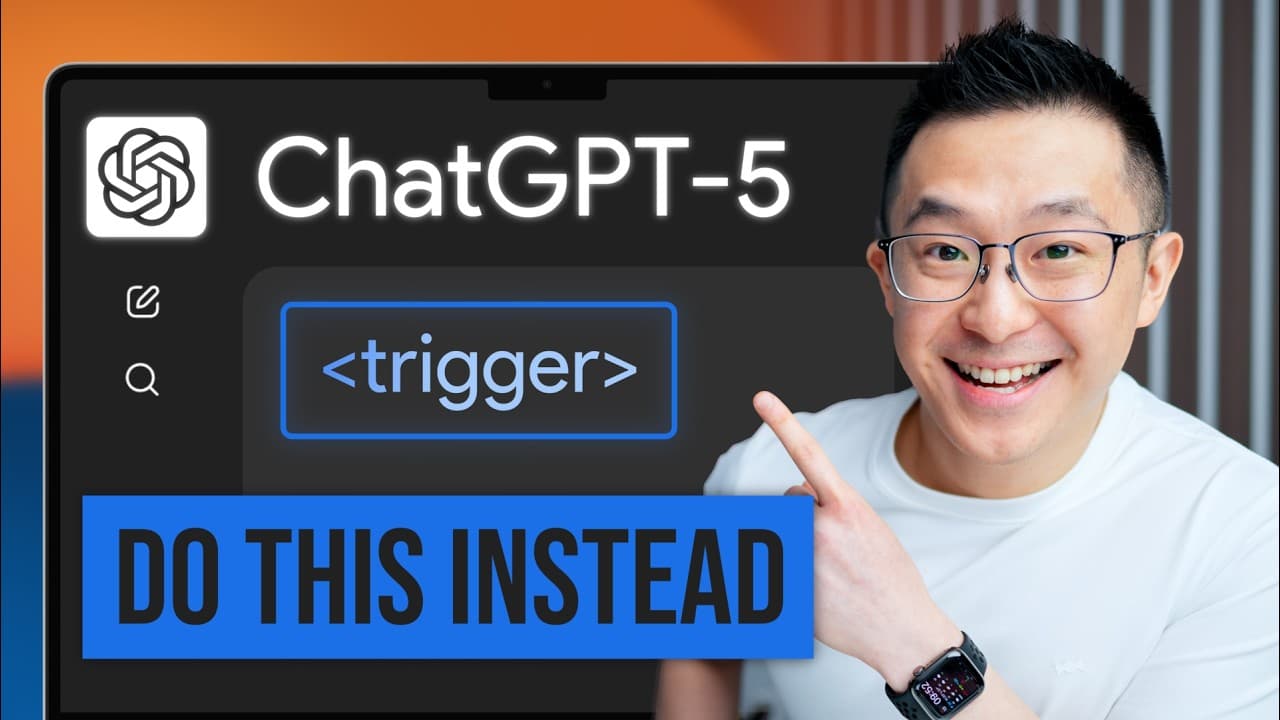
Use explicit instructions, structured sections, and precise output-length controls to improve ChatGPT-5 responses. For demanding tasks, request deeper thought with phrases such as “think hard about this,” then refine weak prompts with the official prompt optimizer or a prompt-improvement meta prompt. XML tags can clearly separate context, tasks, source material, tone, and formatting requirements.
Transcript
After ChachiPT5 launched, millions of users reported getting worse results even though they haven't changed how they prompt. But that's precisely the problem. To be clear, Chachi PT5 is a more powerful model. So, the same prompts should work better, not worse. But 95% of users don't know that OpenAI made a fundamental change to GPT5's architecture,... Read More
Key Insights
- ChatGPT-5 consolidates previous model choices into GPT-5, GPT-5 Thinking Mini, and GPT-5 Thinking. An invisible router selects which model handles each request, so an ordinary prompt may be assigned either a stronger reasoning option or a faster, less capable option.
- ChatGPT-5 is trained to follow instructions with extreme precision because it was designed with AI agents in mind. This improves performance on clearly specified operations, but it also makes the model less effective at inferring unstated goals from vague or poorly constructed prompts.
- Explicit reasoning phrases can encourage the router to select deeper reasoning. The tested phrases “think hard about this,” “think deeply about this,” and “think carefully” worked more reliably than vague statements such as “this is critical” or “this is very important.”
- Deeper reasoning is most useful for high-stakes tasks where overlooked second-order effects could cause harm. In the investment comparison example, additional thinking produced definitions, an at-a-glance comparison, and practical selection guidance that the initial response did not provide.
- Verbosity controls determine how much detail ChatGPT-5 returns. A strict bottom-line request suits short executive updates, three to five concise paragraphs suit explanations requiring context, and a comprehensive 600-to-800-word breakdown suits project briefs, research summaries, and shared reference materials.
- OpenAI’s official prompt optimizer rewrites prompts for GPT-5 and provides rationales for its changes. Across the tested prompts, it consistently added logical structure, eliminated vague requirements, and introduced error handling that instructs the model to request clarification when information is missing or contradictory.
- A prompt-improvement meta prompt can replicate the optimizer’s core function inside ChatGPT-5. It asks the model to act as an expert prompt engineer, critique an initial prompt, and produce a better version, providing a free workaround that can be saved in a text expander.
- XML tags work as labeled containers that distinguish background, tasks, resumes, job descriptions, tone, and output requirements. This structure is especially useful for recurring custom instructions, custom GPTs, and ChatGPT projects because it makes each component’s purpose explicit.
Install to Summarize YouTube Videos and Get Transcripts
Explore YouTube Video Summarizer or Get YouTube Transcript Extractor
Questions & Answers
Q: Why can old prompting techniques perform worse with ChatGPT-5?
Old techniques can perform worse because ChatGPT-5 combines model consolidation with unusually precise instruction following. An invisible router decides which model handles a request, while the model itself is less willing to guess what a vague prompt means. If users provide the same loosely constructed prompts as before, they may receive a faster model and an answer that follows incomplete instructions too literally.
Q: How can I trigger deeper reasoning in ChatGPT-5?
Add an explicit reasoning instruction such as “think hard about this,” “think deeply about this,” or “think carefully” to the prompt. The testing described in the source found that these phrases reliably encouraged deeper reasoning and produced a visible thinking indicator. Statements such as “this is critical” and “this is very important” were less effective because they describe importance without directly instructing the model to think more carefully.
Q: When should I request deeper reasoning from ChatGPT-5?
Request deeper reasoning for high-stakes tasks where missing indirect consequences could materially weaken the result. The source demonstrates this with a comparison between a low-cost index fund and a money market account. The deeper response added basic definitions, clear advantages and disadvantages, and guidance for choosing between the alternatives, including considerations absent from the initial answer.
Q: How can I control the length of ChatGPT-5 responses?
State the desired level of detail and, when useful, provide a word or paragraph limit. For a short executive message, request the bottom line in 100 words or less. For a meeting explanation, request a concise three-to-five-paragraph response. For a comprehensive project brief or research summary, request a detailed 600-to-800-word breakdown. The source reports that ChatGPT-5 handles specific word counts better than previous models.
Q: What does OpenAI’s prompt optimizer change in a prompt?
The prompt optimizer makes three recurring improvements. It divides unstructured text into logically distinct sections, replaces vague directions with explicit requirements, and adds error-handling instructions for contradictions or missing information. It can also show the rationale behind each revision, helping users understand why the rewritten prompt is clearer and how to apply similar improvements when writing future prompts themselves.
Q: How can I improve prompts without using OpenAI’s prompt optimizer?
Use a meta prompt that assigns ChatGPT-5 the role of an expert prompt engineer and asks it to critique and improve your initial instructions. Paste the original prompt after that request and specify the model for which it should be optimized. The source presents this as a free workaround because GPT-5 is described as particularly capable of reviewing and improving its own instructions.
Q: How do XML tags improve ChatGPT-5 prompts?
XML tags separate a prompt into clearly labeled components, allowing ChatGPT-5 to distinguish background information from the task, source materials, tone, and required output. For interview preparation, separate tags can contain the hiring-manager task, a resume, and a job description. This avoids an undifferentiated wall of text and helps the model understand exactly how each supplied piece of information should be used.
Q: When should I use an XML prompt template?
Use an XML template when a task contains several kinds of information or will be repeated regularly. It is particularly useful for custom instructions, custom GPTs, and ChatGPT projects, where investing time in a stable structure can improve recurring outputs. Saving default sections, including a tone tag such as user-friendly and conversational, in a text expander also reduces the effort required to reuse the format.
Summary & Key Takeaways
-
ChatGPT-5 consolidates earlier model choices into three options and uses an invisible router to determine which model handles a request. Because the system is also trained to follow instructions precisely, vague prompts may produce disappointing results. Users can compensate by explicitly requesting deeper reasoning and defining exactly what the response should contain.
-
Response length can be controlled through direct instructions suited to the intended use. A bottom-line answer with a maximum word count suits executive messages, a concise three-to-five-paragraph explanation provides context for meetings, and a comprehensive 600-to-800-word breakdown works for detailed briefs, research summaries, and reference documents shared across several teams.
-
Prompts improve when they are rewritten to add logical sections, remove ambiguity, and address missing or contradictory information. The official prompt optimizer performs these changes, while a reusable meta prompt offers a free workaround. XML tags further clarify the task by separating background, source material, tone, instructions, and the required output format.
Read in Other Languages (beta)
Share This Summary 📚
Summarize YouTube Videos and Get Video Transcripts with 1-Click
Try YouTube Summary with ChatGPT & Claude or YouTube Transcript Generator
Explore More Summaries from Jeff Su 📚


Summarize YouTube Videos and Get Video Transcripts with 1-Click
Try YouTube Summary with ChatGPT & Claude or YouTube Transcript Generator