What Are 10 Gmail Tips to Boost Your Productivity?
TL;DR
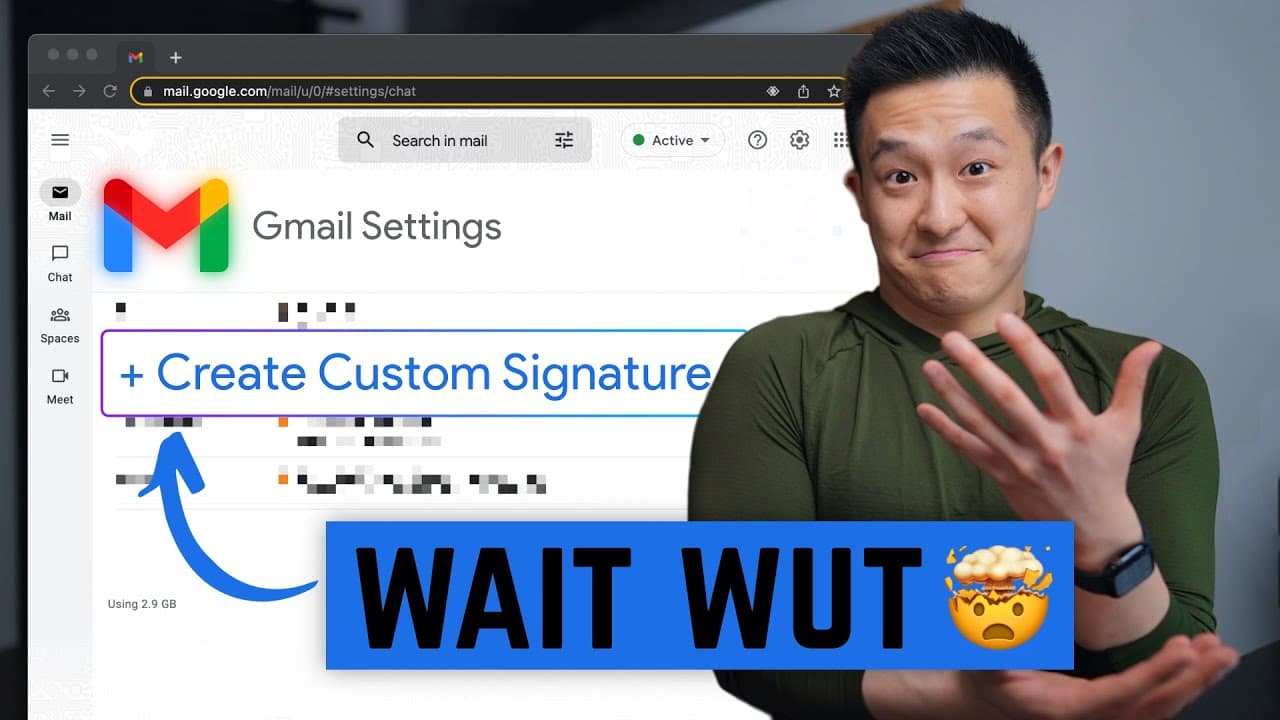
Ten effective Gmail tips to boost productivity include creating custom signatures via Google Docs, composing drafts directly in Google Docs, using the Brisk extension for text expansion, and blocking spam with personalized filters. Other useful features include editing email subject lines before forwarding, sending disappearing emails through confidential mode, and customizing snooze settings to manage reminders efficiently.
Transcript
i think at some point in our lives someone should have told us that the easiest way to create a custom gmail signature for free is to open up a google doc create a table insert a logo you want to use and resize it by doing this include your information on the right here and then you can change the table properties by right click table properties ta... Read More
Key Insights
- 🥶 Creating a custom Gmail signature is easy and free by using Google Docs and copying the table into the signature field.
- 👻 Composing drafts in Google Docs with the smart chips feature allows for a seamless transfer to Gmail.
- 💌 The Brisk Gmail extension is a powerful tool for text expansion and template creation, saving time when writing emails.
- 💌 Blocking spam emails can be done by creating filters with unique keywords.
- 🫥 Editing subject lines before forwarding emails improves clarity and keeps recipients informed.
- 💌 The confidential mode in Gmail enables the sending of disappearing emails, providing extra privacy and control.
- 🫵 Enabling the new Gmail view and customizing it in the settings can enhance productivity.
- 🎹 Removing text formatting can be done with a simple button click or keyboard shortcut.
- 👻 Customizing default snooze times in Gmail allows for a personalized snooze experience.
Install to Summarize YouTube Videos and Get Transcripts
Explore YouTube Video Summarizer or Get YouTube Transcript Extractor
Questions & Answers
Q: How can I create a custom Gmail signature for free?
To create a custom Gmail signature, open a Google Doc, insert a logo, add your information, resize it, change table properties to remove borders, and copy it into the signature field in Gmail.
Q: How can I compose drafts in Google Docs and transfer them to Gmail?
You can compose drafts in Google Docs by typing "@email draft" and pressing enter. The smart chips feature will generate a template that you can easily port over to a draft in Gmail.
Q: How can I save time when writing emails?
You can use the Brisk Gmail extension, which allows you to create templates and use variables for dynamic text expansion. This is particularly useful for frequently used phrases or date-dependent information.
Q: How can I block spam emails that I can't unsubscribe from?
Create a filter in Gmail with unique keywords from the spam emails. This way, the emails will be automatically skipped, marked as read, or deleted, ensuring they don't clutter your inbox.
Summary & Key Takeaways
-
Create a custom Gmail signature by opening a Google Doc, inserting a logo, adding information, and copying it into the signature field.
-
Compose drafts directly in Google Docs using the smart chips feature to easily add contacts, subject lines, and email bodies, then port it over to Gmail.
-
Use the free Brisk extension to save time by creating templates and variable-based text expansion.
-
Block spam by creating a filter with keywords unique to the spam emails, ensuring they never appear in the inbox again.
Read in Other Languages (beta)
Share This Summary 📚
Summarize YouTube Videos and Get Video Transcripts with 1-Click
Try YouTube Summary with ChatGPT & Claude or YouTube Transcript Generator
Explore More Summaries from Jeff Su 📚






Summarize YouTube Videos and Get Video Transcripts with 1-Click
Try YouTube Summary with ChatGPT & Claude or YouTube Transcript Generator