How to Run Android Apps Natively on Windows 11?
TL;DR
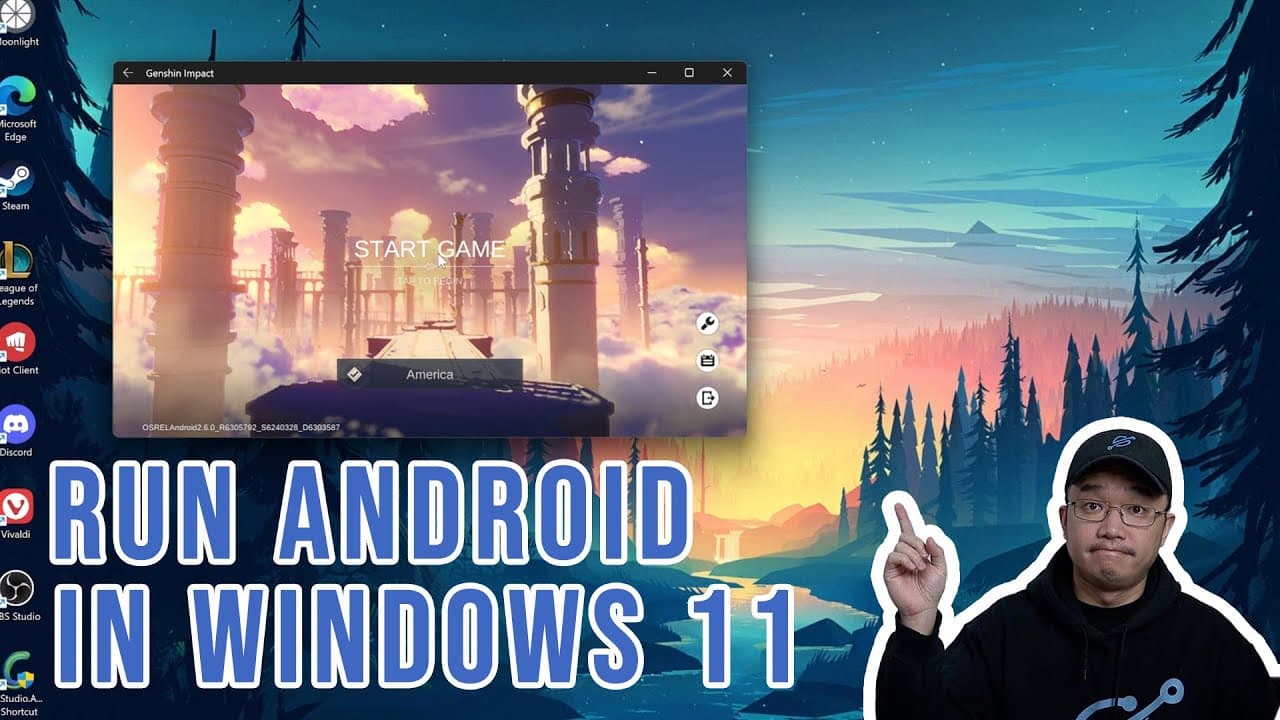
To run Android apps natively on Windows 11, enable the Virtual Machine Platform and install the Amazon App Store. Ensure your Windows version meets the minimum requirements. You can also sideload apps using ADB for additional functionality, but be aware that some apps may not work due to the absence of Google Play Services.
Transcript
hey guys what's going on it's don here from nova spare tech and welcome back to the channel and today i'm going to show you guys how to natively run android apps on your windows 11 so let's get started so we're going to be running android apps on windows 11 not using bluestack or any emulator or anything but natively running android apps on windows... Read More
Key Insights
- 😀 Windows 11 allows users to run Android apps without any emulation, leveraging the Amazon App Store.
- ❓ Essential requirements include verifying your Windows and Microsoft Store versions to ensure compatibility.
- 🏃 Enabling the Virtual Machine Platform is crucial for running the Android subsystem.
- 😀 Users can install apps via the Amazon App Store and sideload them through ADB for expanded functionality.
- 🐕🦺 Apps downloaded from Amazon may be limited compared to those available through Google services.
- 😀 APKs can be tested for compatibility with the Android subsystem, with varying success rates based on app requirements.
- 🏃 GPU acceleration is beneficial for running graphic-intensive applications on Windows 11.
Install to Summarize YouTube Videos and Get Transcripts
Explore YouTube Video Summarizer or Get YouTube Transcript Extractor
Questions & Answers
Q: What are the initial system requirements for running Android apps on Windows 11?
To use Android apps natively on Windows 11, your system's version must be at least 22000.526 or higher. You should also ensure that the Microsoft Store's version is at least 22110.1402.6 for optimal compatibility. These requirements can be checked in the System settings for Windows and the Microsoft Store's app settings.
Q: Why can't Google Play Services be used with this method?
The native Android apps run through the Amazon App Store on Windows 11, which does not include Google Play Services. This means applications that require Google authentication or are linked to a Google account will not function. However, many games and apps that do not depend on these services can still be run smoothly.
Q: How can you sideload Android applications onto Windows 11?
To sideload Android applications, you first need to download the platform tools, including ADB, and set up the Windows Subsystem for Android. Once developer mode is enabled, you can connect to the Android subsystem through ADB commands to install APK files directly.
Q: What is the experience like running Android apps on Windows 11?
Running Android apps natively on Windows 11 is reported to be efficient and responsive, often considered to perform better than traditional emulators like BlueStacks. Games and applications that utilize GPU emulation work smoothly, providing a near-native experience during gameplay or app usage.
Summary & Key Takeaways
-
This content provides a step-by-step guide on how to natively run Android applications on Windows 11, highlighting the absence of Google Play Services.
-
It details the necessary system requirements, enabling specific Windows features, and utilizing the Amazon App Store to download and install Android apps.
-
The tutorial includes instructions for sideloading additional Android apps using platform tools, explaining the process of connecting to the Android subsystem through ADB.
Read in Other Languages (beta)
Share This Summary 📚
Summarize YouTube Videos and Get Video Transcripts with 1-Click
Try YouTube Summary with ChatGPT & Claude or YouTube Transcript Generator
Explore More Summaries from Novaspirit Tech 📚






Summarize YouTube Videos and Get Video Transcripts with 1-Click
Try YouTube Summary with ChatGPT & Claude or YouTube Transcript Generator