How to configure Claude Code with hidden settings
TL;DR
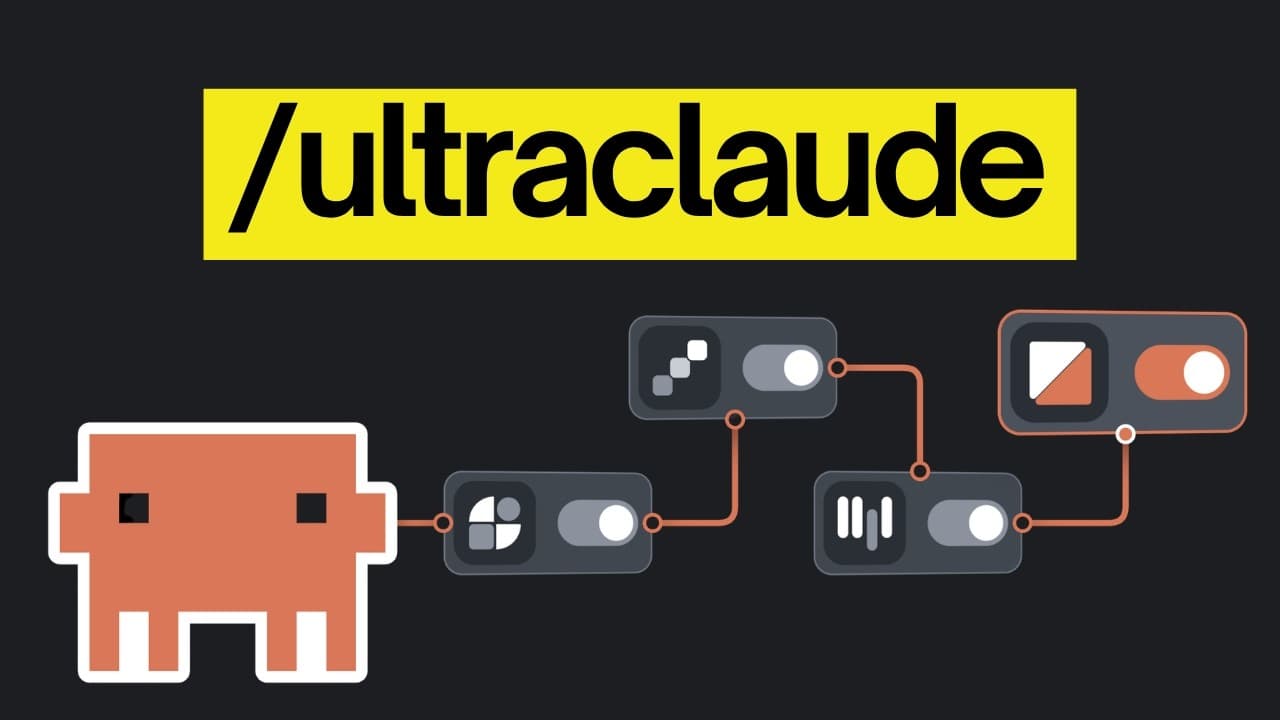
The video reveals a smarter init that asks how you work, then creates a tailored CLAUDE.md, skills, and hooks. It also covers importing setups from other agents, auditing instructions for outdated prompts, and identifying unused skills to keep Claude Code lean. This helps Claude respond more like your workflow.
Transcript
Claude Code has a lot of hidden settings and most people don't know they exist, even the ones who open it every day. So, we went through every setting and picked the ones that changed how we work. One of them is a setting that even the people who build Claude code use themselves and it completely changes a command you probably run a lot. Another on... Read More
Key Insights
- The key to a better Claude Code setup is answering how you work before building the initial configuration.
- Importing setups lets you reuse your previous agent configurations, reducing setup time and preserving useful instructions and MCPs.
- Prompt audit is essential after new model releases to remove outdated instructions that no longer help Claude.
- Skill doctor helps identify underused or costly skills so you can prune context load.
- Auto mode can be customized with an auto mode setup to reflect your normal command usage and permissions.
- Disable unnecessary connectors to reduce context load and improve performance across sessions.
- Artifacts can be disabled to prevent additional context unless needed for design reviews.
- Plan mode can save plans in a configurable plans directory to share with team members.
Install to Summarize YouTube Videos and Get Transcripts
Explore YouTube Video Summarizer or Get YouTube Transcript Extractor
Questions & Answers
Q: How does the new init setting in Claude Code change the first run
The new init setting asks how you work before starting, then creates a plan and generates a CLAUDE.md that reflects your workflow. It also builds skills and hooks tailored to your preferences, so the initial setup aligns with how you actually code and collaborate, improving initial responses and context relevance.
Q: What is the import command used for in Claude Code
The import command lets you move an existing setup from Codex or Cursor into Claude Code, including instruction files and MCPs. It shows what can be copied and lets you choose which items to import, then creates a skill containing the necessary instructions to transfer your previous configuration, enabling a seamless transition.
Q: Why is prompt audit recommended after a new model release
Prompt audit reads your entire setup and checks each part of it for outdated or no longer useful instructions. It highlights fixes and helps you apply updates so Claude Code keeps instructions aligned with the current model, preventing older prompts from clogging context or reducing answer quality.
Q: What does skill doctor do in Claude Code
Skill doctor analyzes how often each skill is used, when it was last used, and the token cost in the context. With this information you can identify underutilized or expensive skills and delete or prune them, keeping the context lean and focused on the most valuable capabilities.
Q: How can you reduce context load from connectors in Claude Code
There is a setting to disable claude AI connectors, which stops loading default integrations like Notion or Slack into every session. By turning this off in settings.json, you prevent unnecessary context from these apps from impacting performance, especially on long-running tasks.
Q: What is auto mode setup and how does it benefit workflows
Auto mode setup analyzes your project and past sessions to tailor auto mode rules to the commands you typically permit. After you approve, Claude Code follows these updated rules, enabling smoother automation while maintaining safety and alignment with your work practices.
Q: How can you manage long tasks without constant prompts
The fewer permission prompts setting creates an allow list of frequently used commands that read data without changing anything. This lets Claude run long tasks without pausing for approvals, reducing interruptions while ensuring only trusted actions are performed.
Q: What is the role of the plans directory feature
Plans generated during plan mode can be saved in a configurable plans directory inside your project. By setting the plans directory in settings.json, every plan is stored in a predictable location, making it easier to share with teammates and keep documentation synchronized with the project structure.
Summary & Key Takeaways
-
The video explains a smarter init that customizes Claude Code before building a project, including a personalized CLAUDE.md and a set of skills and hooks.
-
It shows how to import existing agent setups from Codex or Cursor to Claude Code, preserving valuable configurations while adopting Claude Code workflows.
-
A regular audit process is outlined to prune outdated prompts and unused skills to keep Claude Code efficient as models evolve.
Read in Other Languages (beta)
Share This Summary 📚
Summarize YouTube Videos and Get Video Transcripts with 1-Click
Try YouTube Summary with ChatGPT & Claude or YouTube Transcript Generator
Explore More Summaries from AI LABS 📚




Summarize YouTube Videos and Get Video Transcripts with 1-Click
Try YouTube Summary with ChatGPT & Claude or YouTube Transcript Generator