What New Features Are in Elementary OS 6.0 Beta?
TL;DR
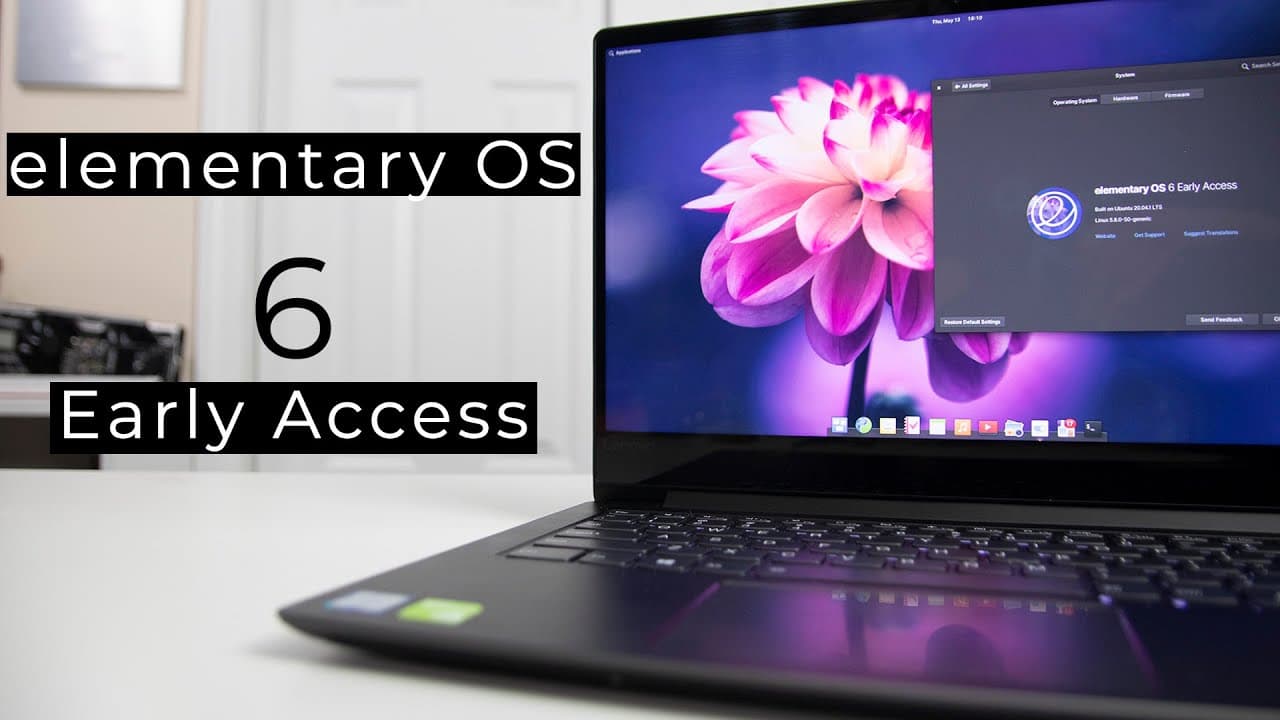
Elementary OS 6.0 beta introduces a simplified installation process and new features like accent color customization and picture-in-picture mode. While users will find improved aesthetics and user experience, some applications face issues with dark mode compatibility, and certain curated apps are currently unavailable. Overall, the beta showcases potential for future enhancements but also highlights areas needing improvement.
Transcript
hey guys don here from nova spirit tech and welcome back to the channel and today we are going to be checking out elementary os 6.0 beta so let's get started now some of you long-term viewers of this channel probably known between 2018 and 2019 i was exclusively using elementary os 5.0 for either my laptop or my desktop for anything that's linux re... Read More
Key Insights
- ⚾ Elementary OS 6.0 beta is based on Ubuntu 20.04, providing users with an updated kernel and base system.
- 🏵️ The new installation process is simplified and user-friendly, reducing the time it takes to set up the OS.
- 👤 Users can now customize their desktop environment significantly through accent color options and theming settings.
- 🕶️ Despite some positive enhancements, issues like incomplete features and inconsistent dark mode operations detract from the overall experience.
- 👤 The operating system maintains a minimalist design indicative of its previous versions, appealing to users who appreciate simplicity and elegance.
- 👶 The beta version reflects potential for future developments, but software updates and new feature integration will be crucial to its success.
- 👤 The notification center and settings menus remain largely familiar, streamlining the user experience for long-time Elementary OS users.
Install to Summarize YouTube Videos and Get Transcripts
Explore YouTube Video Summarizer or Get YouTube Transcript Extractor
Questions & Answers
Q: What are the main improvements in Elementary OS 6.0 compared to version 5.0?
Elementary OS 6.0 improves upon version 5.0 mainly in aesthetics and usability. It introduces a revamped installation process that is more user-friendly and provides quicker navigation. Users can also customize accent colors and choose themes, enhancing the visual appeal and personalization of the desktop experience, making it feel more modern.
Q: What issues do users encounter in the Elementary OS 6.0 beta?
Users may face several issues in the Elementary OS 6.0 beta, including the unavailability of curated apps in the app center, which limits software installation and updates. Additionally, some visual styles appear unfinished, particularly in dark mode, where several applications do not adhere to the chosen theme, resulting in a mix of light and dark appearances.
Q: How does the system resource usage of Elementary OS 6.0 compare to previous versions?
Elementary OS 6.0 beta runs on approximately 718 MB of memory at startup, which is about 200 MB more than version 5.0, which averaged around 550-600 MB. Despite being heavier than its predecessor, this usage remains lightweight compared to more resource-intensive operating systems, like GNOME, making it suitable for users seeking efficiency.
Q: Can you explain the picture-in-picture mode feature in Elementary OS 6.0?
The picture-in-picture mode in Elementary OS 6.0 allows users to keep a smaller window view while multitasking. This feature can be activated with a keyboard shortcut and is particularly useful for watching videos or maintaining chats while accessing other applications. It offers additional flexibility and increases productivity for users who need to work or engage in multiple tasks simultaneously.
Summary & Key Takeaways
-
The video reviews the Elementary OS 6.0 beta, emphasizing improvements over version 5.0, particularly in aesthetics and user experience.
-
The installation process is noted for its simplicity, though users should be aware of missing curated apps and known issues with themes.
-
New features like accent color customization and picture-in-picture mode are showcased, but some applications have inconsistencies with the dark mode.
Read in Other Languages (beta)
Share This Summary 📚
Summarize YouTube Videos and Get Video Transcripts with 1-Click
Try YouTube Summary with ChatGPT & Claude or YouTube Transcript Generator
Explore More Summaries from Novaspirit Tech 📚






Summarize YouTube Videos and Get Video Transcripts with 1-Click
Try YouTube Summary with ChatGPT & Claude or YouTube Transcript Generator