How to Use Raycast AI Extensions for Smart Automation
TL;DR
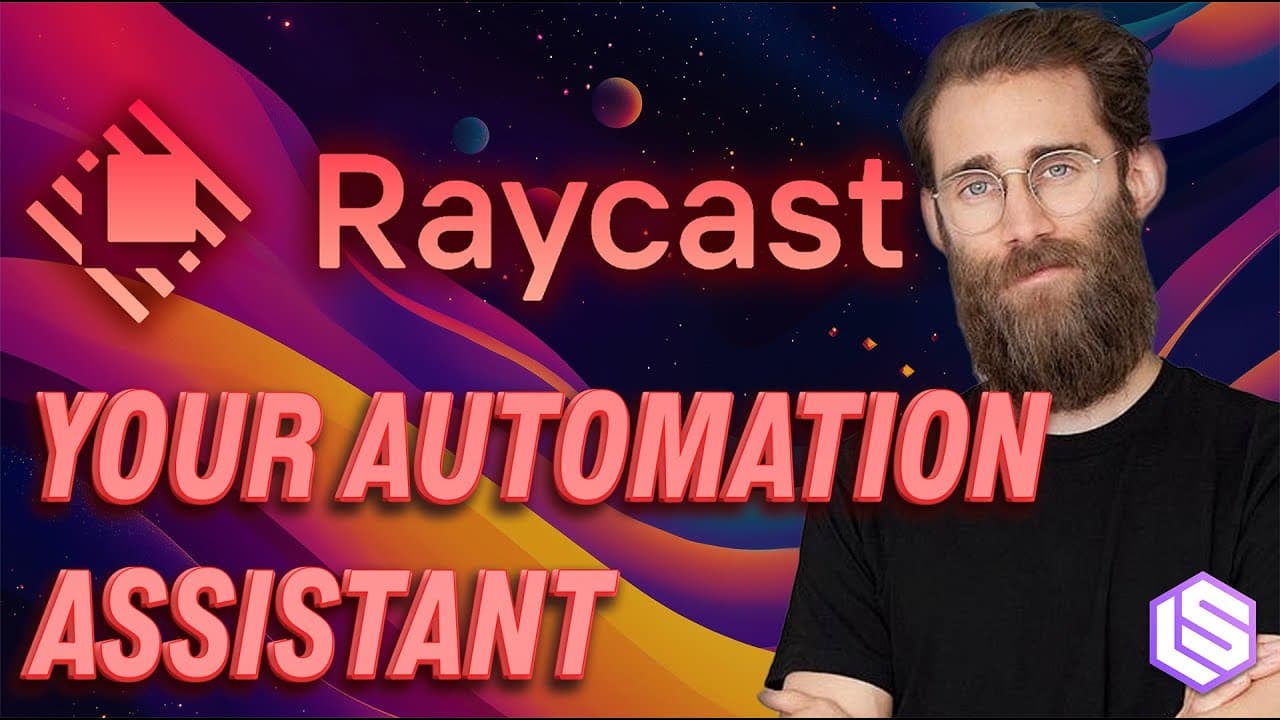
Raycast now lets you interact with extensions in natural language and run OS level actions through an AI chat. Developers can publish extensions that expose tools and data to the AI, enabling workflows like scheduling meetings, checking colleagues’ availability, and updating apps without leaving the desktop. The AI models are fine tuned for tool calling, improving accuracy and speed.
Transcript
hey everyone welcome back to a len space linning pod this is cesio partner and C2 dble and I'm joined by swix founder of small hello and today we are joined by an extra special guest Thomas your CEO of recast welcome hey thanks for having me finally making my way here been listening from the sidelines for a while so happy to share a few things now ... Read More
Key Insights
- Raycast integrates AI through extensions that expose tools and data via APIs.
- The platform allows natural language interaction with connected apps and services on the desktop.
- Developers can publish extensions to broaden Raycast capabilities and connectivity.
- An AI chat component enables conversational control and task automation across apps.
- The company fine tunes a model for tool calling to improve accuracy and speed.
- Workflows can chain multiple tool calls, enabling complex tasks with minimal user input.
- Human checks are preserved for destructive actions to avoid unintended changes.
- All actions can be initiated from a keyboard shortcut for quick access.
Install to Summarize YouTube Videos and Get Transcripts
Explore YouTube Video Summarizer or Get YouTube Transcript Extractor
Questions & Answers
Q: What is Raycast AI extensions and how do they work with your tools
Raycast AI extensions are optional add ons that expose a tool set through APIs so the AI can call them from the built in chat or the extension interface. Developers publish these extensions, and users can connect apps and services like calendars or messaging into a single desktop interface. The AI uses natural language to trigger actions and fetch data, creating a unified automation layer on macOS.
Q: How does Raycast handle automation with multiple tools in a single task
Raycast supports chaining tool calls so a single request can trigger several actions across different extensions. The AI analyzes the goal, decides the sequence of tool invocations, and executes them in order. This enables workflows such as finding an available time, creating a calendar event, and sharing a link, all without leaving Raycast.
Q: What model is used for AI and why is it tuned
Raycast uses M tasks with a fine tuned model called Ray1 and Ray1 Mini, optimized for their specific use case and tool calling. Fine tuning improves accuracy and speed for their function calling setup, making it easier to reliably perform actions like updating a Slack status or querying an HR system from the desktop.
Q: Can you describe how a meeting scheduling workflow works in Raycast
In Raycast you can build a meeting assistant that integrates with Google Calendar and other services. You enter a natural language request to find a time with a contact, the AI searches availability, proposes slots, and can book a meeting with or without a confirmation step. It also creates a meeting link and formats the invitation.
Q: What is the role of human oversight in Raycast AI workflows
Human oversight is preserved for destructive actions such as creating or modifying events. The system presents a gut check with indicators to confirm the details like date time and link before finalizing. This ensures you retain control over changes made through automated workflows.
Q: How can developers create extensions for Raycast
Developers can build extensions using TypeScript, Node, and React, publish them to a store, and expose their app data and actions to Raycast AI. The extensions become available as natural language commands or as actionable AI integrated tools, enabling the AI to utilize those services across apps.
Q: What is the user experience like when interacting with Raycast AI
The user interacts via a global hotkey and a chat interface where they mention extensions by name. The AI then uses the connected tools to perform tasks, fetch information, and generate responses. The design emphasizes ease of use, speed, and having a single place to access all tools.
Q: What makes Raycast different from other AI assistants
Raycast combines an OS level AI assistant with a broad ecosystem of extensions that connect to many apps and services. It focuses on tool calling accuracy, efficient multi tool workflows, and a desktop first experience. This results in faster access to actions and a more integrated automation layer on the computer.
Summary & Key Takeaways
-
Raycast acts as a smarter Spotlight replacement with AI powered extensions that connect across apps and services
-
Developers publish extensions that expose their tools via APIs, enabling seamless desktop automation
-
The new AI chat uses fine tuned models to safely call tools and orchestrate multi step workflows like meeting scheduling
Read in Other Languages (beta)
Share This Summary 📚
Summarize YouTube Videos and Get Video Transcripts with 1-Click
Try YouTube Summary with ChatGPT & Claude or YouTube Transcript Generator
Explore More Summaries from Latent Space 📚

Summarize YouTube Videos and Get Video Transcripts with 1-Click
Try YouTube Summary with ChatGPT & Claude or YouTube Transcript Generator