How to Learn JavaScript: A Crash Course for Beginners
TL;DR
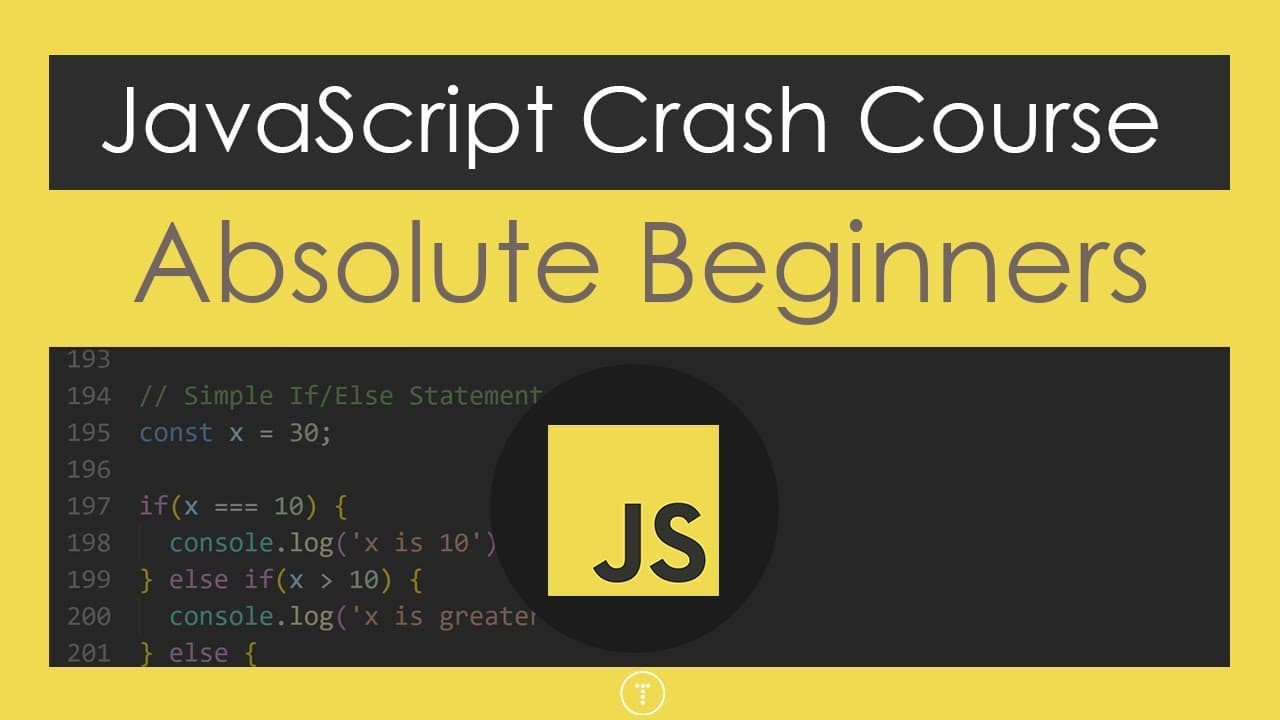
To start learning JavaScript, focus on fundamentals like syntax, data types, arrays, and functions. This crash course introduces key concepts and modern practices, providing a foundation for both front-end and back-end development. Mastering JavaScript opens doors to creating interactive web applications and exploring frameworks like React and Node.js.
Transcript
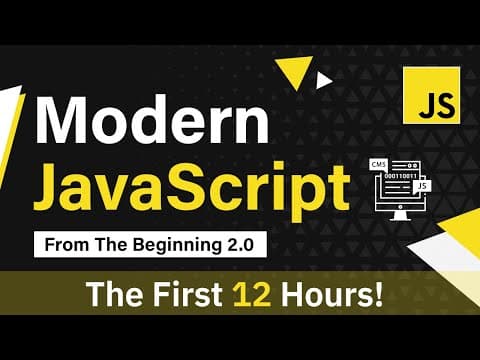
hey what's going on guys welcome to my updated JavaScript crash course for beginners so I did a video about three years ago on JavaScript fundamentals and this is the updated version which includes a more modern syntax and just better overall structure now I have a lot of JavaScript courses and tutorials on my channel but this is definitely the fir... Read More
Key Insights
- ❤️🩹 JavaScript is a widely used language for front-end and back-end web development.
- 👻 JavaScript is a high-level interpreted language that allows for the creation of interactive elements on web pages.
- ❓ JavaScript supports multiple paradigms, including object-oriented programming and functional programming.
- 👻 The Document Object Model (DOM) allows JavaScript to interact with and manipulate web page elements.
- 💁 JavaScript can be used to validate form inputs and handle user interactions on a web page.
- 🛟 JavaScript can be used for both client-side and server-side development, making it a versatile language.
- 🧡 JavaScript has a wide range of data types and built-in methods for working with arrays and objects.
Install to Summarize YouTube Videos and Get Transcripts
Explore YouTube Video Summarizer or Get YouTube Transcript Extractor
Questions & Answers
Q: What is the difference between JavaScript and Java?
JavaScript is a scripting language used for web development, while Java is a compiled language used for a wide range of applications.
Q: What are the advantages of using JavaScript over other programming languages?
JavaScript is the language of the browser and allows for interactive elements on web pages. It is also used for server-side development, can be used to build mobile and desktop apps, and is easy to learn and widely used.
Q: What are some common data types in JavaScript?
Common data types in JavaScript include strings, numbers, booleans, null, undefined, and symbols.
Q: How can we loop through an array in JavaScript?
You can use a for loop, for-each loop, or array methods like map, filter, and reduce.
Q: How does JavaScript handle object-oriented programming?
JavaScript supports object-oriented programming through constructor functions, prototypes, and classes.
Q: What is the Document Object Model (DOM)?
The DOM is a programming interface for HTML and XML documents. It represents the structure of a web page and allows JavaScript to access and manipulate the elements.
Q: How can we validate a form using JavaScript?
We can use JavaScript to validate form inputs by checking if the inputs meet certain criteria, such as required fields or specific data formats.
Q: Can JavaScript be used for both front-end and back-end development?
Yes, JavaScript can be used for both front-end development in the browser and back-end development with server-side technologies like Node.js.
Key Insights:
- JavaScript is a widely used language for front-end and back-end web development.
- JavaScript is a high-level interpreted language that allows for the creation of interactive elements on web pages.
- JavaScript supports multiple paradigms, including object-oriented programming and functional programming.
- The Document Object Model (DOM) allows JavaScript to interact with and manipulate web page elements.
- JavaScript can be used to validate form inputs and handle user interactions on a web page.
- JavaScript can be used for both client-side and server-side development, making it a versatile language.
- JavaScript has a wide range of data types and built-in methods for working with arrays and objects.
- JavaScript's modern syntax and extensive library ecosystem make it a popular language for web development.
Summary & Key Takeaways
-
This video is an updated version of a JavaScript crash course for beginners, focusing on modern syntax and better structure.
-
JavaScript is a high-level interpreted language used for front-end and back-end development.
-
The crash course covers topics such as data types, arrays, objects, conditionals, functions, and DOM manipulation.
Read in Other Languages (beta)
Share This Summary 📚
Summarize YouTube Videos and Get Video Transcripts with 1-Click
Try YouTube Summary with ChatGPT & Claude or YouTube Transcript Generator
Explore More Summaries from Traversy Media 📚

Summarize YouTube Videos and Get Video Transcripts with 1-Click
Try YouTube Summary with ChatGPT & Claude or YouTube Transcript Generator