Express.js Crash Course: How to Build APIs and Web Apps
TL;DR
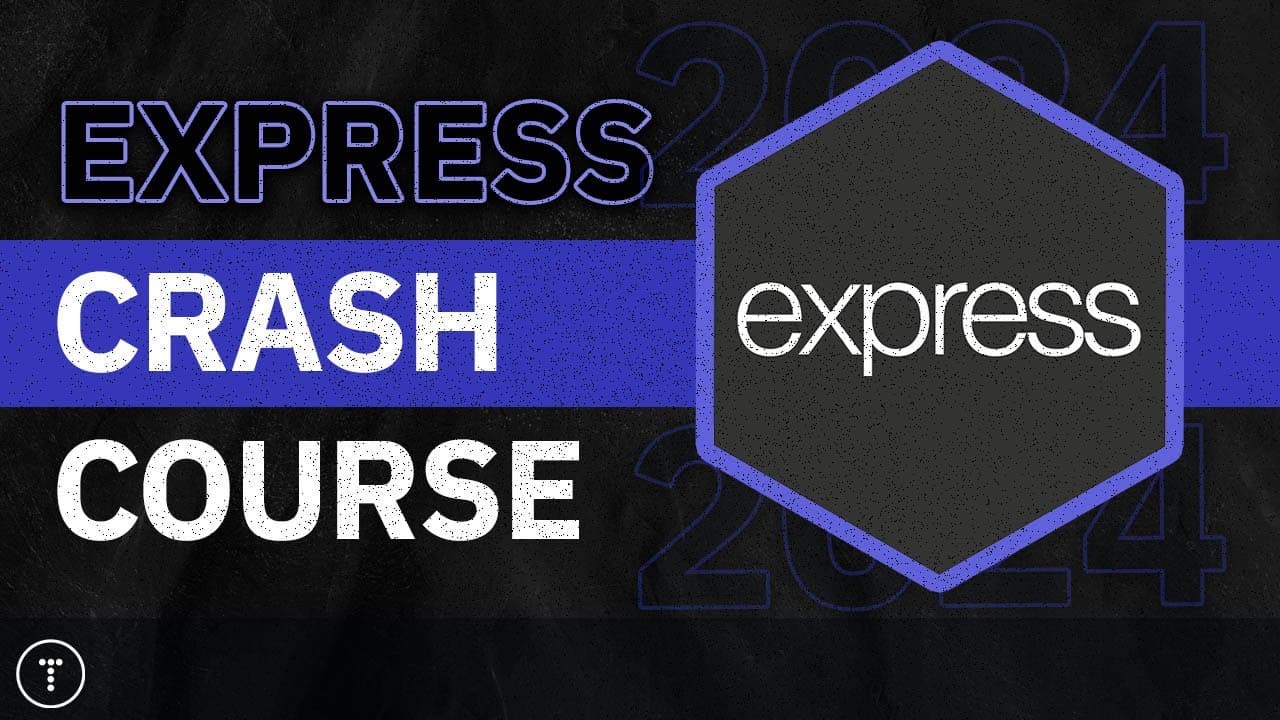
Express.js helps you build Node.js backend APIs, server-side applications, and microservices by simplifying HTTP request handling. This crash course covers routes, request and response objects, middleware, error handling, controllers, a full CRUD API, static files, and HTML rendering with EJS. Read on for direct answers about setting up Express and using its core features.
Transcript
what's going on guys welcome to my expressjs crash course so this is a revamped updated version of the one that I did about 5 years ago I also just revamped my node.js crash course you can find a link to that in the description node.js is a JavaScript runtime environment and if you're brand new to node I would definitely suggest that you watch that... Read More
Key Insights
- Express is a minimal and flexible Node.js web framework that supports web applications, backend APIs, and microservices. It provides tools that make HTTP request handling easier than working directly with Node.js's lower-level HTTP module.
- Express is commonly used as the backend framework in stacks that combine MongoDB, Node.js, and frontend technologies such as React, Angular, Vue, or vanilla JavaScript. The frontend choice can change without altering Express's role in the backend.
- An unopinionated framework gives developers freedom to structure applications, select databases, and install supporting libraries as needed. Express provides essential capabilities without imposing many conventions or including as many built-in features as more opinionated frameworks.
- The prerequisites for Express include JavaScript fundamentals, ES6 features, arrow functions, destructuring, promises, async and await, basic Node.js knowledge, and npm package installation. JavaScript knowledge is important before beginning either frontend or backend framework development.
- An Express application starts by installing the Express package, importing it, initializing an application object, and calling its listen method with a port. The application object is also used to create routes and register middleware throughout the server.
- Express routes connect an HTTP method and endpoint to a handler function. Each handler receives request and response objects, which provide access to information such as headers, body data, URL parameters, and query strings while supporting different response types and status codes.
- Middleware functions operate between an incoming request and the outgoing response. They can support logging and error handling, and custom error-handling middleware can centralize how application errors and unmatched requests are processed.
- Express can return JSON data, serve static HTML and frontend JavaScript, or render server-generated pages with the EJS template engine. EJS views can receive data, loop over arrays, and reuse template partials for shared page content.
Install to Summarize YouTube Videos and Get Transcripts
Explore YouTube Video Summarizer or Get YouTube Transcript Extractor
Questions & Answers
Q: What is Express.js used for in Node.js development?
Express.js is a minimal and flexible Node.js web framework for building server-side applications, backend APIs, and microservices. It simplifies HTTP request handling compared with working directly with Node.js’s lower-level HTTP module.
Q: What should you know before taking this Express.js crash course?
You should understand JavaScript fundamentals and ES6 features such as arrow functions, destructuring, promises, async, and await. You should also have basic Node.js knowledge and know how to use npm to install packages.
Q: How do you create a basic Express server?
Create a Node.js project with a package.json file, install Express, and add a server.js entry point. Import Express, initialize the application object, and call its listen method with a selected port.
Q: How does routing work in Express.js?
An Express route connects an HTTP method and endpoint to a handler function. The handler receives request and response objects, which provide access to headers, body data, URL parameters, and query strings and let the server return responses and status codes.
Q: How can Express.js implement CRUD operations?
Express can map create, read, update, and delete operations to POST, GET, PUT, and DELETE route handlers. The crash course builds a full JSON CRUD API for posts, including reading submitted data, using route parameters, modifying data, and returning JSON responses.
Q: What is middleware in Express.js?
Middleware functions sit between an incoming request and the outgoing response. The course demonstrates custom logging middleware, custom error-handling middleware, and catch-all error processing so shared behavior can be handled centrally.
Q: How can Express routes and controllers be organized?
Route definitions can be moved into separate route files, while request-handling logic can be placed in controller methods. This separates endpoint declarations from the code that processes requests and creates responses, and the course also demonstrates ES modules as an alternative to CommonJS syntax.
Q: Can Express.js serve both JSON APIs and HTML pages?
Yes, Express can return JSON data, serve static HTML and frontend JavaScript, and render server-generated pages. The course uses EJS templates to pass data and arrays into views, loop over array values, and reuse partials for shared page content.
Summary & Key Takeaways
-
Express is a minimal, flexible, and unopinionated Node.js web framework used for server-side applications, APIs, and microservices. It simplifies the low-level work involved in handling HTTP requests while allowing developers to choose their own application structure, database, supporting packages, and frontend technology.
-
The project begins by creating a package.json file, installing Express, adding node_modules and environment files to .gitignore, and creating a server.js entry point. The Express application object is then used to define routes, register middleware, handle requests and responses, and start a server on a selected port.
-
The course develops a JSON CRUD API for posts while also demonstrating static file serving, frontend data fetching, form submission, request parameters, query strings, status codes, and body data. Later sections cover route files, ES modules, controller methods, custom error middleware, environment variables, EJS templates, arrays, and partials.
Read in Other Languages (beta)
Share This Summary 📚
Summarize YouTube Videos and Get Video Transcripts with 1-Click
Try YouTube Summary with ChatGPT & Claude or YouTube Transcript Generator
Explore More Summaries from Traversy Media 📚

Summarize YouTube Videos and Get Video Transcripts with 1-Click
Try YouTube Summary with ChatGPT & Claude or YouTube Transcript Generator