How to Create Custom Instructions for Claude AI
TL;DR
Custom instructions in Claude AI enable users to tailor interactions for specific outcomes by defining personas and detailed response formats. This guide outlines how to set up and optimize these instructions effectively, enhancing the overall user experience. Additionally, the AI Foundations Community offers resources and support for deeper learning in AI applications.
Transcript
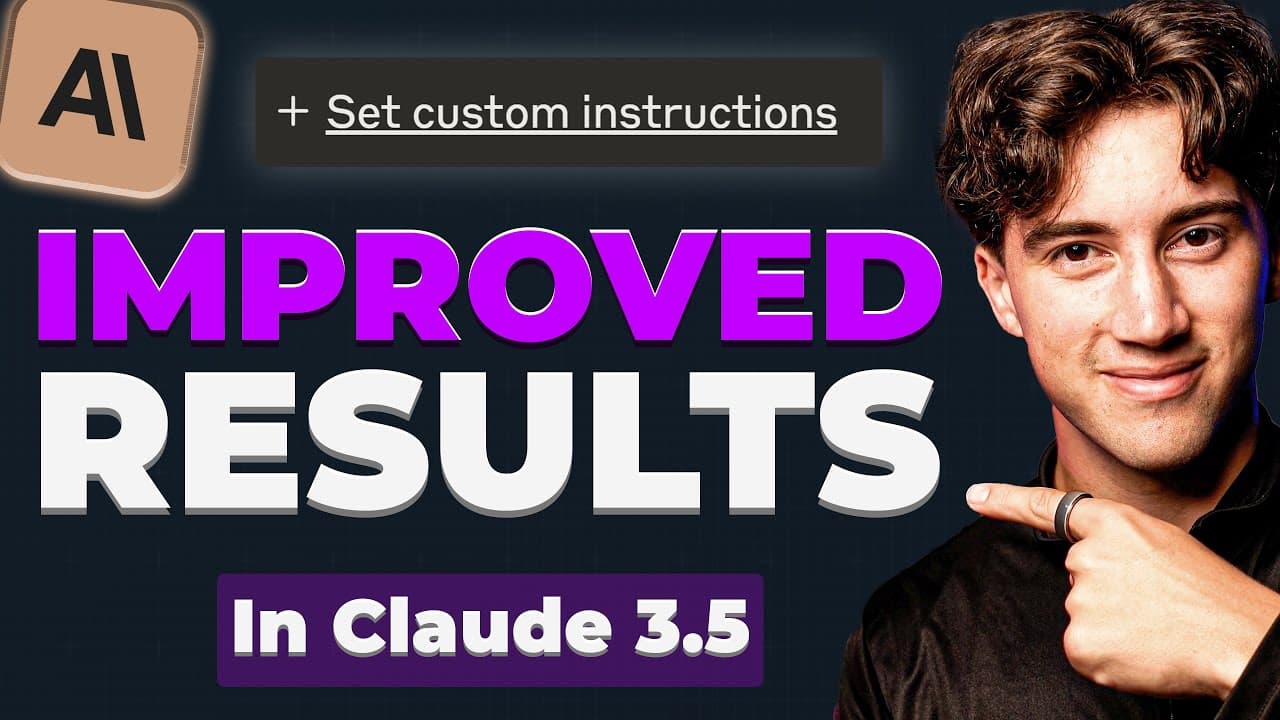
claude's new custom instructions feature is an absolute GameChanger it allows you to get very tailored in custom solutions to any problem that you deal with you just have to know how to craft the right Persona and where to put it and how to actually use it that's why in this video I'm going to be sharing resources for my pri... Read More
Key Insights
- Claude's custom instructions feature allows users to create tailored solutions by crafting specific personas and instructions, enhancing AI interaction.
- Understanding how to manipulate chatbots and craft precise instructions is crucial for effective AI utilization, as it empowers users to achieve desired outcomes.
- The AI Foundations Community offers a collaborative space with courses, tips, and contests, fostering AI learning and networking among over 225 members.
- Creating a project in Claude involves setting up a workspace with custom instructions and output formats, tailored to specific tasks or goals.
- Custom instructions in Claude enable users to define output formats, communication styles, and personality traits, ensuring consistent and desired responses.
- Special formatting instructions can enhance output by specifying details like bolding years or using emojis, making interactions more engaging and informative.
- Testing and revising custom instructions is essential for achieving optimal results, as initial setups may require adjustments for precision.
- Advanced users can integrate project knowledge by adding content or PDFs, allowing Claude to reference specific materials for more accurate outputs.
Install to Summarize YouTube Videos and Get Transcripts
Explore YouTube Video Summarizer or Get YouTube Transcript Extractor
Questions & Answers
Q: What is the purpose of Claude's custom instructions feature?
Claude's custom instructions feature is designed to allow users to create highly tailored AI interactions by crafting specific personas and instructions. This enables users to achieve precise outcomes and enhances the overall effectiveness of AI usage, as the AI can respond in a manner that aligns with the user's goals and preferences.
Q: How can users benefit from the AI Foundations Community?
The AI Foundations Community offers a collaborative environment where members can learn about AI through courses, share tips, and participate in contests. With over 225 members, it provides a platform for networking and exchanging knowledge, making it an invaluable resource for anyone looking to deepen their understanding of AI.
Q: What steps are involved in creating a project in Claude?
Creating a project in Claude involves setting up a workspace where users can define custom instructions, output formats, and special formatting. This process includes crafting a persona, specifying communication styles, and testing the setup to ensure it meets the user's needs. Users can also integrate additional content for more comprehensive outputs.
Q: Why is it important to test and revise custom instructions in Claude?
Testing and revising custom instructions in Claude is crucial because initial setups may not perfectly align with user expectations. By iterating on the instructions, users can refine the AI's responses, ensuring that the outputs are consistent and meet their specific requirements. This process leads to more accurate and satisfactory AI interactions.
Q: How can special formatting instructions enhance AI interactions?
Special formatting instructions allow users to specify how information should be presented, such as bolding years or using emojis. This customization makes interactions more engaging and informative, as it aligns the output with the user's preferences and enhances the overall readability and appeal of the AI's responses.
Q: What role does project knowledge play in enhancing Claude's outputs?
Project knowledge involves adding relevant content or PDFs that Claude can reference, allowing for more accurate and contextually relevant outputs. By integrating specific materials, users can ensure that the AI has access to the necessary information to provide precise and informed responses, thus improving the overall quality of interactions.
Q: How does the video suggest users approach creating custom instructions?
The video suggests that users approach creating custom instructions by first defining the desired persona, communication style, and output format. It emphasizes the importance of testing and revising the setup to achieve optimal results. Additionally, users are encouraged to utilize special formatting instructions and integrate project knowledge for enhanced outputs.
Q: What are some potential challenges when setting up custom instructions in Claude?
Potential challenges include ensuring that the instructions are precise enough to achieve the desired outcomes and that the output format aligns with user expectations. Users may need to iterate on their setup, testing and revising instructions to address any discrepancies. Additionally, integrating project knowledge effectively can be complex but is crucial for accurate outputs.
Summary & Key Takeaways
-
Claude's custom instructions feature is a powerful tool for creating tailored AI interactions. By crafting precise personas and instructions, users can achieve specific outcomes and enhance their AI experience. This video provides a comprehensive guide on setting up and utilizing these instructions effectively.
-
The AI Foundations Community is a vibrant space where over 225 members collaborate, share AI news, and participate in contests. It's an ideal environment for anyone looking to deepen their understanding of AI and network with like-minded individuals.
-
Creating a project in Claude involves setting up a workspace with custom instructions, output formats, and special formatting. Testing and revising these instructions is crucial for achieving the desired results, and advanced users can further enhance outputs by integrating project knowledge.
Read in Other Languages (beta)
Share This Summary 📚
Summarize YouTube Videos and Get Video Transcripts with 1-Click
Try YouTube Summary with ChatGPT & Claude or YouTube Transcript Generator
Explore More Summaries from AI Foundations 📚




Summarize YouTube Videos and Get Video Transcripts with 1-Click
Try YouTube Summary with ChatGPT & Claude or YouTube Transcript Generator