How to get the best results with Cursor AI for projects
TL;DR
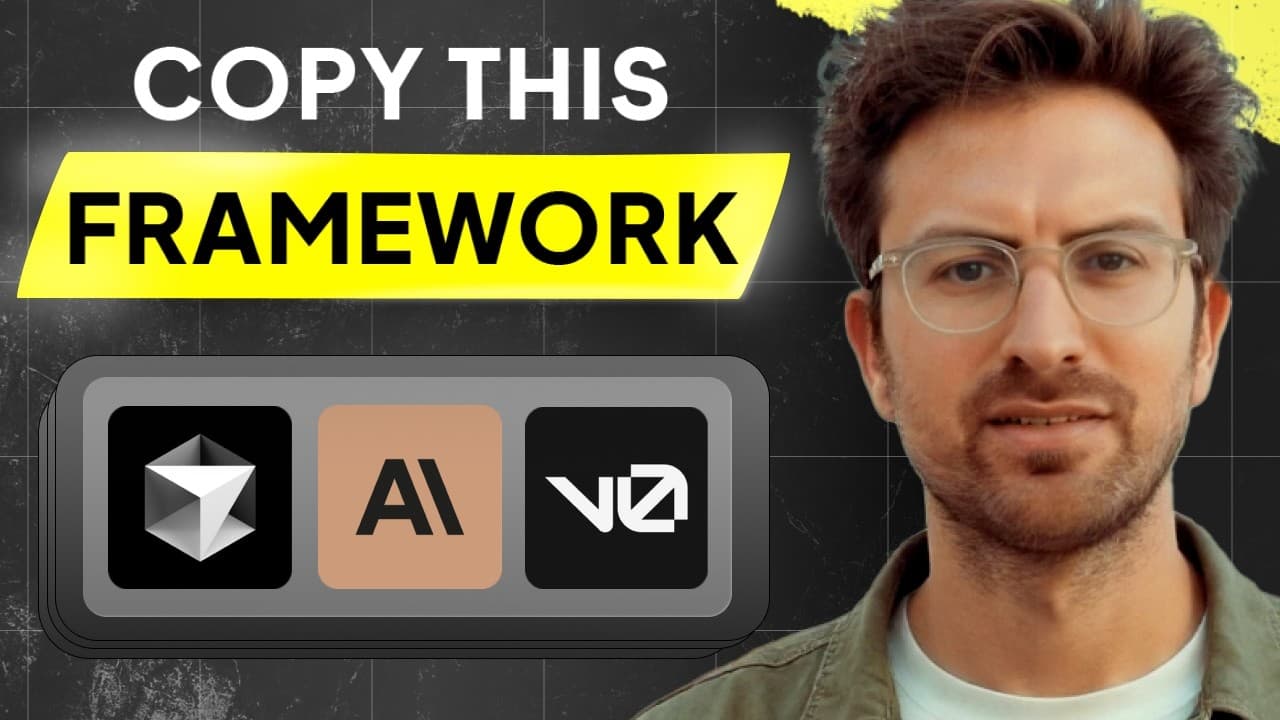
Plan before coding with Cursor AI, sketch your ideas in Figma or on paper, and use V0 mockups with at least 10 prompts to set expectations. Use cursor.directory prompts and add documentation to guide the AI. When stuck, consult other AI models and explain code for learning and documentation.
Transcript
if you're anything like me you've been down the cursor AI Rabbit Hole the idea of taking an idea and turning it into a code in a few minutes is just so amazing but before we get ahead of ourselves I think it's really important to uh know the best practices when using cursor Ai and I found this guy that you've probably never heard of he's got like a... Read More
Key Insights
- Planning before prompts is essential to get useful Cursor AI results.
- Measure twice, code once mindset applies to AI assisted development and helps clarify goals.
- Figma, iPad sketches or paper drawings serve as a visual plan for Cursor AI to follow.
- V0 mockups are recommended with at least 10 to 15 prompts to establish a solid baseline.
- Cursor.directory provides ready-made prompts tailored to your stack and can be pasted into the project.
- Creating a .cursor_rules file in the project root improves model behavior and consistency.
- Tagging relevant documentation allows Cursor AI to read up-to-date sources for accuracy.
- Asking other AI models for help when stuck expands problem solving options.
Install to Summarize YouTube Videos and Get Transcripts
Explore YouTube Video Summarizer or Get YouTube Transcript Extractor
Questions & Answers
Q: How should you start using Cursor AI to build something reliable?
You should begin with planning before you jump into Cursor AI. Sketch your idea in a visual format using Figma, an iPad, or paper, so you have a concrete image of what you want to build. Then use V0 mockups and a minimum of 10 prompts to establish a solid baseline. This approach keeps you in the driver seat and guides the AI like a co-pilot.
Q: What role do V0 mockups play in Cursor AI workflows?
V0 mockups act as a practical starting point that helps you visualize the MVP or initial version of your app before coding. They let you test layout and flow with the AI, refine your questions, and ensure the assistant has a clear target. This reduces back-and-forth and speeds up iteration.
Q: Why is cursor.directory recommended for Cursor AI users?
Cursor.directory is recommended because it provides ready-made prompts tailored to specific tech stacks like Next.js or Tailwind. Copying these prompts helps set expectations and improves output quality by giving the AI structured guidance, ensuring it adheres to best practices and uses up-to-date methods.
Q: What is the purpose of creating a .cursor_rules file?
Creating a .cursor_rules file in the project root serves as a centralized set of guidelines for Cursor AI. It helps customize behavior to match the exact tech stack and project conventions, reducing outdated or irrelevant responses and making the AI outputs more reliable and aligned with the team’s standards.
Q: How can documentation tagging improve Cursor AI results?
Tagging relevant documentation lets Cursor AI read official sources when answering questions. This keeps responses aligned with the current APIs and frameworks, improving accuracy and reducing misinterpretations during development tasks.
Q: What should you do when Cursor AI cannot solve a problem?
When Cursor AI stalls, you should ask other AI models like Claude or GPT-4 for assistance. Copy the failed errors and include them as context. Different models may provide alternative approaches or insights that help break through blockers.
Q: How can you use AI to explain code effectively?
Using AI to explain code helps with learning and documentation. Ask the AI to explain concepts as if you’re a beginner, then follow up on confusing parts. This practice reinforces understanding, improves retention, and yields documentation that is useful for onboarding and future maintenance.
Q: What is the value of using existing code templates with Cursor AI?
Leveraging existing code templates such as boilerplates for authentication, database access, and payments lets you start from proven foundations. Building on top of these templates saves time and reduces risk, enabling you to deliver functional features more quickly while maintaining reliability.
Summary & Key Takeaways
-
A clear planning process helps you map features and UI before coding, using sketches and V0 mockups to align expectations with Cursor AI output.
-
Using cursor.directory with project-specific prompts optimizes guidance for Cursor AI and reduces outdated advice by anchoring responses to your tech stack.
-
Incorporating documentation and multi-model strategies ensures up-to-date information and broader problem solving, leading to faster, more reliable development outcomes.
Read in Other Languages (beta)
Share This Summary 📚
Summarize YouTube Videos and Get Video Transcripts with 1-Click
Try YouTube Summary with ChatGPT & Claude or YouTube Transcript Generator
Explore More Summaries from Greg Isenberg 📚





Summarize YouTube Videos and Get Video Transcripts with 1-Click
Try YouTube Summary with ChatGPT & Claude or YouTube Transcript Generator