How to Use VirtualGPU on Proxmox for Better Graphics
TL;DR
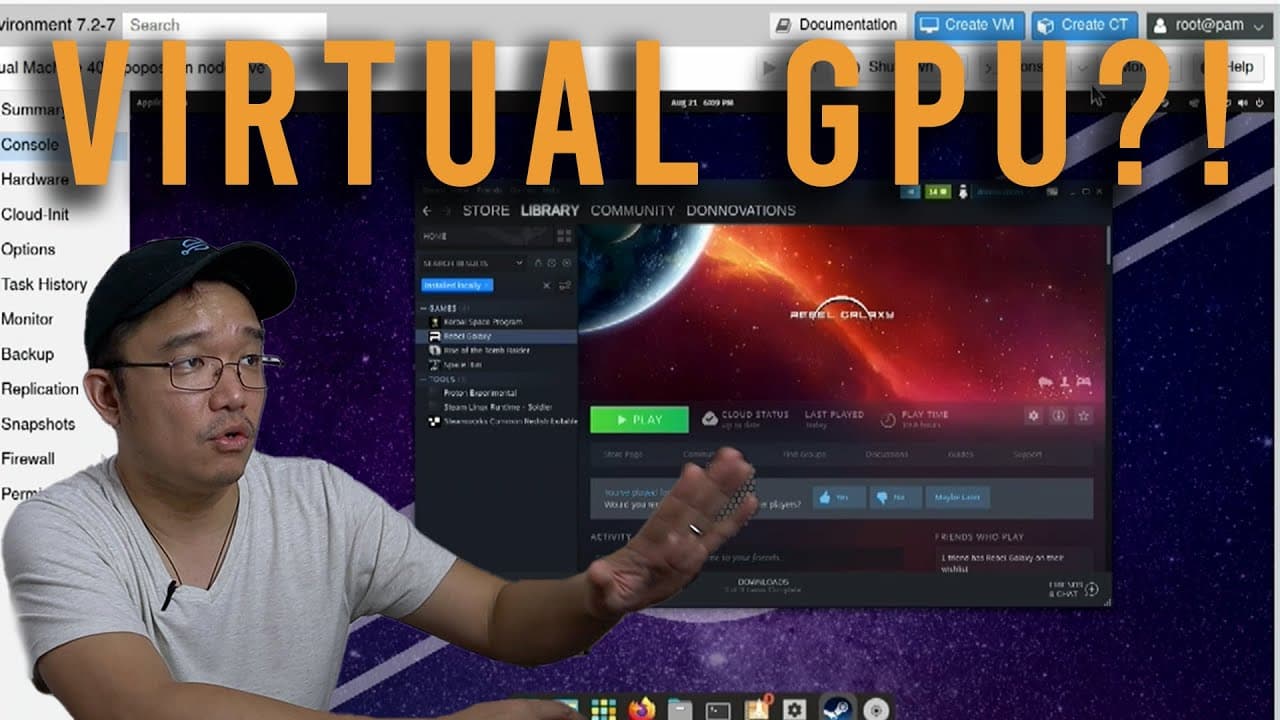
To use VirtualGPU on Proxmox, enable VirtualGL to manage OpenGL processing for virtual machines without full GPU passthrough. This method allows for enhanced graphics capabilities in applications like Blender and some OpenGL-based games, though performance may vary and audio support is weaker compared to Windows.
Transcript
hey guys what's going on it's don here from nova spare tech and welcome back to the channel and today i'm gonna be showing you something really cool that you could do with proxmox which is virtualgl so let's get started now i've been using proxmox for many many years and i've actually attempted this a few times over the course of the past few years... Read More
Key Insights
- 👻 VirtualGL allows for efficient graphics processing in Proxmox virtual machines without full GPU passthrough.
- 🪡 The integration simplifies the setup process, removing the need for kernel compilation or extensive customization.
- 😘 Users can achieve satisfactory performance with specific OpenGL applications even on lower-end hardware.
- 👤 Limitations exist in audio performance; users may find Windows provides a better experience in this regard.
- 💨 The speed enhancements via spice protocol offer a smoother experience than traditional VNC, but it isn't as fast as dedicated streaming software like Moonlight.
- ♻️ The performance of VM environments can be impacted by the guest operating system and the nature of the applications being used.
- 🥳 Ongoing developments in Proxmox could one day include better support for graphics APIs beyond OpenGL, such as Vulkan.
Install to Summarize YouTube Videos and Get Transcripts
Explore YouTube Video Summarizer or Get YouTube Transcript Extractor
Questions & Answers
Q: What is VirtualGL and how does it work with Proxmox?
VirtualGL is a software tool that allows OpenGL applications to run in a virtualized environment, leveraging a host's GPU resources. When integrated with Proxmox, it enables users to enhance graphics performance in VMs by processing OpenGL requests efficiently via VirtualGL, thus avoiding the necessity for complete GPU passthrough.
Q: What hardware requirements are needed to run Proxmox with VirtualGL?
The video demonstrates using an Intel NUC with an i5 processor and 16 GB of RAM, which is adequate for basic tasks. However, for optimal performance, especially with graphics-intensive applications, a more powerful GPU and additional RAM may be beneficial. Ultimately, the hardware should meet the demands of the applications being run on the VMs.
Q: Which operating systems are compatible with VirtualGL in Proxmox?
VirtualGL in Proxmox currently supports Linux-based operating systems. The video emphasizes that Windows does not support this configuration, which limits the use of VirtualGL to Linux for now. Users are encouraged to explore various Linux distributions that can benefit from this setup.
Q: How does VirtualGL affect gaming performance in Proxmox?
While VirtualGL is not primarily designed for gaming, it can handle some OpenGL games with acceptable performance. The video mentions how games like Rebel Galaxy and Kerbal Space Program show reasonable frames per second, making them playable, but emphasizes that serious gaming may not achieve optimal performance in this setup.
Summary & Key Takeaways
-
The video introduces the use of VirtualGL in Proxmox, allowing users to pass OpenGL processing to virtual machines without needing a full GPU.
-
The setup is demonstrated using an Intel NUC mini PC, showcasing how to configure and utilize VirtualGL for applications like Blender and Opengl-based gaming.
-
While the integration is beneficial for Linux systems, it has limitations such as subpar audio performance compared to Windows, and works best for non-intensive graphics applications.
Read in Other Languages (beta)
Share This Summary 📚
Summarize YouTube Videos and Get Video Transcripts with 1-Click
Try YouTube Summary with ChatGPT & Claude or YouTube Transcript Generator
Explore More Summaries from Novaspirit Tech 📚






Summarize YouTube Videos and Get Video Transcripts with 1-Click
Try YouTube Summary with ChatGPT & Claude or YouTube Transcript Generator