What is ChatGPT Dots and how does it run tasks
TL;DR
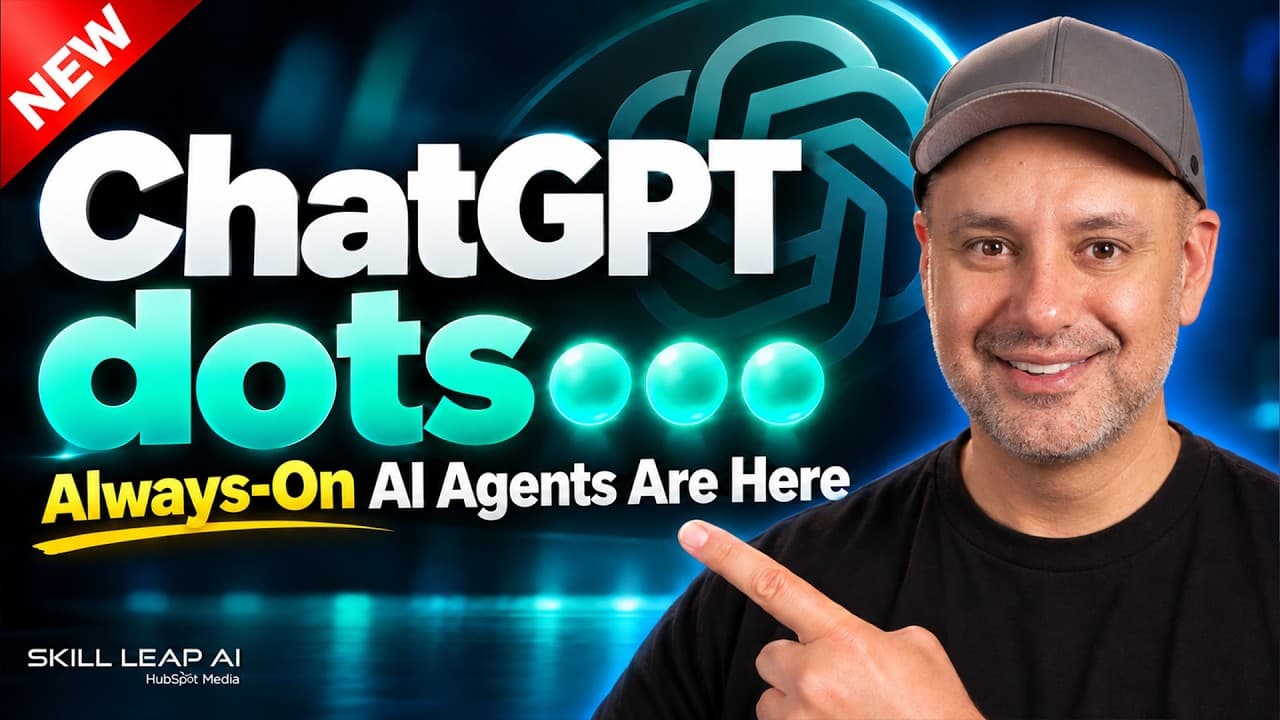
Dots are always-on AI agents inside ChatGPT with their own computer, capable of taking initiative and pursuing a goal without constant prompting. You set a responsibility, grant access to data, and the dot reads files, updates documents, and messages you when action is needed. It works 24/7 and can coordinate multiple dots.
Transcript
Chat GPT just released dots and I think this might be the biggest update since the release of chat GPT. Basically when we first got chat GPT that was to get answers right you talk to AI chat GPT answered you in text format. Couple of years later we got chat GPT codecs we got chat GPT work and we started getting real work done with AI. So you gave i... Read More
Key Insights
- Dots are always-on AI agents inside ChatGPT with their own computing environment. This enables continuous work on a defined goal without needing repeated prompts.
- A user can assign a responsibility to a dot, grant it access to data like emails and Google Drive, and let it autonomously determine what to do next to achieve the goal.
- Dots can read and analyze documents, calendars, and contracts, flag issues, and propose changes, effectively acting as a proactive assistant.
- Dots will message you with updates and can be configured to minimize messages and summarize only the most critical actions.
- The dot can take initiative by rewriting content, updating emails and social posts, and tracking tasks across a launch plan.
- The system supports multiple dots working together on different tasks to expand capabilities beyond a single agent.
- Dots operate 24/7, continuously pursuing the goal and providing ongoing progress without reinitializing prompts.
- Foundational rules and access controls are set by the user, ensuring safeguards and approval flows for actions taken by dots.
Install to Summarize YouTube Videos and Get Transcripts
Explore YouTube Video Summarizer or Get YouTube Transcript Extractor
Questions & Answers
Q: What is a ChatGPT Dot and how is it different from regular ChatGPT
A ChatGPT Dot is an always-on AI agent that lives inside ChatGPT and has its own computer. It keeps working toward a defined goal even when you are not actively interacting with ChatGPT. This makes it different from standard chat prompts, which require active input for each step. Dots can initiate actions, access connected apps, and message you with updates as they progress toward the goal.
Q: How do you start using a Dot in ChatGPT
To start using a Dot you name it, grant it appropriate access to data like emails, calendars, and Google Drive, and set a responsibility or goal. You can also adjust what it can and cannot access. The Dot will then begin working on the assigned task, monitoring data it has access to and providing ongoing updates as it progresses.
Q: What kind of tasks can a Dot perform
Dots can read documents, update contracts, rewrite emails and social posts, and manage a project like a product launch. They can pull in information from connected apps, follow prepared rules, and check for issues such as pricing mismatches. They operate continuously and can be configured to prioritize critical updates.
Q: Can a Dot work on multiple tasks at once
Yes, a single Dot can handle multiple responsibilities, and the system supports having different Dots with varied tasks. This enables parallel processing across a launch plan or other complex projects, with each Dot focusing on its assigned domain while coordinating with the rest.
Q: How does a Dot communicate updates
A Dot communicates by sending messages with progress updates, findings, and next steps. It can surface issues it detects in documents or data, ask follow up questions for clarifications, and summarize critical action items, allowing you to stay informed without micromanaging every step.
Q: What kind of access does a Dot have
A Dot can access a wide range of data through plugins and connections such as emails, calendars, Google Drive, and other apps you authorize. Access is controlled by the user, and you can pause or reset the Dot to new settings. This access enables proactive actions across tools and documents.
Q: What safeguards exist for Dots
The workflow includes safeguards like clear access permissions, review and approval processes for actions, and the ability to set rules that prevent unwanted changes. This ensures actions are aligned with your preferences and organizational policies.
Q: What is the benefit of 24/7 operation
The 24/7 operation allows the Dot to keep working on the goal even when you are away, reducing turnaround times and keeping momentum on projects. It continuously monitors data, notes issues, and initiates tasks, which can improve productivity and consistency across ongoing work.
Summary & Key Takeaways
-
Dots provide an always-on AI assistant that operates inside ChatGPT, with its own computing environment and autonomous task execution. It can be granted access to memory, emails, calendars, and files to proactively advance set goals.
-
The video demonstrates setting a goal or responsibility for a dot, giving it access, and observing how it initiates actions, communicates updates, and handles a product launch scenario.
-
The guide emphasizes how dots differ from regular ChatGPT, Work, and Codex, and shows practical steps to start using dots now, including a free starter guide and access considerations.
Read in Other Languages (beta)
Share This Summary 📚
Summarize YouTube Videos and Get Video Transcripts with 1-Click
Try YouTube Summary with ChatGPT & Claude or YouTube Transcript Generator
Explore More Summaries from Skill Leap AI 📚






Summarize YouTube Videos and Get Video Transcripts with 1-Click
Try YouTube Summary with ChatGPT & Claude or YouTube Transcript Generator