How to Install Linux After Switching From Windows
TL;DR
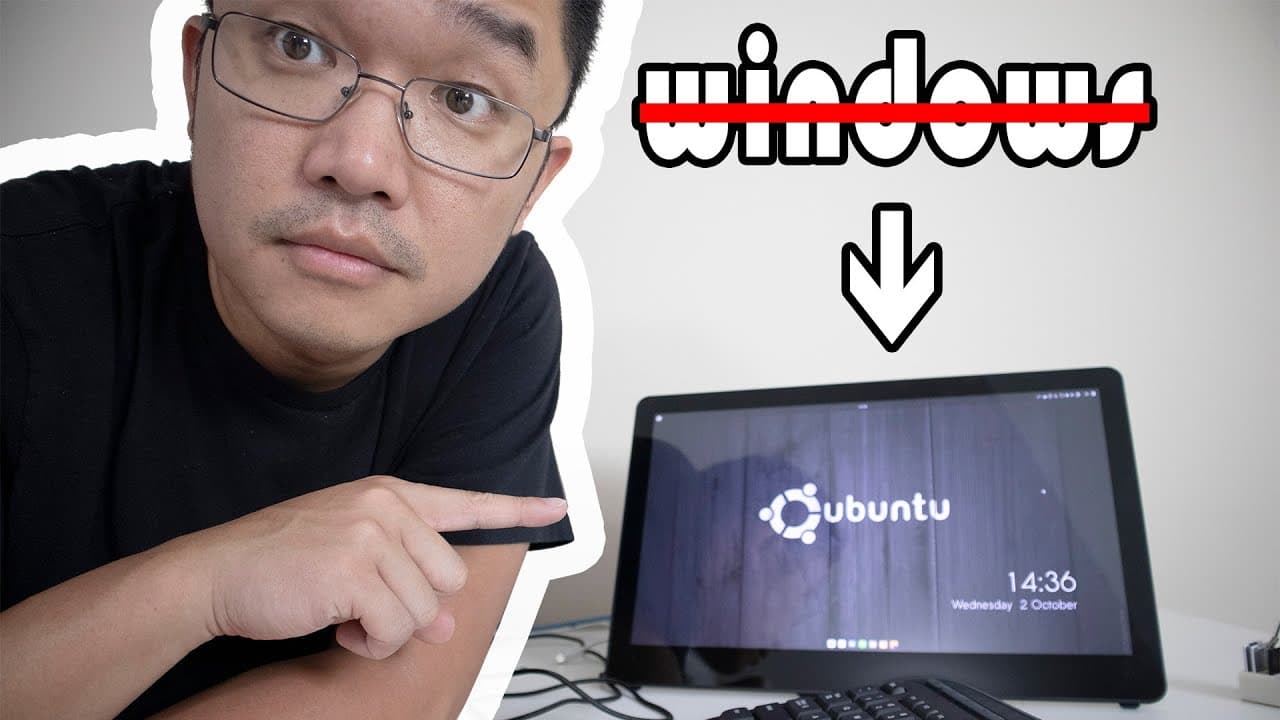
To install Linux after switching from Windows, first uninstall any software that requires licenses and collect your Windows product key. Download the desired Linux distribution, create a bootable USB, and configure your BIOS to boot from it. Using Ubuntu Budgie is recommended for an easier transition due to its similar interface to Windows.
Transcript
hey guys what is going on it's not here from Nova spirit Tech and I wanted to start out my new series by installing Linux from Windows so basically it's not just a normal hey I'm going to format my computer and install Linux type thing it's gonna be more like I'm gonna show you what you need to do to windows before you move and format your computer... Read More
Key Insights
- 💁 Transitioning from Windows to Linux involves preliminary steps, such as software uninstallation and information gathering, to ensure a smooth process.
- 😥 Ubuntu Budgie serves as an ideal starting point for users unfamiliar with Linux due to its Windows-like interface.
- #️⃣ Knowledge of Linux versioning is essential; even-numbered versions offer long-term support, while odd-numbered ones are experimental builds.
- 👾 Creating bootable USB drives is a critical step in installing Linux, requiring adequate space and the appropriate software for burning images.
- 👤 Users are advised to check compatibility with hardware components after installation, particularly for laptops, to ensure functionality post-install.
- 🈸 The Software Center simplifies application management within Linux, contrasting with Windows' fragmented approach to software updates and installations.
- 👻 Customization is a hallmark of Linux, allowing users to tailor their operating experience significantly beyond what Windows offers.
Install to Summarize YouTube Videos and Get Transcripts
Explore YouTube Video Summarizer or Get YouTube Transcript Extractor
Questions & Answers
Q: Why is it important to uninstall Windows software before installing Linux?
Uninstalling Windows software before transitioning to Linux is crucial to avoid potential conflicts and licensing issues. Programs like Norton AntiVirus or Microsoft Office can register a machine's license, posing problems if they are not uninstalled. By removing them, users can ensure their software licenses are released for future installations, preventing error messages during reinstallation.
Q: What is the advantage of choosing Ubuntu Budgie for new Linux users?
Ubuntu Budgie is recommended for new Linux users as it offers a familiar interface that closely resembles Windows. The Start menu and taskbar layout ease the transition process. With its user-friendly design and available support, it helps mitigate the learning curve that comes with switching operating systems, making it a comforting choice for beginners.
Q: How do Linux distributions like Ubuntu manage software installation?
Linux distributions like Ubuntu use a Software Center, allowing users to install, update, and manage applications from a single interface. This is a significant improvement over Windows, where users often need to navigate various locations for updates or new software. This centralized management streamlines the process and enhances user experience in Linux environments.
Q: What should users check for compatibility when installing Linux on laptops?
It's essential for users to check compatibility issues related to their laptop’s hardware when installing Linux. This includes functionality of power management, brightness levels, and function keys. Some laptops may require specific drivers or additional tools, like a power manager for Lenovo devices, to ensure all hardware features operate correctly after the Linux installation.
Q: What are some key features of Linux that differ from Windows?
Key features of Linux that set it apart from Windows include enhanced customization options, robust software management systems, and lower resource consumption for installations. Users can modify nearly every aspect of the operating system according to their preferences, making it adaptable for different hardware capacities and user needs while often requiring fewer gigabytes than standard Windows installations.
Q: What are the installation steps for Ubuntu Budgie?
The installation steps for Ubuntu Budgie begin with downloading the appropriate image and creating a bootable USB. After this, users need to access the BIOS settings to set the USB as the primary boot device. Upon booting from the USB, the installation wizard guides users through language, keyboard settings, and creating a user account before finalizing the installation and rebooting into the new system.
Summary & Key Takeaways
-
The content provides a detailed guide on how to prepare a Windows system for installing a Linux distro, focusing on uninstalling software and gathering necessary information.
-
The presenter discusses the choice of Ubuntu Budgie as a user-friendly Linux distribution for those transitioning from Windows due to its similar interface.
-
Essential steps include downloading the Linux image, creating a bootable USB, and configuring BIOS settings, followed by the actual installation process.
Read in Other Languages (beta)
Share This Summary 📚
Summarize YouTube Videos and Get Video Transcripts with 1-Click
Try YouTube Summary with ChatGPT & Claude or YouTube Transcript Generator
Explore More Summaries from Novaspirit Tech 📚






Summarize YouTube Videos and Get Video Transcripts with 1-Click
Try YouTube Summary with ChatGPT & Claude or YouTube Transcript Generator