How to Plot and Farm Chia Coins on Raspberry Pi 4
TL;DR
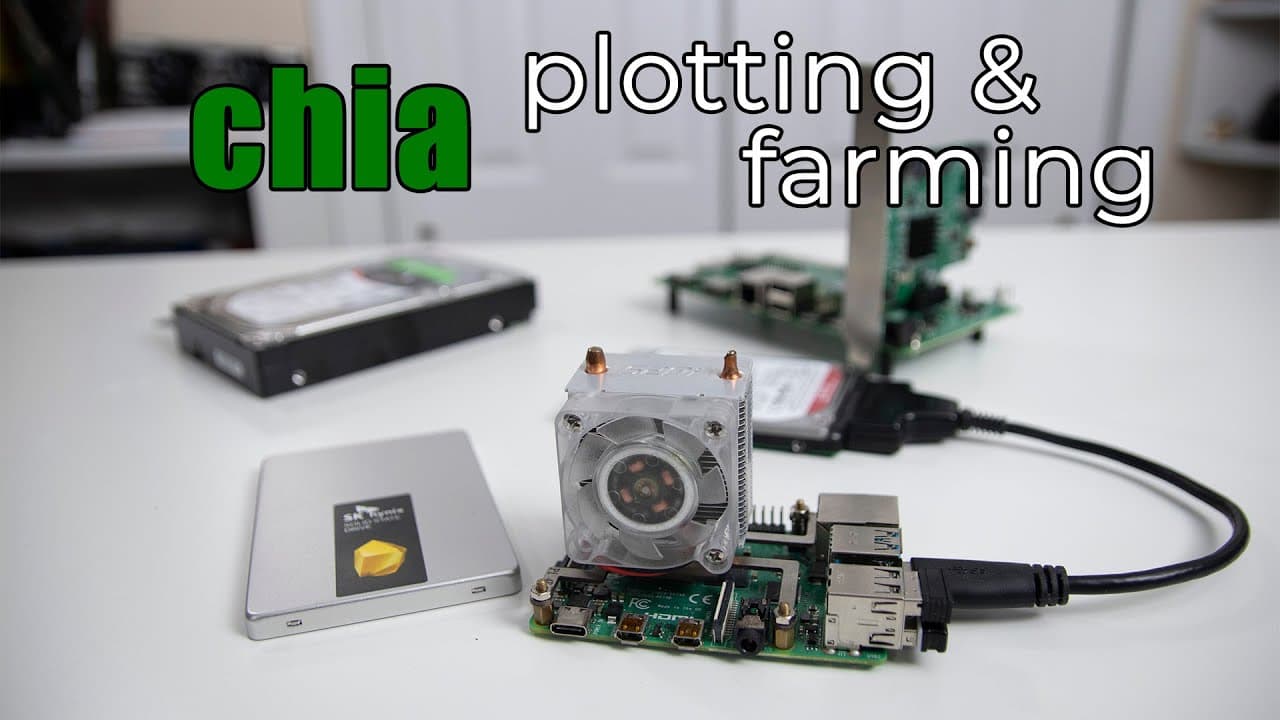
To plot and farm Chia coins using a Raspberry Pi 4, first install Ubuntu and required software. You need ample hard drive space for each plot (around 101 GB), and it's advisable to format your drives using ext4. The Raspberry Pi handles farming but may struggle with plotting speed; consider plotting on a faster computer if possible.
Transcript
hey guys don here from nova spare tech and welcome back to your channel and today i'm going to be showing you guys how to plot and farm chia coins on the raspberry pi 4 so let's get started from time to time this channel actually shown a little bit of interest on how to mine coins with the raspberry pi or other concepts with the raspberry pi on min... Read More
Key Insights
- 👾 Chia coin farming utilizes proof of space, relying on hard drive capacity instead of CPU/GPU power, redefining traditional mining methods.
- 🧑🌾 Each Chia plot requires substantial storage (around 101 GB), encouraging farmers to invest in larger hard drives for better chances of earning rewards.
- 💨 It is advisable to plot on a faster machine if possible, as the Raspberry Pi may not execute the plotting as quickly as dedicated PCs.
- 🫥 Software setup involves terminal commands, requiring familiarity with command-line interfaces to fully configure Chia wallets and plots.
- 💗 The rapid increase in difficulty for earning Chia coins indicates a growing interest in the cryptocurrency among users, prompting potential farmers to act quickly.
- 🪛 Maintaining good practices in drive selection—favoring spindle drives over SSDs—can help sustain hardware health during extensive plotting tasks.
- 🧑🌾 Utilizing a GUI wallet can streamline the experience for Chia farmers, making it easier to manage plots and check progress.
Install to Summarize YouTube Videos and Get Transcripts
Explore YouTube Video Summarizer or Get YouTube Transcript Extractor
Questions & Answers
Q: What is the main concept behind farming Chia coins?
Farming Chia coins relies on the concept of proof of space rather than the traditional proof of work, which is used in many cryptocurrencies. Instead of relying on powerful GPUs or CPUs for mining, Chia farming utilizes available hard drive space to create and maintain plots, thus increasing the chances of earning rewards over time.
Q: Why is hard drive space so crucial in Chia farming?
Hard drive space is essential because Chia farming operates on the principle of creating "plots," which are required to participate in the network and compete for coin rewards. Each plot requires approximately 101 GB of space. The more plots a farmer has, the greater their potential yield and chances to win Chia coins.
Q: What hardware is recommended for plotting and farming Chia on a Raspberry Pi?
The tutorial recommends using a Raspberry Pi 4 for its accessibility. For the plotting process, it is advisable to use traditional hard drives (spindle drives) rather than SSDs, as SSDs can wear out quickly due to intensive read/write cycles. However, external drives can be managed effectively to facilitate farming once the plots are created.
Q: What risks are involved in using SSDs for Chia plotting?
When plotting Chia coins on SSDs, the risk is that high-intensity read and write operations will dramatically shorten the drive's lifespan. This phenomenon is often referred to as "burning out" SSDs. It is recommended to utilize traditional hard drives, which are better suited for the ongoing wear from plotting tasks.
Q: How can someone gauge their potential success in farming Chia coins?
The tutorial mentions using a Chia calculator, which allows users to estimate how much space they'll need to achieve specific yield outcomes in farming. Factors such as the size of the drives available and difficulty adjustments in the Chia network will help users understand their likely success rates.
Q: What steps are involved in installing the necessary software for farming?
Installation involves setting up Ubuntu on the Raspberry Pi, installing required dependencies, then downloading and running the Chia software. The user must run commands in the terminal, create a wallet, and manage plots to get started with farming, as demonstrated in the video.
Summary & Key Takeaways
-
This video tutorial demonstrates how to plot and farm Chia coins using the Raspberry Pi 4, focusing on proof of space as a mining method.
-
The author highlights the importance of hard drive space in farming, noting that larger drives increase chances of success while also mentioning potential wear on SSDs.
-
Step-by-step guidance is provided for installing the necessary software, formatting drives, and utilizing a GUI wallet for efficient farming of Chia coins.
Read in Other Languages (beta)
Share This Summary 📚
Summarize YouTube Videos and Get Video Transcripts with 1-Click
Try YouTube Summary with ChatGPT & Claude or YouTube Transcript Generator
Explore More Summaries from Novaspirit Tech 📚






Summarize YouTube Videos and Get Video Transcripts with 1-Click
Try YouTube Summary with ChatGPT & Claude or YouTube Transcript Generator