What Is Manus AI and What Can Manus 1.6 Do?
TL;DR
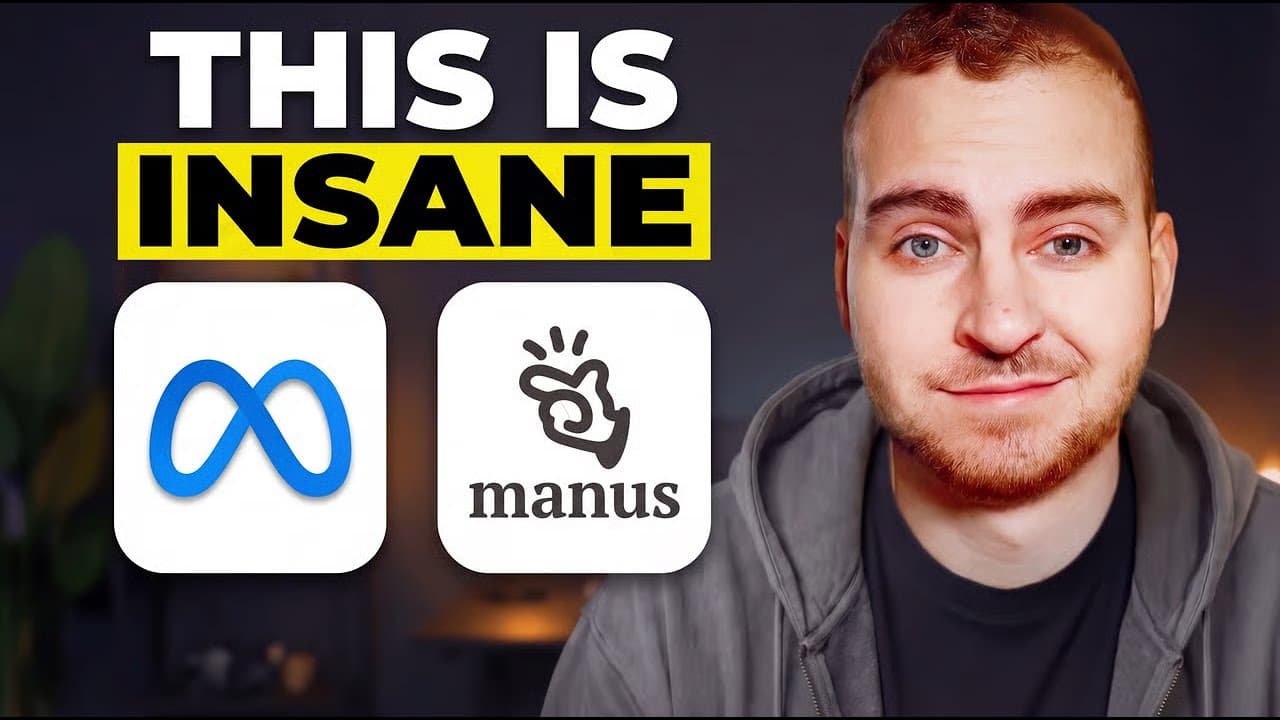
Manus is an autonomous AI agent that runs code, queries APIs, automates workflows and delivers production ready results rather than only generating text. Meta acquired it, and the Manus 1.6 release added a new agent architecture, the Manus 1.6 max model with roughly 30% more persistence in deep research, iOS and Android app generation, and a design view for creating and editing visuals.
Transcript
Meta just acquired Manis, a very popular autonomous AI agent that was already very popular before this acquisition, but now has some insane capabilities that have been released kind of, I guess, during or after this acquisition. Now, the headlines are available all over. You can see it. You can also see it directly from their site, right? You know,... Read More
Key Insights
- Manus is an autonomous AI agent with real execution capabilities, meaning it does not just generate text but can run code, query APIs, automate workflows and deliver production ready results end to end.
- The integrated toolset in Manus covers web browsing, shell access, data processing and file manipulation, which is what allows it to research, build, test and deploy a solution within a single session.
- Manus 1.6 introduces a new agent architecture and the Manus 1.6 max model, which provides significantly better one-shot performance and shows 30% more persistence in deep research alongside better tool use.
- Mobile app generation is new in this upgrade: Manus 1.6 can build entire iOS apps and Android applications, not only web output, and the resulting app could be run directly on the presenter's computer.
- The my browser feature works by opening new tabs in the user's own Chrome instance, so the agent inherits all existing login credentials and connections, something the presenter says many other AI models struggle with.
- Browser actions require explicit authorization: the agent asks to use the browser, the user presses authorize, and control of the tab stays with the agent unless the user presses a takeover button.
- The design view can generate images and video and offers model choices such as Nano Banana Pro. In the demo it produced 10 logo designs for the app concept in about a minute or two.
- The mark tool allows region-level image editing: the user highlights an exact portion of an image, prompts against that selection, and can stack multiple marks and comments into one revision request.
- Manus exposes a step-by-step computer view showing every action it performed live, which the presenter notes makes it possible to replicate a run or go back and fix bugs that came up.
- Manus can be tried for free, and the video description offers 1000 free credits through the presenter's link. The presenter discloses teaming up with Manus for the video and being given credits.
Install to Summarize YouTube Videos and Get Transcripts
Explore YouTube Video Summarizer or Get YouTube Transcript Extractor
Questions & Answers
Q: What is Manus AI?
Manus is an autonomous AI agent with real execution capabilities. Unlike tools that only generate text, Manus can actually run code, query APIs, automate workflows and deliver production ready results. It ships with a set of integrated tools including web browsing, shell access, data processing and file manipulation, and it uses those to research, build, test and deploy solutions end to end. When it was first released it was best known for its research ability, which still exists, and it has since gained broader building and design capabilities.
Q: What is new in Manus 1.6?
Manus version 1.6 brings a new agent architecture built around the Manus 1.6 max model, which provides significantly better one-shot performance and shows 30% more persistence in deep research along with better tool use. The upgrade also lets Manus build entire mobile applications for both iOS and Android, and it adds a new design view where the agent can create and edit visuals such as logos and images. These are the features demonstrated throughout the video, on top of the base research capabilities most users had already seen.
Q: How does the Manus my browser feature work?
From the Chrome icon in the interface you can connect tools such as Gmail and Google Drive, and enable the my browser feature, which involves agreeing to some terms during setup. Once enabled, Manus can open new tabs in your own Chrome or other browser and operate inside that instance, so it uses all of your existing login credentials and connections. The agent asks permission before acting, and you press authorize to let it open the tab, after which it browses on your behalf while you watch.
Q: Can Manus shop on Amazon for you?
Yes. In the demo the presenter asked Manus to go to amazon.ae, find the best coffee that would be delivered today, give three options, then wait for approval before buying. Manus opened Amazon, detected the Downtown Dubai location, searched for coffee, filtered for items available for delivery that day, scrolled through results and returned three options. When told to add option one to the cart, it selected and added the item without the presenter touching the computer, then began working out the next step.
Q: How do you edit an image or logo in the Manus design view?
The design view generated 10 logo designs in a minute or two, and clicking into one opens an editor where the view size can be changed to inspect them at higher resolution. From there you can use edit text to directly retype wording in the logo, leave comment prompts such as asking for a more modern font that matches the logo style, and place multiple comments at different parts of the image before applying them. The mark tool then handles finer detail edits.
Q: What does the mark tool in Manus do?
The mark tool lets you highlight specific portions of an image and prompt directly against that selection instead of the whole picture. In the demo the presenter selected a curve at the end of the logo and asked to make it angular rather than curvy, and Manus returned the angular version. A second test selected just one corner and asked to make it larger and red, which also worked. Multiple marks can be added and combined into a single prompt for several small revisions at once.
Q: Can Manus build a mobile app from a design and a spec?
Yes. After picking a logo version, the presenter told Manus to follow that design and use a spec pasted from a Google doc to build the app. The app, called Parallel Lives, is a global daily question app where users answer one thoughtful question per day and see how their response compares to millions of others. Manus generated it, and after one or two follow-up prompts fixing layout and styling issues, the finished app could be run directly on the presenter's computer.
Q: How can you see what steps Manus actually performed?
Manus provides a computer view that replays the live timeline of a task, showing step by step what the agent actually performed. During the logo task the presenter noticed it browsing online for similar images matching the application specification to gather inspiration, then generating logo concepts with AI image generation. The presenter highlights this transparency as useful because it lets you replicate a run or go back and fix any bugs that came up, rather than only seeing the final output.
Summary & Key Takeaways
-
Manus is an autonomous AI agent with real execution capabilities. It does not just generate text: it can run code, query APIs, automate workflows and deliver production ready results. Integrated tools include web browsing, shell access, data processing and file manipulation, letting it research, build, test and deploy solutions end to end.
-
Manus version 1.6 brings a new agent architecture and the Manus 1.6 max model, which provides significantly better one-shot performance and shows 30% more persistence in deep research with better tool use. The same upgrade lets Manus build entire iOS and Android mobile applications and create or edit visuals in a new design view.
-
The my browser feature lets Manus open tabs in the user's own Chrome instance and work with existing logins and connections. In the demo it searched amazon.ae for coffee deliverable that day, filtered by same-day availability, returned three options, and added option one to the cart on command without the user touching the computer.
-
The design view generated 10 logo concepts for a Parallel Lives app, which the presenter refined using edit text, comment prompts and a mark tool for selecting exact regions of an image. Marked edits changed a curve to angular and recolored a single corner, then the chosen logo was used as the design basis for building the full app.
Read in Other Languages (beta)
Share This Summary 📚
Summarize YouTube Videos and Get Video Transcripts with 1-Click
Try YouTube Summary with ChatGPT & Claude or YouTube Transcript Generator
Explore More Summaries from Tech With Tim 📚





Summarize YouTube Videos and Get Video Transcripts with 1-Click
Try YouTube Summary with ChatGPT & Claude or YouTube Transcript Generator