How to Set Up a Mini Steam Streaming Server on a PC
TL;DR
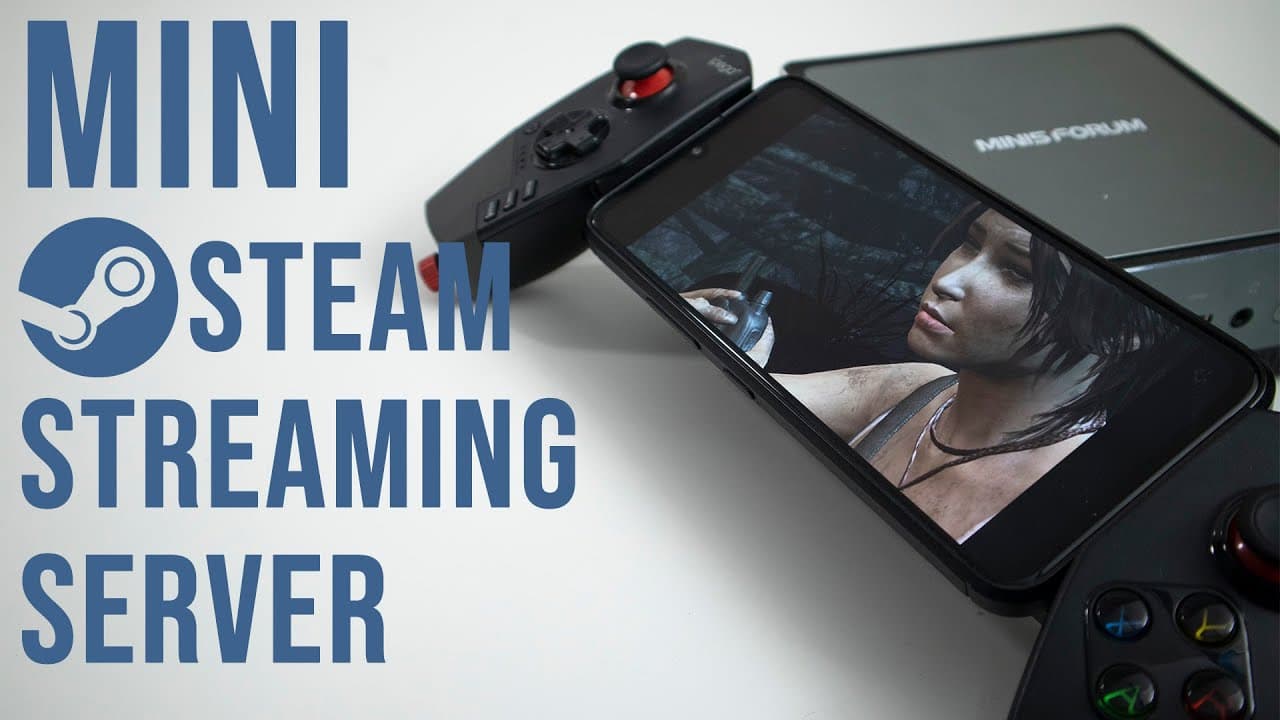
To set up a mini Steam streaming server, install Ubuntu on your Mini Form 700, then install Steam and Proton Up for enhanced game compatibility on Linux. This setup allows for smooth game streaming over Wi-Fi or mobile networks, providing flexibility and access to more games, even those not available on Steam.
Transcript
hey guys what's going on it's Don here from Nova Spirit Tech and welcome back to the channel and today I'm going to be showing you guys my mini steam streaming setup so let's get started now right before I went on vacation I decided to set up a mini streaming PC with the mini form 700 which is a decent computer and I'll leave all the specs over her... Read More
Key Insights
- 🍿 Don’s mini streaming PC setup successfully combines portability and performance, making it suitable for on-the-go gaming.
- 🥳 The choice of using Linux allows for a versatile gaming environment, enabling the installation of various third-party applications and game sources.
- 🚗 Smooth gameplay is possible even over a mobile network, although some pixelation may occur depending on the connection quality.
- 🫡 The Mini Form 700’s specs, including the AMD 3750 and 16GB of RAM, provide a solid foundation for running games efficiently.
- 👤 The integration of Proton and Steam expands gaming possibilities for Linux users, highlighting the improvements in Linux gaming.
- 🎮 The video emphasizes the importance of using controllers for an enhanced gaming experience, especially for racing and action games.
- 👾 Don's review encourages exploring game streaming options, showcasing that even non-native titles can run effectively on Linux systems.
Install to Summarize YouTube Videos and Get Transcripts
Explore YouTube Video Summarizer or Get YouTube Transcript Extractor
Questions & Answers
Q: What is the significance of using Ubuntu for gaming on a mini PC?
Ubuntu is a popular Linux distribution that caters to gamers by providing compatibility for various gaming applications and platforms. By using Ubuntu, Don can utilize Steam and Proton Up to install and run games that may not be natively supported on Linux, thus expanding his gaming library.
Q: How does Proton Up enhance gameplay on this streaming setup?
Proton Up allows users to install alternative Proton versions, which are compatibility layers that enable Windows games to run on Linux. This increases the number of playable titles on Don's streaming setup, letting him enjoy a broader range of games while using a Linux environment.
Q: What gaming experiences does Don share in the video?
Don shares his experiences playing "Tomb Raider," "Enter the Gungeon," and "Car X Drift Racing," among others, elaborating on how each game performs in terms of streaming quality and any challenges encountered, such as pixelation during slower internet connections.
Q: How does Don manage to play games while using a mobile connection?
Don connects to his home network using WireGuard, a VPN service that enables him to access his games remotely. This setup allows him to play comfortably even when using a 4G connection, illustrating the flexibility and usability of his mini streaming PC setup.
Summary & Key Takeaways
-
Don presents his mini streaming PC built on a Mini Form 700 with an AMD 3750 processor, discussing specifications and performance.
-
He highlights the installation of Ubuntu and Steam along with Proton Up to enhance game compatibility on Linux-based systems.
-
The video demonstrates game streaming both on Wi-Fi and a limited mobile connection, showcasing smooth gameplay and potential pixelation issues.
Read in Other Languages (beta)
Share This Summary 📚
Summarize YouTube Videos and Get Video Transcripts with 1-Click
Try YouTube Summary with ChatGPT & Claude or YouTube Transcript Generator
Explore More Summaries from Novaspirit Tech 📚






Summarize YouTube Videos and Get Video Transcripts with 1-Click
Try YouTube Summary with ChatGPT & Claude or YouTube Transcript Generator